
Gaming has always been about more than what you see on screen. Immersive audio is transforming how players experience virtual worlds, turning flat sound into a three-dimensional landscape where every footstep, whisper, and explosion has a precise location. This shift is changing gaming experiences by letting you hear danger before you see it and feel fully surrounded by the action.
In this article, we’ll break down how immersive audio works, why it matters for competitive and casual play, and the practical steps you can take to upgrade your own setup today.
Introduction
Walk into any modern gaming setup and you will notice something different from a decade ago. The visual fidelity has improved, certainly, but the real transformation often happens in what you hear rather than what you see. Immersive audio has shifted from a niche luxury to a core part of how games are designed, played, and enjoyed. This article explores How Immersive Audio Is Changing Gaming Experiences with clear, practical guidance, so you can understand what is happening, why it matters, and how to take advantage of it without overspending or overcomplicating your setup.
For years, surround sound meant a bulky receiver, five or more speakers, and a tangle of wires. Today, a pair of headphones or a single soundbar can create a convincing three-dimensional soundscape. Game developers now treat audio as a gameplay mechanic, not just background noise. Footsteps behind you, a distant reload, or the hum of a nearby machine can determine whether you win or lose. Understanding these changes helps you make better choices about hardware, settings, and habits.
The shift is not just technical. It is also cultural. Streaming, esports, and virtual reality have pushed audio expectations higher. Players notice when a game sounds flat, and they reward titles that place them inside the action. Whether you play casually on a console, competitively on a PC, or in VR, immersive audio is becoming the default expectation rather than a bonus feature.
Key Concepts
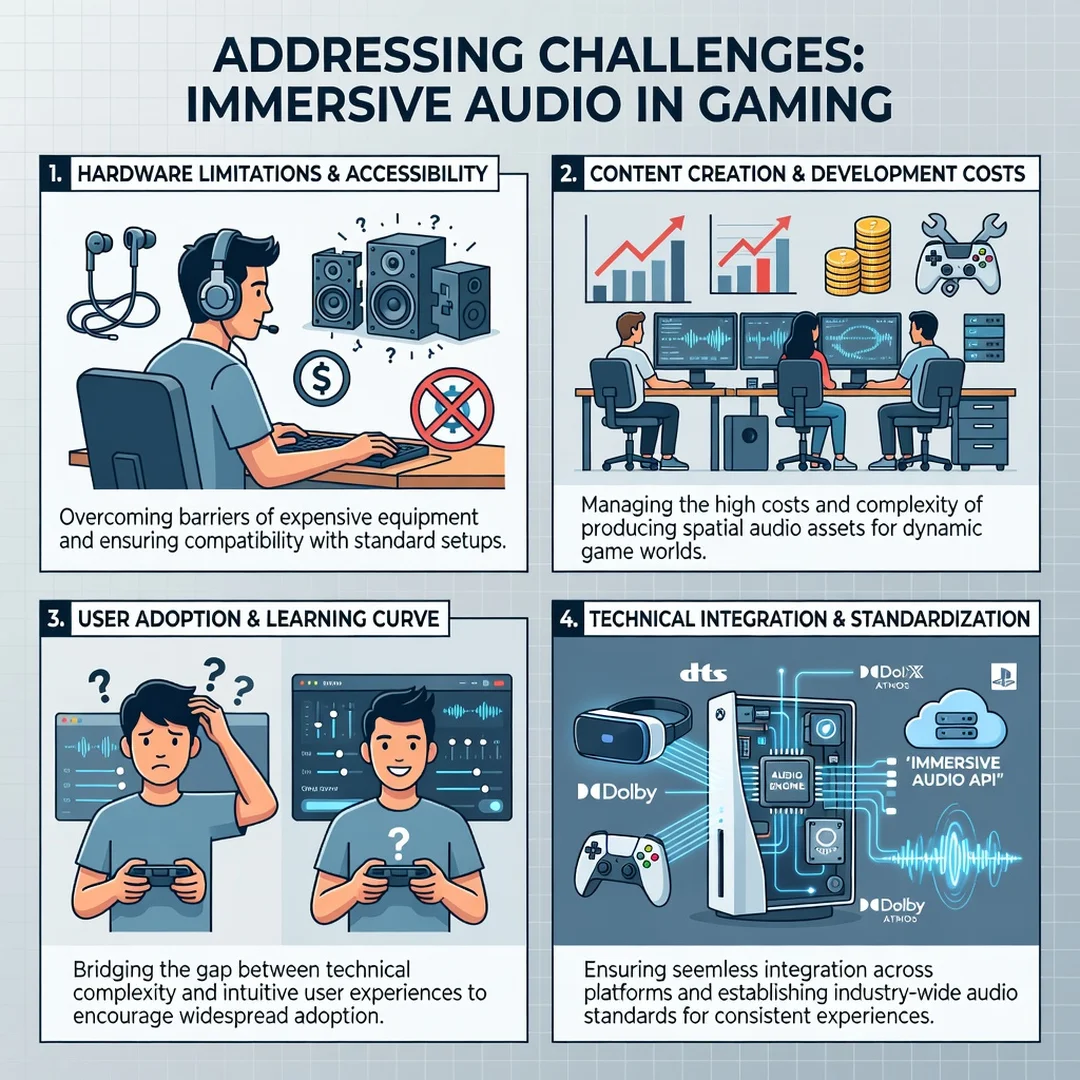
Before diving into specific gear or settings, it helps to clarify the vocabulary. Immersive audio is an umbrella term, and different technologies achieve it in different ways. Knowing the basics prevents confusion when you read product descriptions or adjust in-game menus.
Spatial Audio
Spatial audio places sound objects in a three-dimensional space around you. Instead of left and right channels only, you perceive height, depth, and distance. A helicopter can sound like it is hovering above and slightly behind you. This is achieved through head-related transfer functions (HRTFs), which model how your head and ears shape sound. No two HRTFs are identical, which is why some listeners find one spatial audio solution more convincing than another.

Object-Based Audio
Traditional surround sound mixes audio into channels. Object-based formats, such as Dolby Atmos, treat each sound as an independent object with metadata describing its position. The playback system then renders that object based on your speaker or headphone configuration. This means the same game mix can adapt to a soundbar, a 7.1.4 speaker array, or a pair of earbuds.
Head Tracking
Some headphones and earbuds include head tracking, which adjusts the audio field as you turn your head. In VR, this is essential for maintaining the illusion that sounds stay fixed in the virtual world. In flat-screen gaming, head tracking can make audio feel more like a physical space, though it is not necessary for a good experience.
Latency and Codecs
Wireless audio has improved, but latency still matters. A delay between the visual action and the sound can break immersion and hurt competitive performance. Low-latency codecs and wired connections reduce this problem. When choosing wireless gear, look for models marketed for gaming rather than general music listening.
- Spatial audio: 3D positioning using HRTFs.
- Object-based audio: Sounds carry position metadata, rendered by your device.
- Head tracking: Audio adjusts as you move your head.
- Latency: Delay between action and sound; lower is better for gaming.
Deep Dive
The impact of immersive audio goes beyond aesthetics. In competitive shooters, audio cues provide information that visuals cannot. A player using good spatial audio can detect an enemy approaching from a blind spot, identify the floor they are on, and distinguish a teammate from an opponent. This is not a minor edge. Studies of esports performance consistently show that audio quality correlates with faster reaction times and better situational awareness.
In single-player games, immersive audio changes emotional engagement. Horror games rely on sound to build tension; a creaking floorboard behind you is more frightening when it feels genuinely behind you. Open-world games use ambient audio to make environments feel alive. Racing games use engine audio to convey speed and traction. The common thread is that audio is no longer a supporting actor. It is part of the game design language.
Hardware has evolved to meet this demand. Gaming headsets now include spatial audio processing, often via software on PC or built into the console. Soundbars with upward-firing drivers simulate height channels. VR headsets integrate spatial audio directly into the headset or require headphones with head tracking. Even smartphones support spatial audio for mobile gaming, though the effect is less pronounced.
One important caveat: more processing is not always better. Some spatial audio implementations overemphasize certain frequencies, making footsteps unnaturally loud or gunshots harsh. Others widen the soundstage so much that directional accuracy suffers. The best approach is to try a few configurations and trust your ears. What works for a competitive shooter may not suit an atmospheric adventure game.
Another development is personalized audio. Some systems now let you scan your ears with a phone camera to create a custom HRTF profile. This can improve externalization, the sense that sounds exist outside your head rather than inside it. It is an emerging feature, but it points to where the industry is heading: audio tailored to the individual listener rather than a generic average.
Finally, consider the source. A game must be mixed for immersive audio to shine. Not all titles support spatial audio natively. Some rely on the platform to upmix stereo. Upmixing can be convincing, but a native object-based mix usually sounds more precise. Check game settings for audio output options and enable spatial audio when available.
Best Practices
Getting the most from immersive audio does not require a professional studio. A few consistent habits make a measurable difference. Below is a step-by-step approach you can apply regardless of your platform or budget.
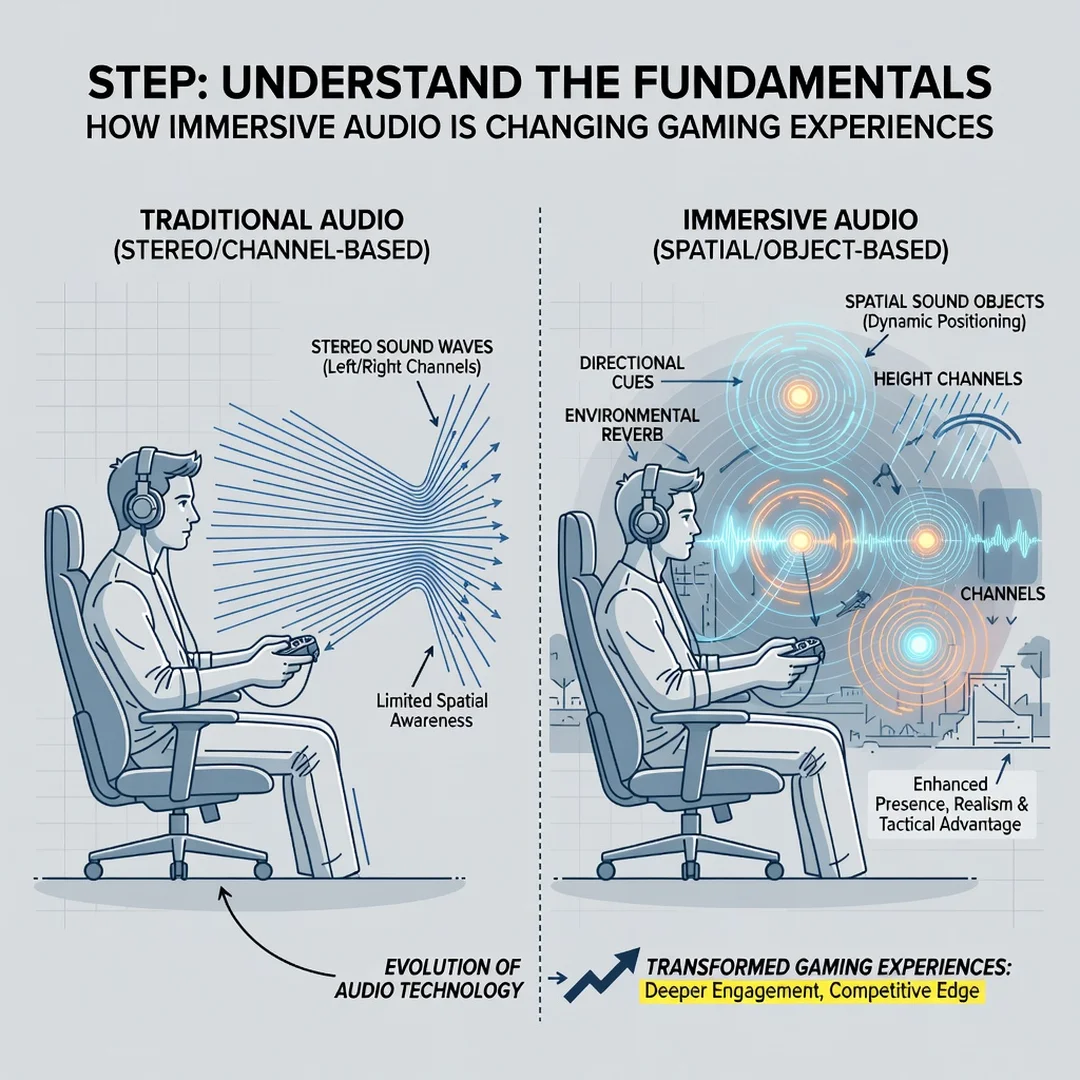
Step 1: Understand the fundamentals
Learn the difference between stereo, surround, and spatial audio. Know that object-based audio adapts to your hardware, while channel-based audio is fixed. Understand that HRTFs vary by person, so reviews are a starting point, not a verdict. This baseline knowledge helps you avoid marketing hype and focus on features that matter to you.
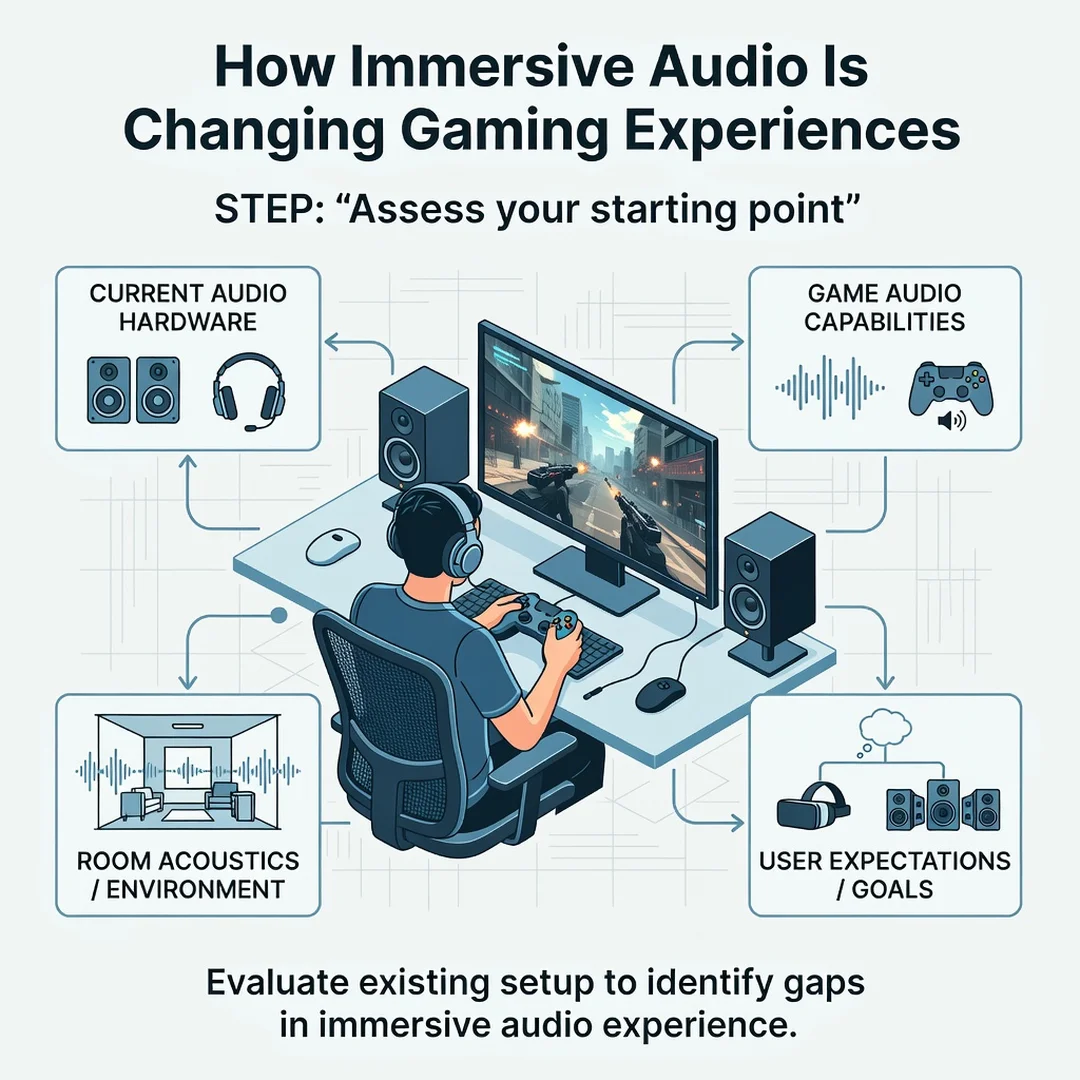
Step 2: Assess your starting point
Examine what you already own. Are your headphones stereo or do they support spatial audio? Does your console or PC have a built-in spatial audio engine? Is your room treated or reflective? Write down your current setup, including model numbers if possible. This inventory prevents duplicate purchases and reveals the weakest link.
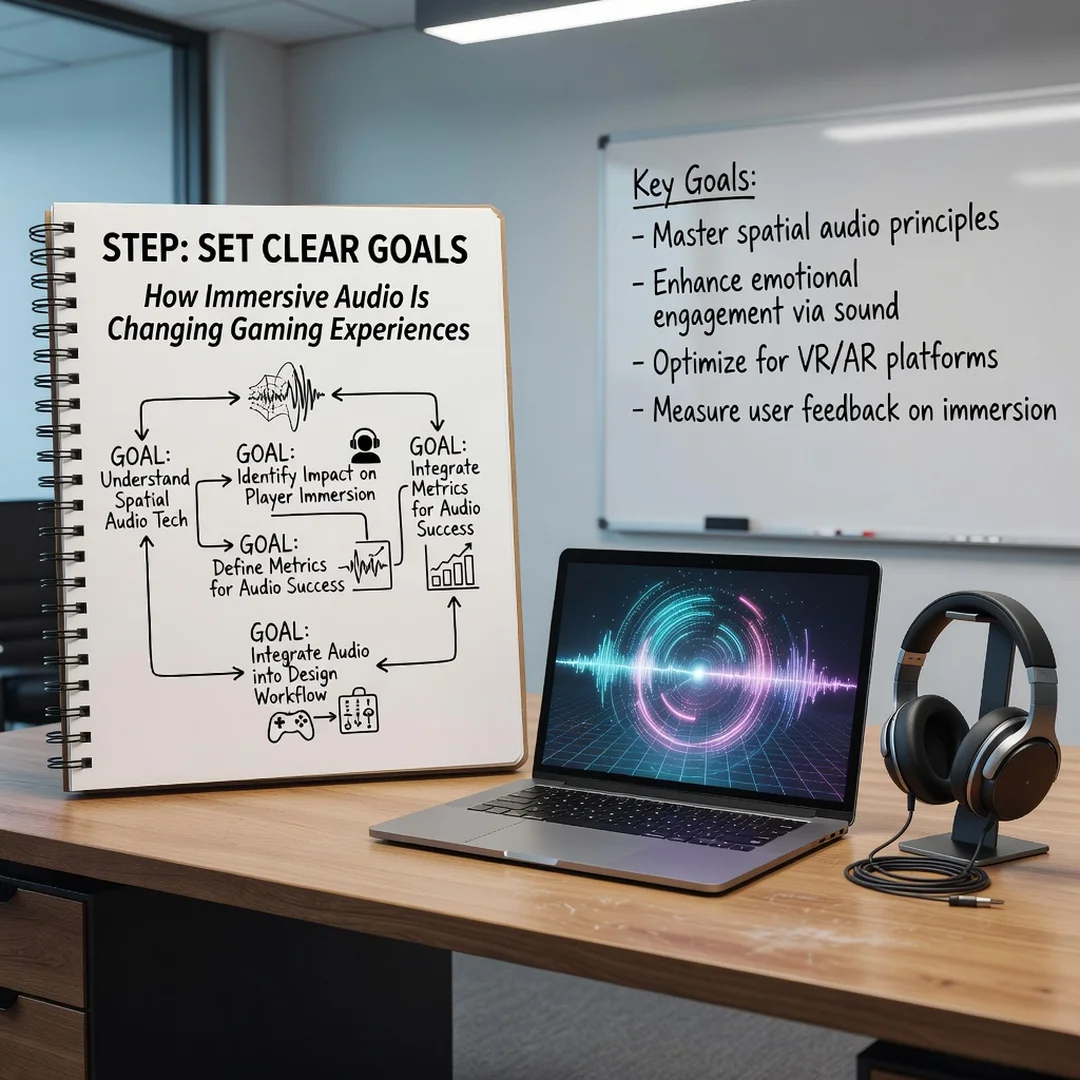
Step 3: Set clear goals
Decide what you want to improve. Competitive advantage, cinematic immersion, and comfort during long sessions are different goals. A competitive player might prioritize directional accuracy and low latency. A casual player might prioritize comfort and a wide soundstage. Your goals determine which settings and gear are worth your attention.
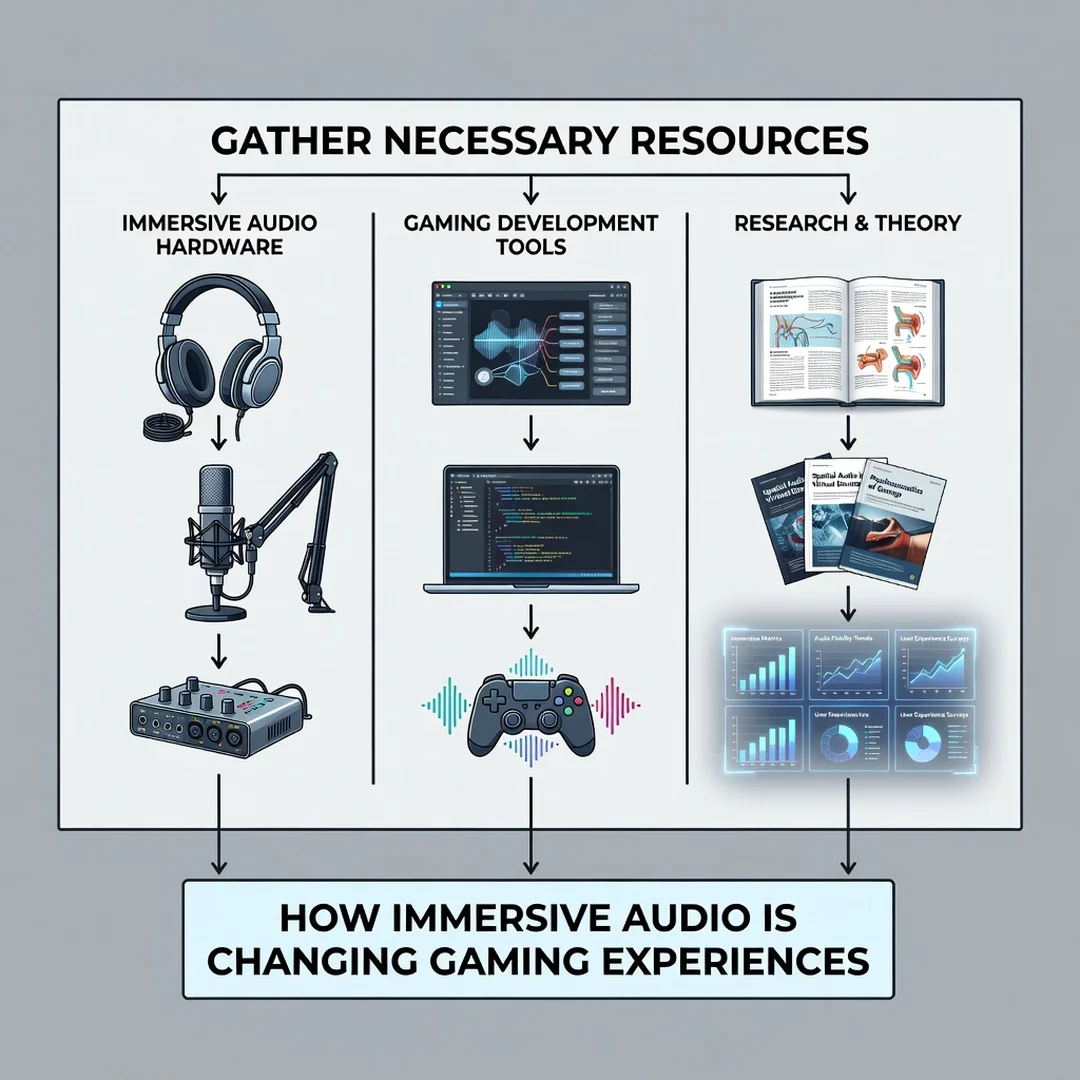
Step 4: Gather necessary resources
You may need software, not just hardware. Many spatial audio solutions require a companion app or a one-time license. Check whether your platform charges for spatial audio (some do, some include it). If you use headphones, consider replacement ear pads for better seal and comfort. If you use speakers, consider a calibration microphone or an auto-calibration feature. Budget for these extras.
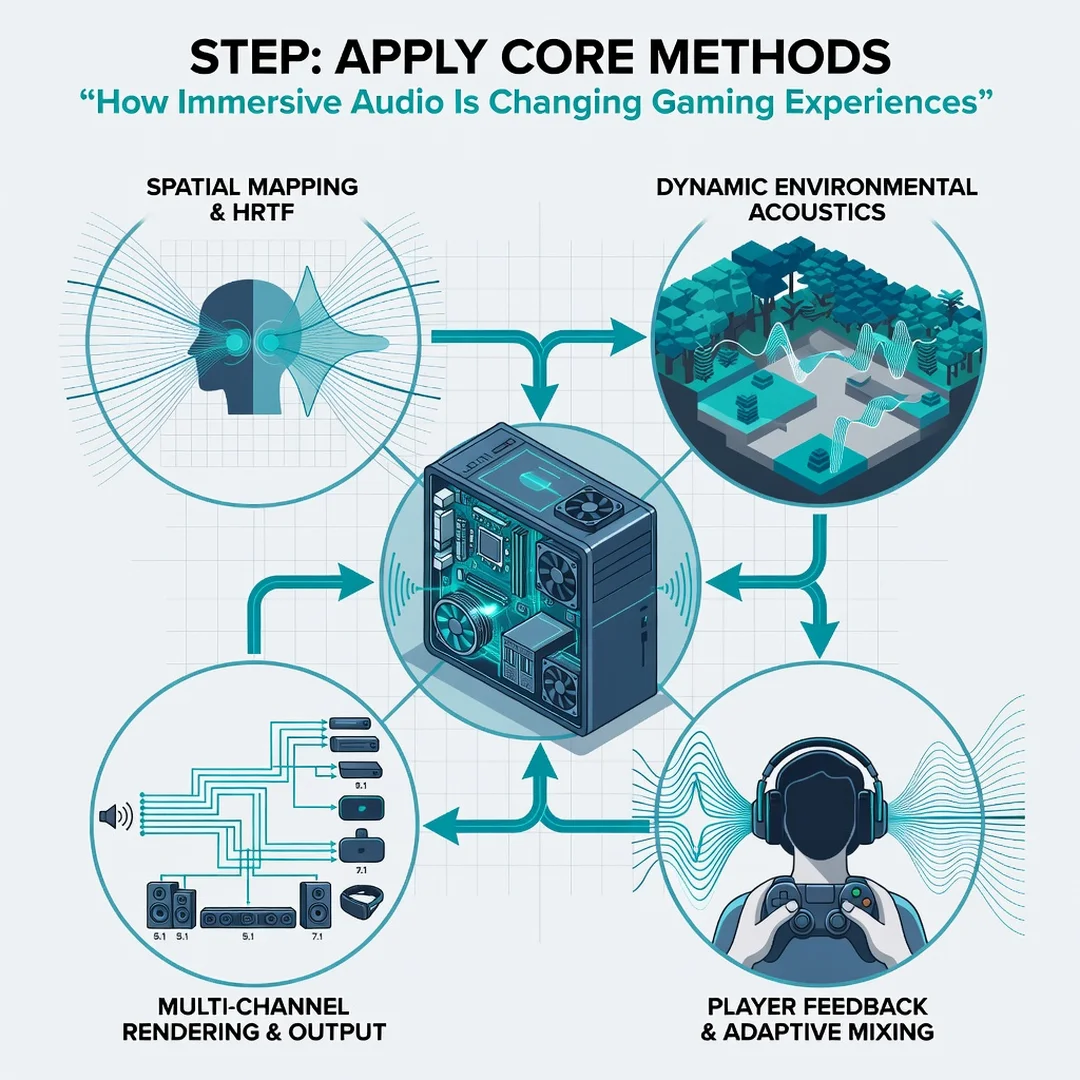
Step 5: Apply the core methods
Start with in-game audio settings. Set the output to headphones or home theater, depending on your gear. Enable spatial audio if the game supports it. Adjust dynamic range to taste; a compressed range makes quiet sounds louder, which helps competitive play but reduces cinematic impact. If your platform offers a spatial audio profile, run any available personalization. For speakers, position them according to the manufacturer’s guide and calibrate levels.
- Match the in-game audio output to your hardware.
- Enable spatial audio only when the game supports it natively.
- Adjust dynamic range based on your goal.
- Run calibration or personalization tools if available.
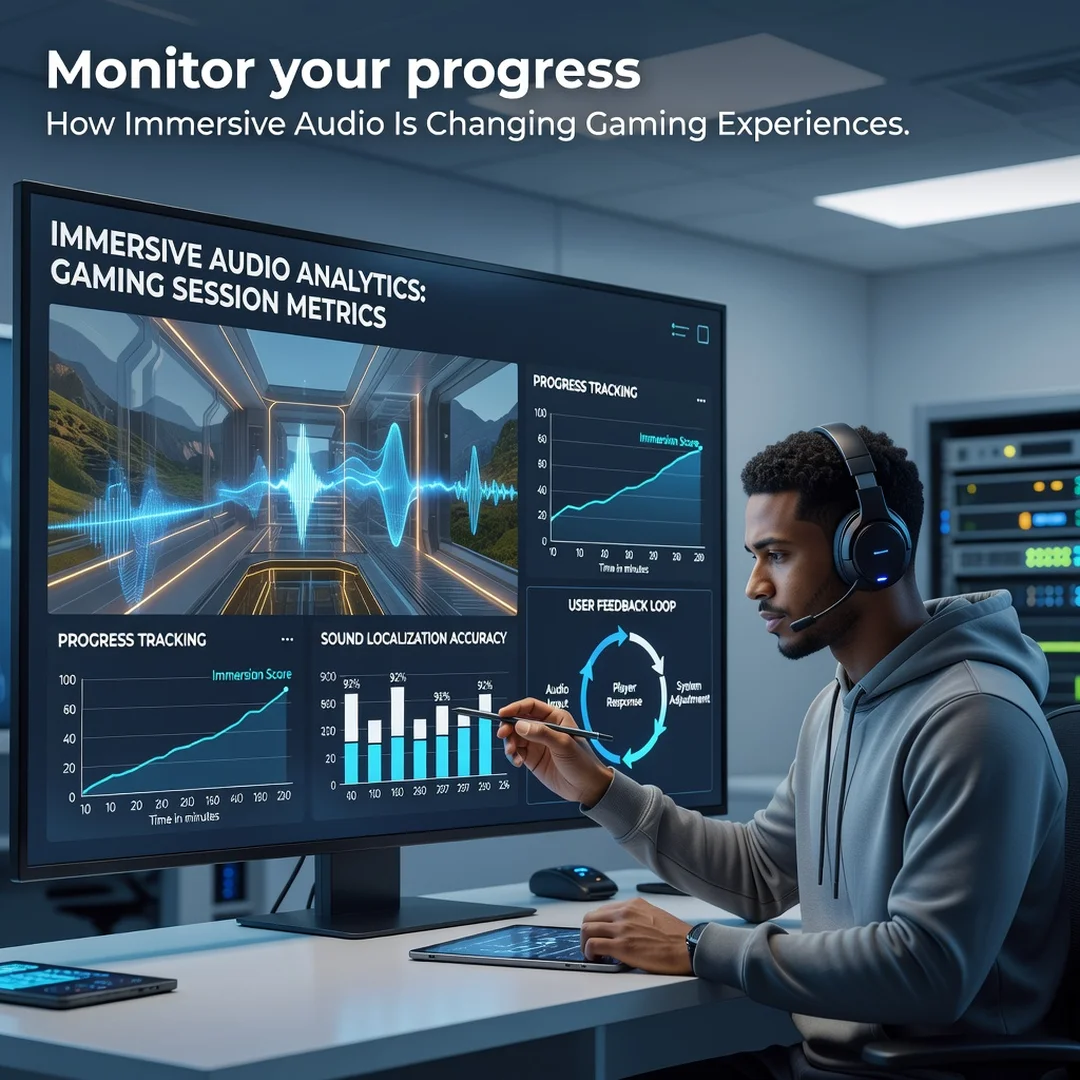
Step 6: Monitor your progress
After a week of use, evaluate. Can you locate sounds more accurately? Do you feel more immersed? Are there any discomforts, such as ear fatigue or a pressure headache? Adjust one variable at a time. If you change headphones and settings simultaneously, you will not know what caused the improvement or problem. Keep a simple log of changes and impressions.
FAQ
What should I know about How Immersive Audio Is Changing Gaming Experiences?
The most important takeaway is that immersive audio is now accessible at many price points. You do not need a high-end speaker system to benefit. A good pair of headphones and the right settings can deliver convincing spatial audio. The second takeaway is that audio is a gameplay tool, not just decoration. It provides information, sets mood, and increases engagement. Reliable information and consistent habits lead to better long-term outcomes, whether you are optimizing for competition or enjoyment.
Who is this guide for?
This guide is for anyone who plays games and wants to improve their audio experience without getting lost in technical jargon. It is suitable for console players, PC gamers, VR users, and mobile players. It is also useful for parents or partners buying gaming headphones as a gift, and for streamers who want to improve the audio quality of their broadcasts. No prior audio engineering knowledge is required.
Do I need to buy expensive headphones for immersive audio?
No. Many mid-range headphones support spatial audio through software. The most significant improvements come from proper setup and enabling the right features. Expensive headphones can offer better build quality and comfort, but they are not a prerequisite. Focus on fit, seal, and compatibility with your platform.
Is spatial audio bad for competitive gaming?
Not inherently, but implementation matters. A well-tuned spatial audio profile can improve directional awareness. An aggressive profile that exaggerates certain frequencies can mask important cues. Try a few options and test in a practice range or casual match before committing. Low latency is more critical than spatial processing for competitive play.
Can I use immersive audio with a soundbar?
Yes. Many soundbars support object-based formats like Dolby Atmos. For the best.
You now have a solid foundation for How Immersive Audio Is Changing Gaming Experiences. Apply the best practices above and revisit this guide as your needs evolve.