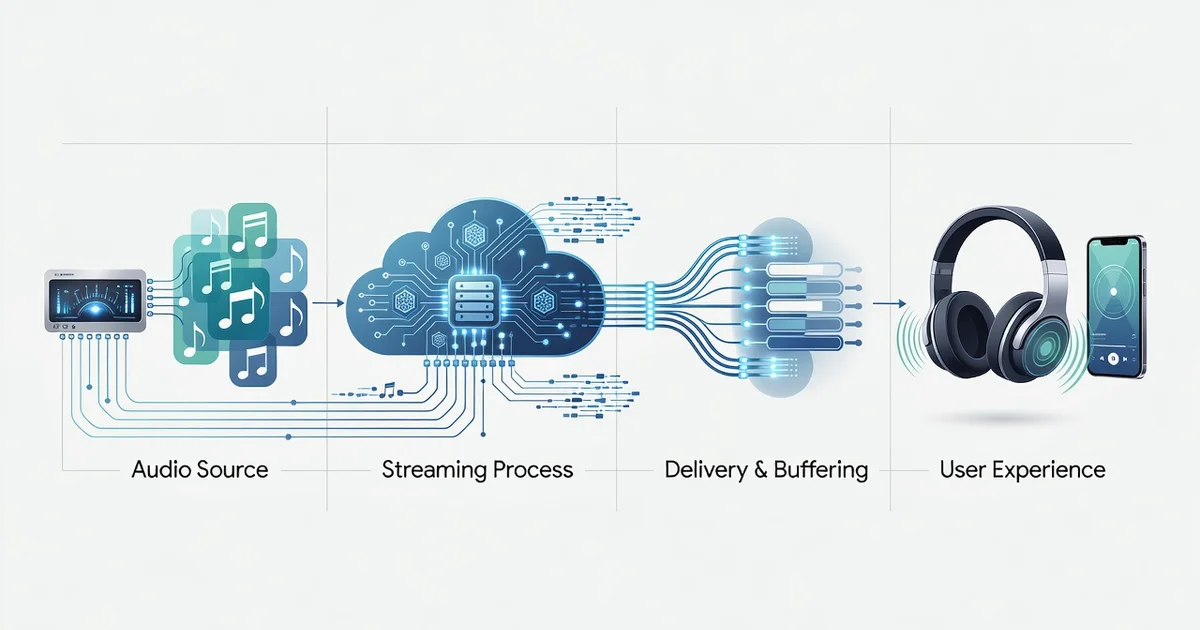
Ever wonder why your favorite song sounds crisp on one app and flat on another? The answer lies in audio streaming technology, the invisible engine that compresses, transmits, and reconstructs sound in real time. From codecs like AAC and Opus to adaptive bitrate streaming, every step shapes what reaches your ears.
In this guide, we break down how audio streaming technology delivers high-quality sound — and share practical tips to get the best listening experience from your devices, network, and settings.
Introduction
Audio streaming has quietly become the default way most people listen to music, podcasts, audiobooks, and even live concerts. Yet the phrase “high-quality sound” means different things to different listeners, and the technology that makes it possible is often invisible. When you tap play on a track, a complex chain of encoding, compression, transmission, buffering, and decoding happens in milliseconds. Each link in that chain can either preserve or degrade the fidelity of the original recording.
This article explores How Audio Streaming Technology Delivers High-Quality Sound with clear, practical guidance. You will learn the difference between lossy and lossless codecs, how bitrate and bandwidth interact, why your headphones and network connection matter as much as the streaming service, and what settings to adjust for noticeably better sound. Understanding the fundamentals of How Audio Streaming Technology Delivers High-Quality Sound helps you make informed decisions, whether you are a casual listener upgrading your setup or a professional evaluating platforms for critical listening. Reliable information and consistent habits lead to better long-term outcomes, so the goal here is to give you both the conceptual map and the actionable steps.
Key Concepts
Before adjusting any settings, it helps to understand the vocabulary. Audio streaming quality is shaped by a handful of core concepts that appear in every service, from Spotify and Apple Music to Tidal and Amazon Music.
Sampling rate and bit depth
Digital audio is a series of snapshots. The sampling rate (measured in kilohertz, or kHz) is how many snapshots are taken per second. CD quality uses 44.1 kHz, meaning 44,100 samples per second. Higher rates like 96 kHz capture more detail, though the audible benefit is debated. Bit depth (16-bit for CD, 24-bit for high-resolution) determines the dynamic range, or the difference between the quietest and loudest sounds. Together, these define the raw size and fidelity of an audio file.
Codecs: lossy versus lossless
A codec compresses audio for efficient transmission. Lossy codecs like AAC, MP3, and Ogg Vorbis discard some data to shrink files. At high bitrates (256 kbps or above), most listeners cannot tell the difference from the original. Lossless codecs like FLAC and ALAC preserve every bit of the source, producing larger files but perfect fidelity. Streaming services often offer both tiers, with lossless reserved for premium plans.
Bitrate and adaptive streaming
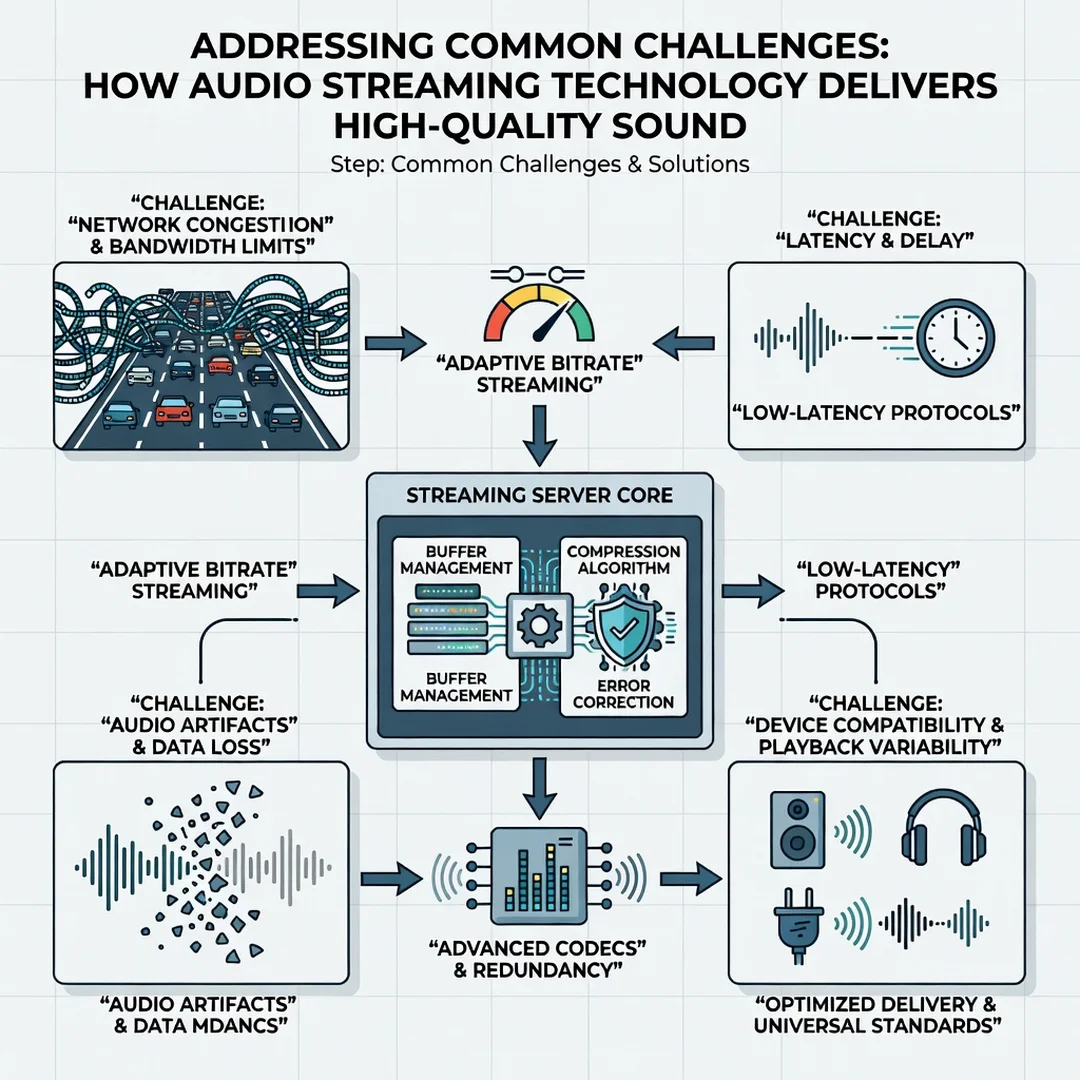
Bitrate is the amount of data transmitted per second, usually measured in kilobits per second (kbps). A 320 kbps stream carries more audio information than a 128 kbps stream. Adaptive streaming adjusts bitrate in real time based on your network conditions, preventing stuttering but potentially lowering quality during congestion.
Buffering and latency
Streaming apps preload a few seconds of audio into a buffer. This smooths out network jitter. A larger buffer improves reliability but adds delay, which matters for live streams and interactive listening.
Playback chain: DAC, amplifier, transducers
The quality of the stream only matters if the rest of the chain can reproduce it. A digital-to-analog converter (DAC) turns digital bits into analog voltage. An amplifier boosts that signal. Headphones or speakers (transducers) convert electrical energy into sound waves. A weak link anywhere limits the final result.
Deep Dive
To understand how streaming delivers high-quality sound, follow the signal path from the studio to your ears.
Encoding at the source
Recordings are mastered at high resolution, often 24-bit/96 kHz. The streaming service then encodes multiple versions: a low-bitrate AAC stream for mobile networks, a mid-tier stream for typical Wi-Fi, and a lossless or high-resolution stream for premium listeners. Each version is stored on content delivery network (CDN) servers around the world.
Transport and delivery
When you press play, your device requests a segment of audio from the nearest CDN edge server. The server sends packets over the internet using protocols like HTTP Live Streaming (HLS) or MPEG-DASH. These protocols break audio into small chunks, allowing the player to switch quality levels midstream. If your bandwidth drops, the player requests a lower-bitrate chunk; if it improves, it steps up. This is why a stream can sound slightly different from minute to minute.
Decoding and error correction
Your device’s audio decoder reverses the compression. Lossy codecs use psychoacoustic models to reconstruct missing frequencies, while lossless codecs simply unpack the original bits. Error correction fills in gaps from dropped packets, but too many errors cause artifacts like clicks or momentary silence.
The role of hardware and software
Even a perfect stream can be degraded by poor hardware. Built-in laptop speakers cannot reproduce deep bass or subtle reverb. Bluetooth adds another compression step (unless using aptX Lossless or LDAC). The operating system’s audio mixer may resample everything to a single rate, which can introduce distortion. Audiophile setups bypass the mixer using exclusive mode or external DACs.
Why high-quality streaming is not automatic
Many services default to “automatic” quality to save data. Your phone might stream at 96 kbps on cellular even if you pay for lossless. The gap between what you pay for and what you actually hear is often a settings issue, not a technology limit.
Best Practices
Improving streaming sound quality is a series of small, deliberate choices. The following practices apply to almost any service and device.
- Match bitrate to your connection. On Wi-Fi, set streaming quality to the highest available. On cellular, use adaptive streaming unless you have unlimited data.
- Enable lossless only when the whole chain supports it. A lossless stream through Bluetooth earbuds is wasted data; the Bluetooth codec will compress it again.
- Use wired connections when possible. A simple USB-C or Lightning DAC dongle often outperforms built-in headphone jacks and all but the best Bluetooth codecs.
- Turn off unnecessary audio processing. Spatial audio, equalizers, and “loudness normalization” can alter the mix. Disable them for critical listening.
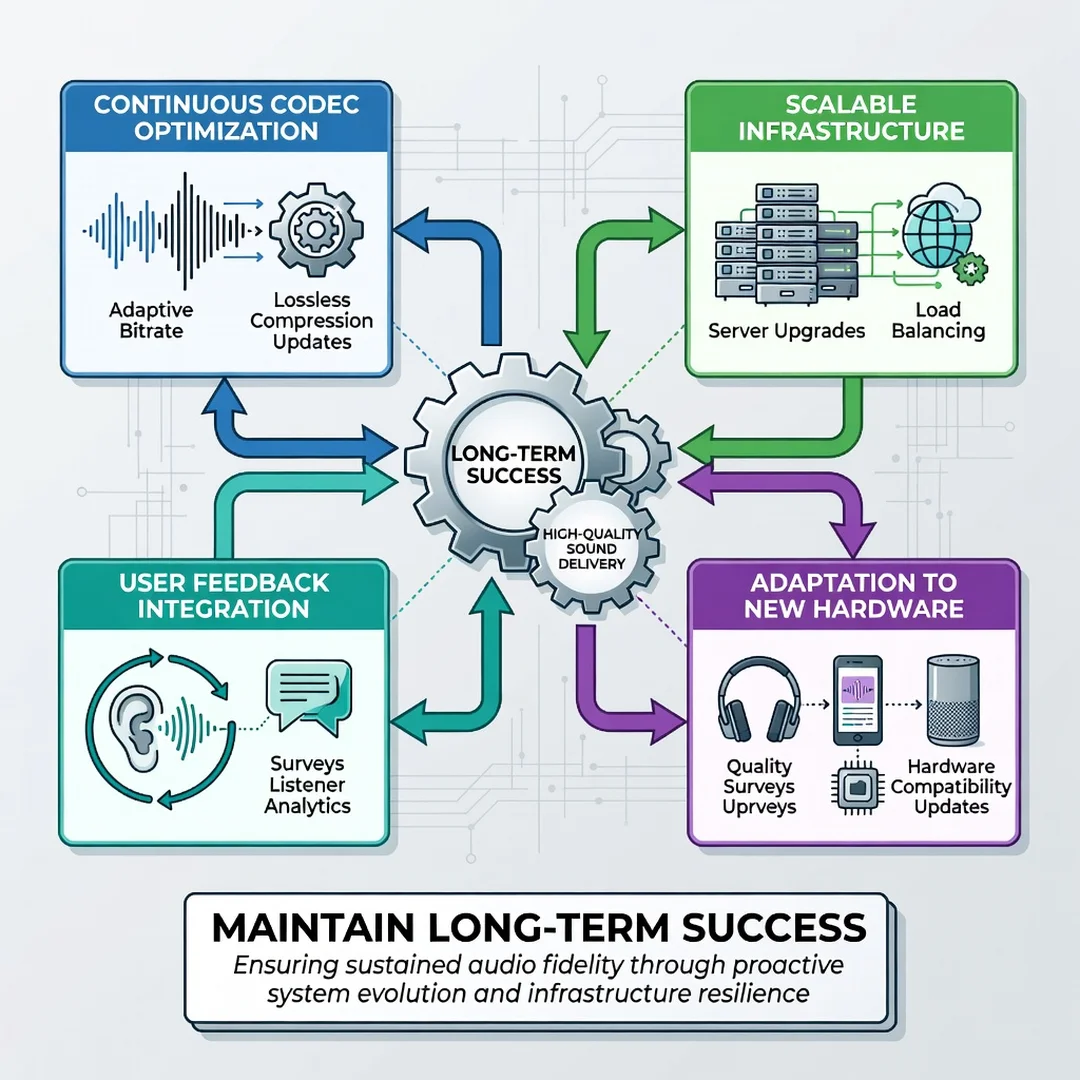
- Update your apps and firmware. Codec support and bug fixes arrive through updates.
- Test with familiar tracks. Use music you know intimately to detect compression artifacts, muffled highs, or weak bass.
- Manage your buffer settings. If you experience dropouts, increase the buffer size in your player’s settings.
Step-by-Step Guide to Optimizing Your Audio Streaming Quality
The following steps turn the concepts above into a practical routine. Work through them in order for the best results.
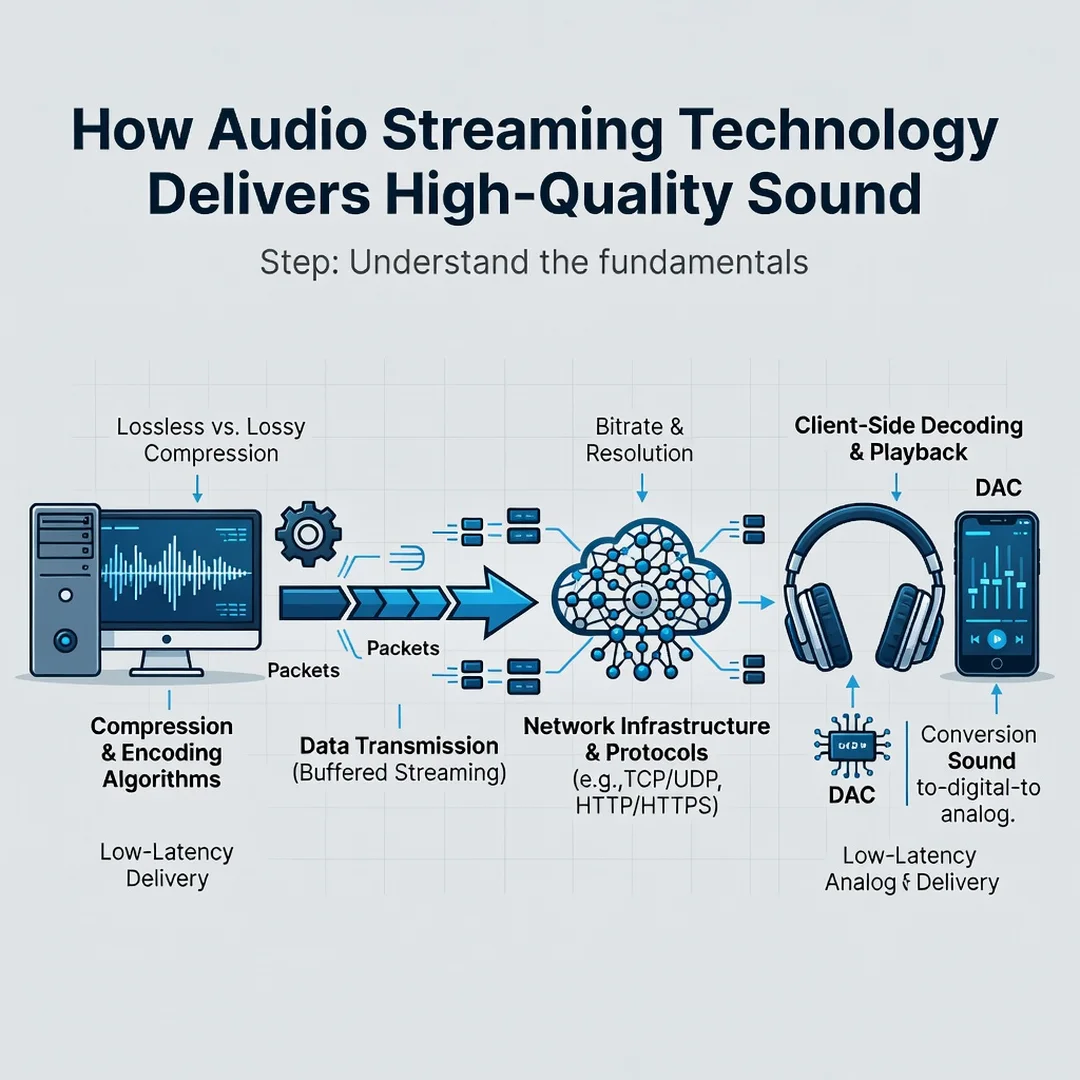
Step 1: Understand the fundamentals
Spend ten minutes learning the difference between lossy and lossless, and between bitrate and sampling rate. Know that 320 kbps AAC is not the same as 320 kbps MP3, and that “Hi-Res” usually means 24-bit/96 kHz or higher. This baseline knowledge prevents you from paying for features you cannot hear or ignoring settings that actually matter.
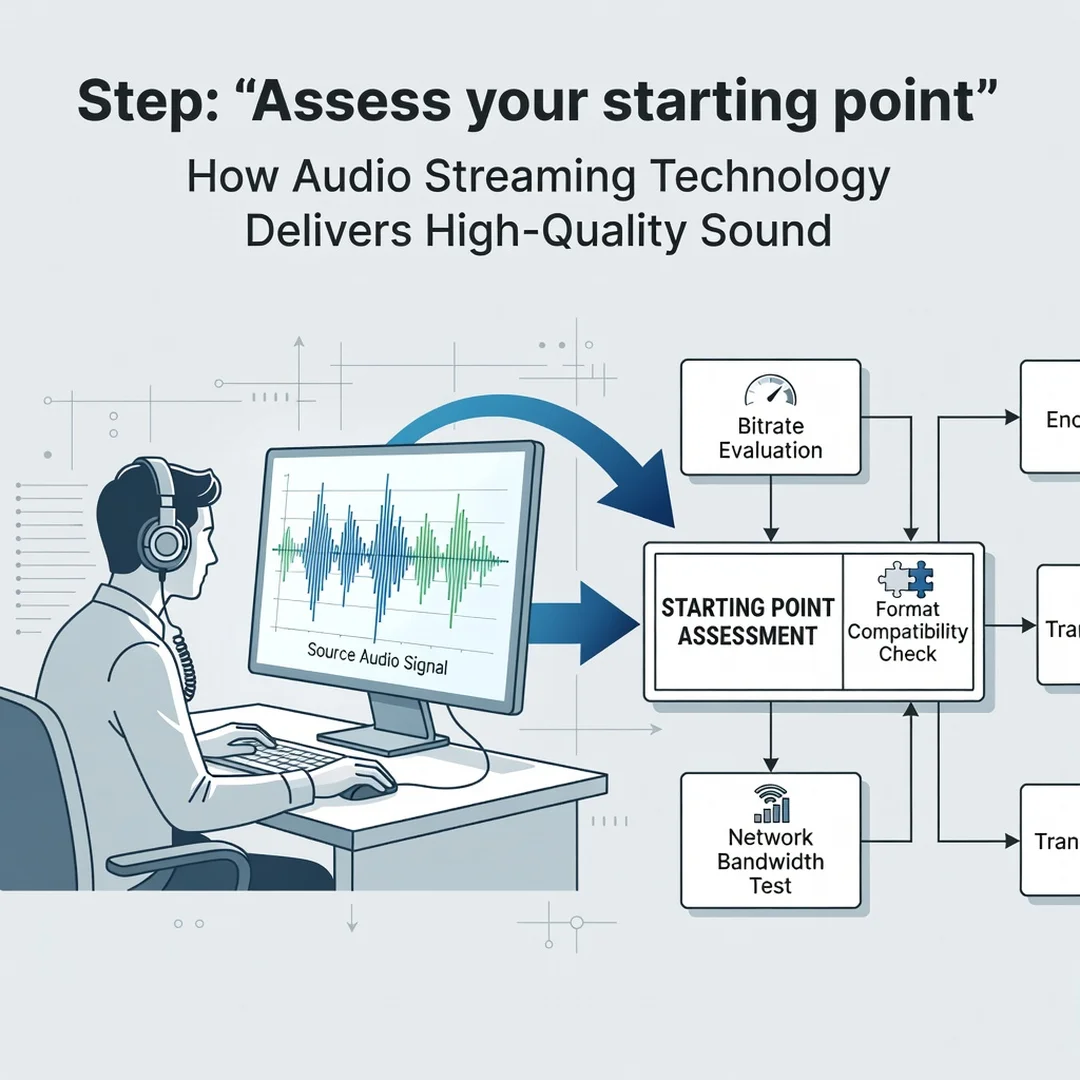
Step 2: Assess your starting point
Open your streaming app and find the audio quality settings. Note the current selection. Check what codec your headphones use (SBC, AAC, aptX, LDAC). Identify whether you are on Wi-Fi or cellular. Listen to a familiar track and write down what you hear: is the bass muddy? Are cymbals dull? This inventory reveals the weakest link in your chain.
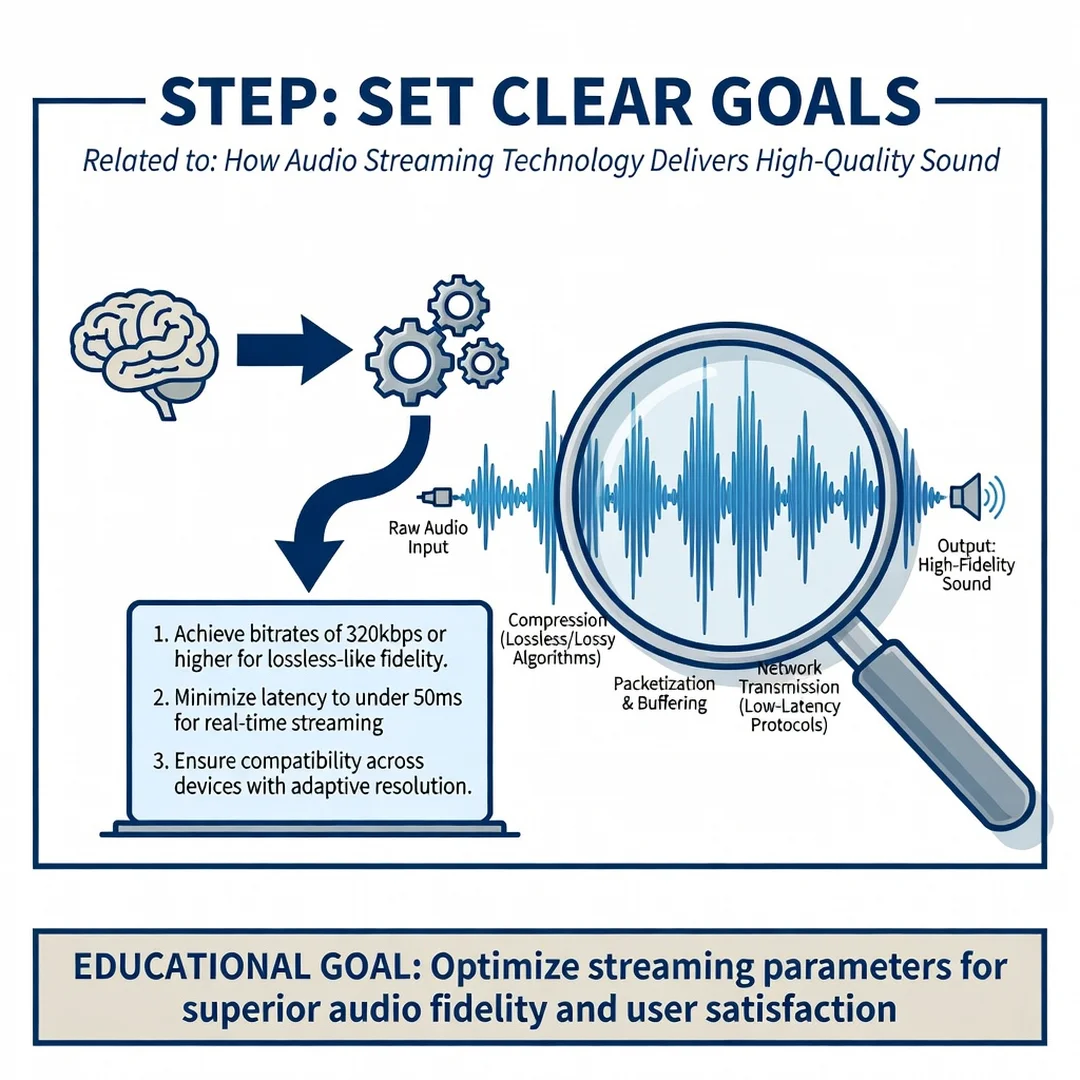
Step 3: Set clear goals
Decide what “high quality” means for your situation. A commuter with noise-cancelling earbuds may prioritize reliable adaptive streaming over lossless. A home listener with studio monitors may want bit-perfect playback. Write down one or two specific goals, such as “eliminate stuttering on my evening walks” or “hear the reverb tails on acoustic recordings.”
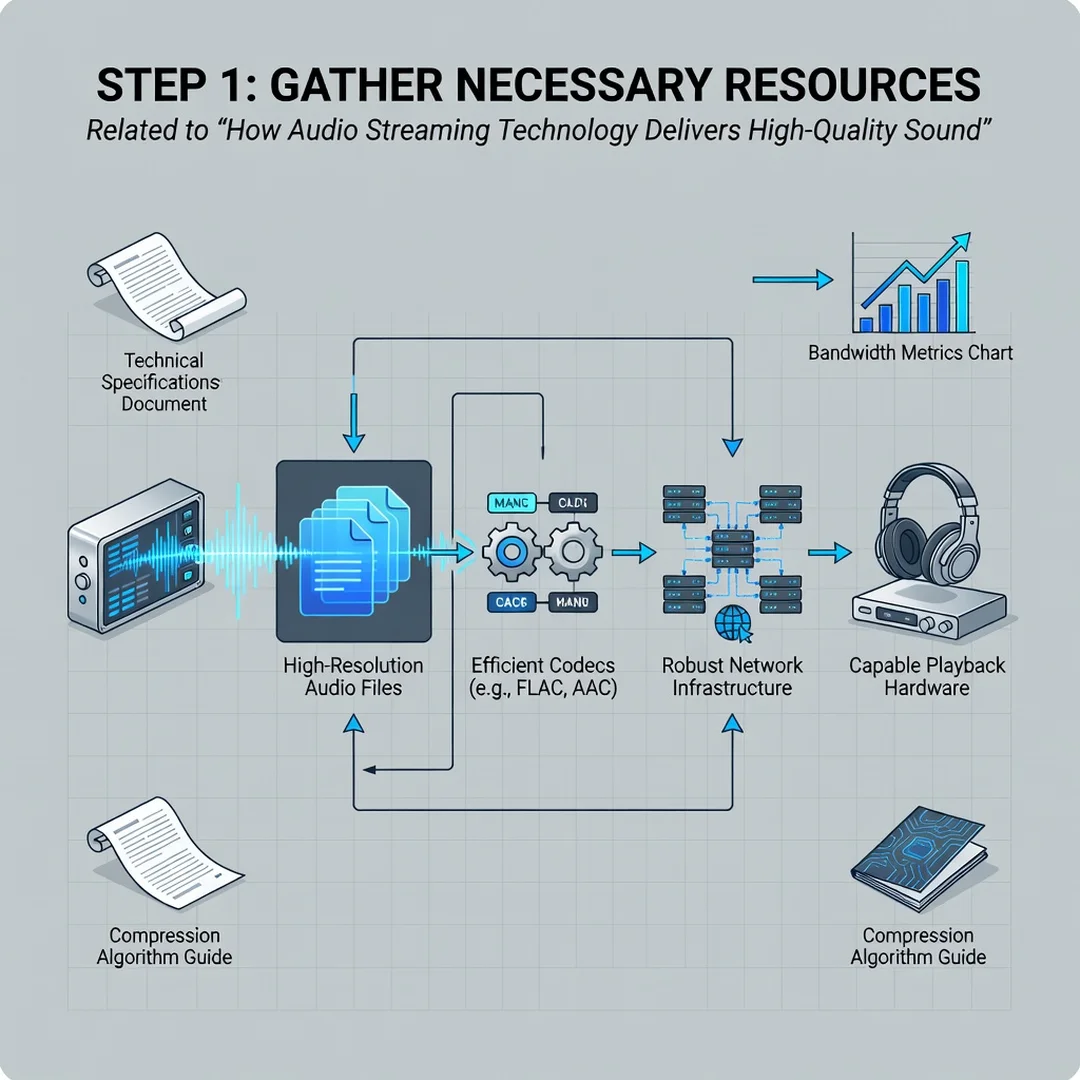
Step 4: Gather necessary resources
You may need a better DAC, a wired connection, or a subscription tier that includes lossless. Check your service’s plan details. If you use Bluetooth, consider headphones that support LDAC or aptX Adaptive. For home listening, an external DAC/amp can cost less than a single premium subscription year. Also gather reference tracks: three to five songs you know well across different genres.
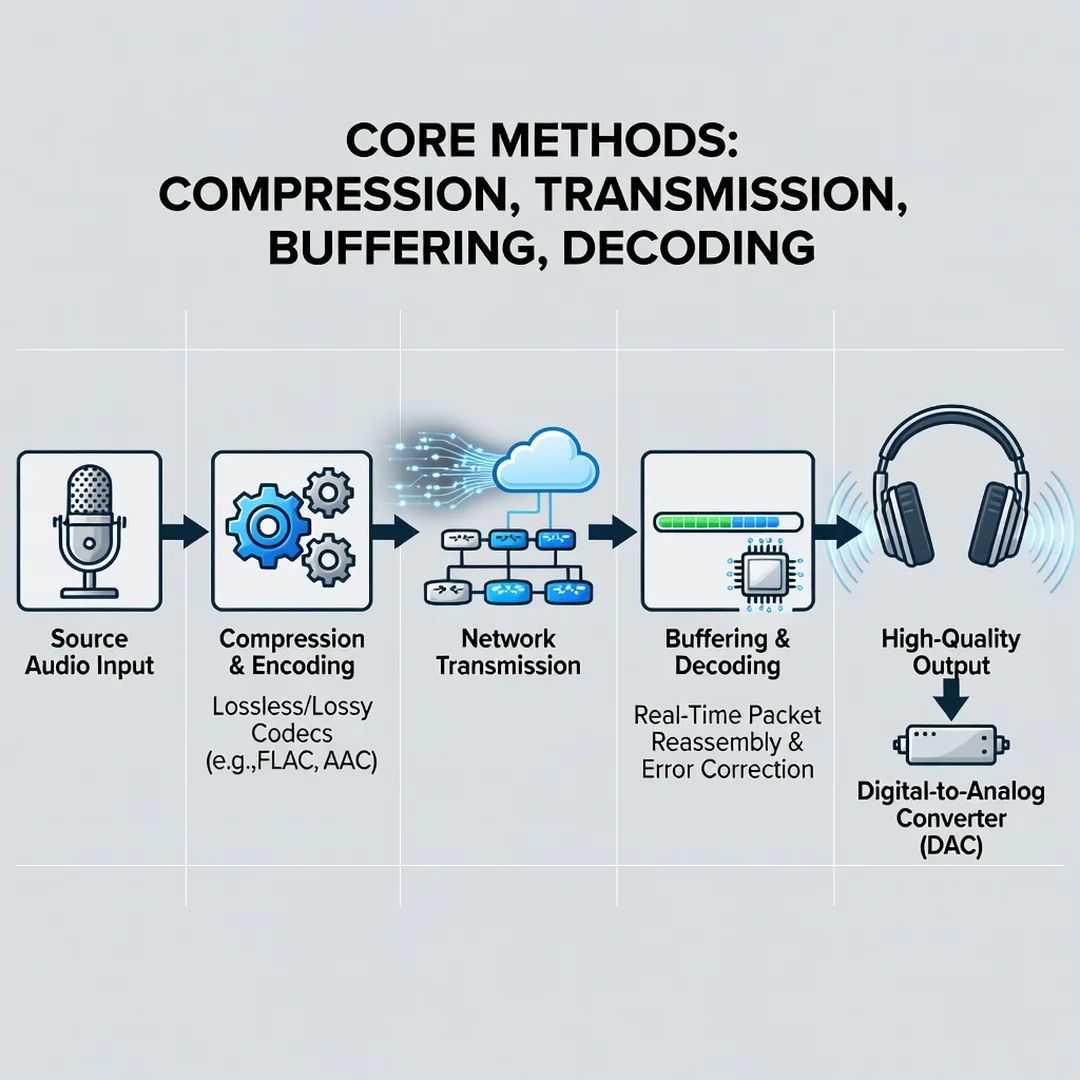
Step 5: Apply the core methods
Change one variable at a time. First, set streaming quality to the highest your connection supports. Second, switch from Bluetooth to wired if possible. Third, disable spatial audio and normalization. Fourth, if you have a lossless subscription, enable it and confirm your DAC supports the sample rate. Fifth, adjust your buffer if you hear dropouts. After each change, listen to a reference track and note any difference.
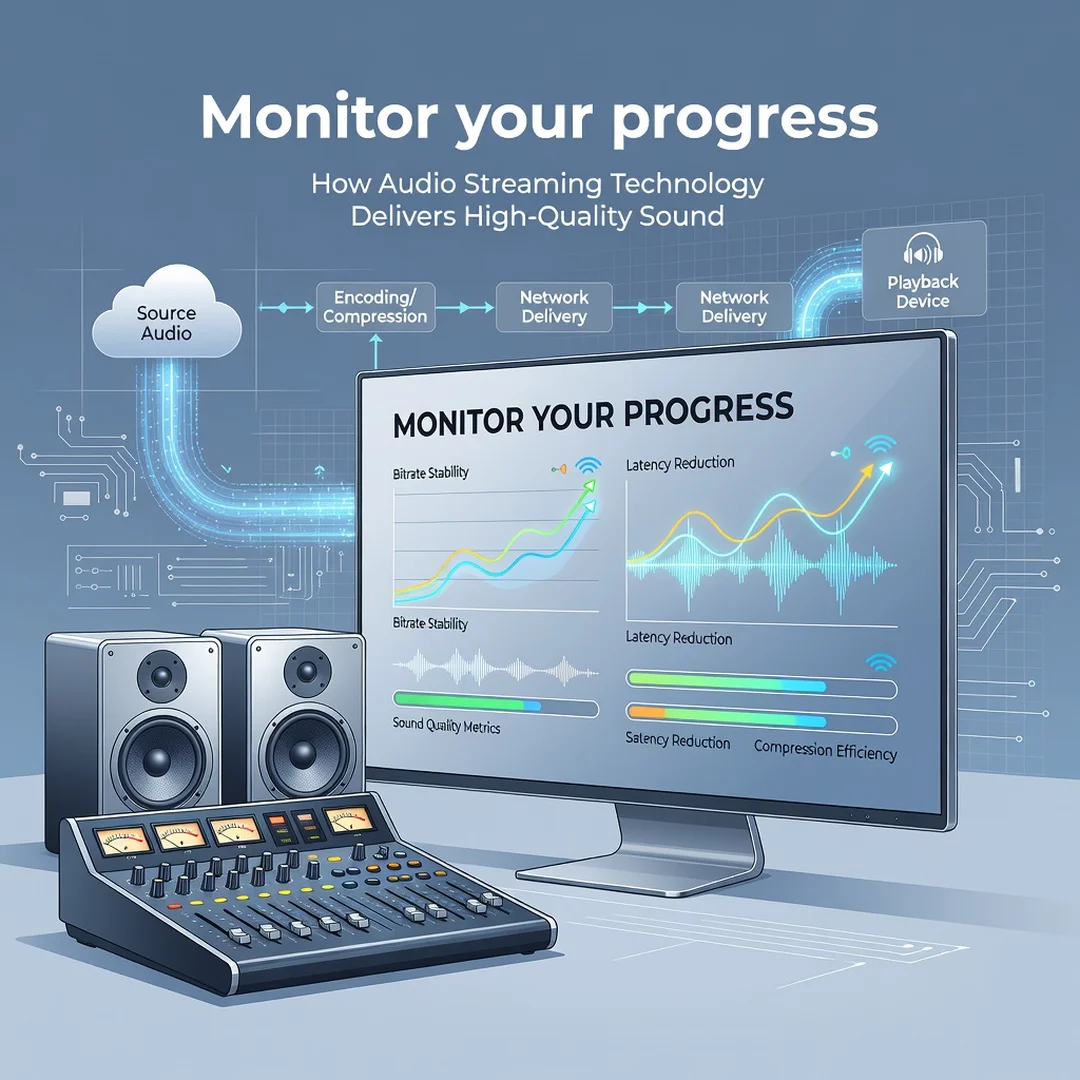
Step 6: Monitor your progress
Revisit your goals after a week. Are dropouts gone? Does the music sound clearer? Use the same reference tracks each time. If you cannot hear an improvement, revert the change to avoid wasting data or battery. Keep a simple log of settings and observations. Over time, this habit helps you distinguish real upgrades from placebo.
FAQ
What should I know about How Audio Streaming Technology Delivers High-Quality Sound?
The most important thing to know is that quality is a chain, not a single setting. The source file, the codec, the bitrate, your network, your DAC, and your headphones all contribute. A lossless stream played through cheap earbuds over a poor Bluetooth codec will sound worse than a high-bitrate lossy stream played through wired studio headphones. Focus on the weakest link first. Also understand that “high-quality” is subjective: your hearing, your environment, and your priorities determine what matters. Finally, default settings rarely deliver the best your equipment can do; you usually need to adjust them manually.
Who is this guide for?
This guide is for anyone who listens to streamed audio and wants better sound without becoming an engineer. That includes casual listeners curious about why some tracks sound flat, commuters dealing with stuttering, home listeners considering a DAC or lossless subscription, and professionals who need reliable reference playback. No prior technical knowledge is assumed. If you can find your app’s settings menu, you can follow the steps. The advice applies across Spotify, Apple Music, Tidal, Amazon Music, YouTube Music, and most podcast apps, though menu names may differ slightly.
Conclusion
High-quality audio streaming is not magic; it is a sequence of informed choices. From the sampling rate of the master recording to the codec on your headphones, every step either preserves or degrades the sound. By understanding the key concepts, assessing your own setup, and following the step-by-step routine, you can close the gap between what the artist intended and what you actually hear. Reliable information and consistent habits lead to better.
You now have a solid foundation for How Audio Streaming Technology Delivers High-Quality Sound. Apply the best practices above and revisit this guide as your needs evolve.