
Imagine watching a movie where a helicopter seems to circle directly above you, or playing a game where you can pinpoint an enemy’s footsteps behind your left shoulder. That’s the power of object-based audio—a technology that treats individual sounds as movable objects with precise spatial data, rather than locking them to fixed channels.
In this article, we’ll explain what object-based audio is, how it differs from traditional surround sound, and why it matters for films, music, gaming, and streaming. You’ll also learn practical ways this technology improves your everyday listening experience.
Introduction
Object-based audio is one of those technical terms that started in professional cinemas and broadcast studios but now quietly shapes how you experience sound on a phone, a soundbar, a game console, and a pair of earbuds. If you have ever watched a film and felt a helicopter circle above you, heard rain fall behind your left shoulder, or noticed dialogue stay locked to the center of the screen while the music swells around the room, you have experienced the result of object-based audio.
What makes it different from older surround sound formats is the shift in how the audio is stored and delivered. Instead of baking sounds into fixed channels, object-based audio stores individual sounds as independent objects with metadata describing where they should be, how loud they should be, and how they should move. A playback system then renders those objects in real time for whatever speakers or headphones you happen to be using.
This article explores What Is Object-Based Audio and Why Is It Important with clear, practical guidance. You will learn the core concepts, how the technology differs from channel-based and scene-based approaches, how to evaluate it for your own needs, and what habits help you get consistent results. Understanding the fundamentals of What Is Object-Based Audio and Why Is It Important helps you make informed decisions about equipment, streaming services, and content. Reliable information and consistent habits lead to better long-term outcomes, whether you are building a home theater, producing music, or simply trying to get clearer sound on a video call.
Key Concepts
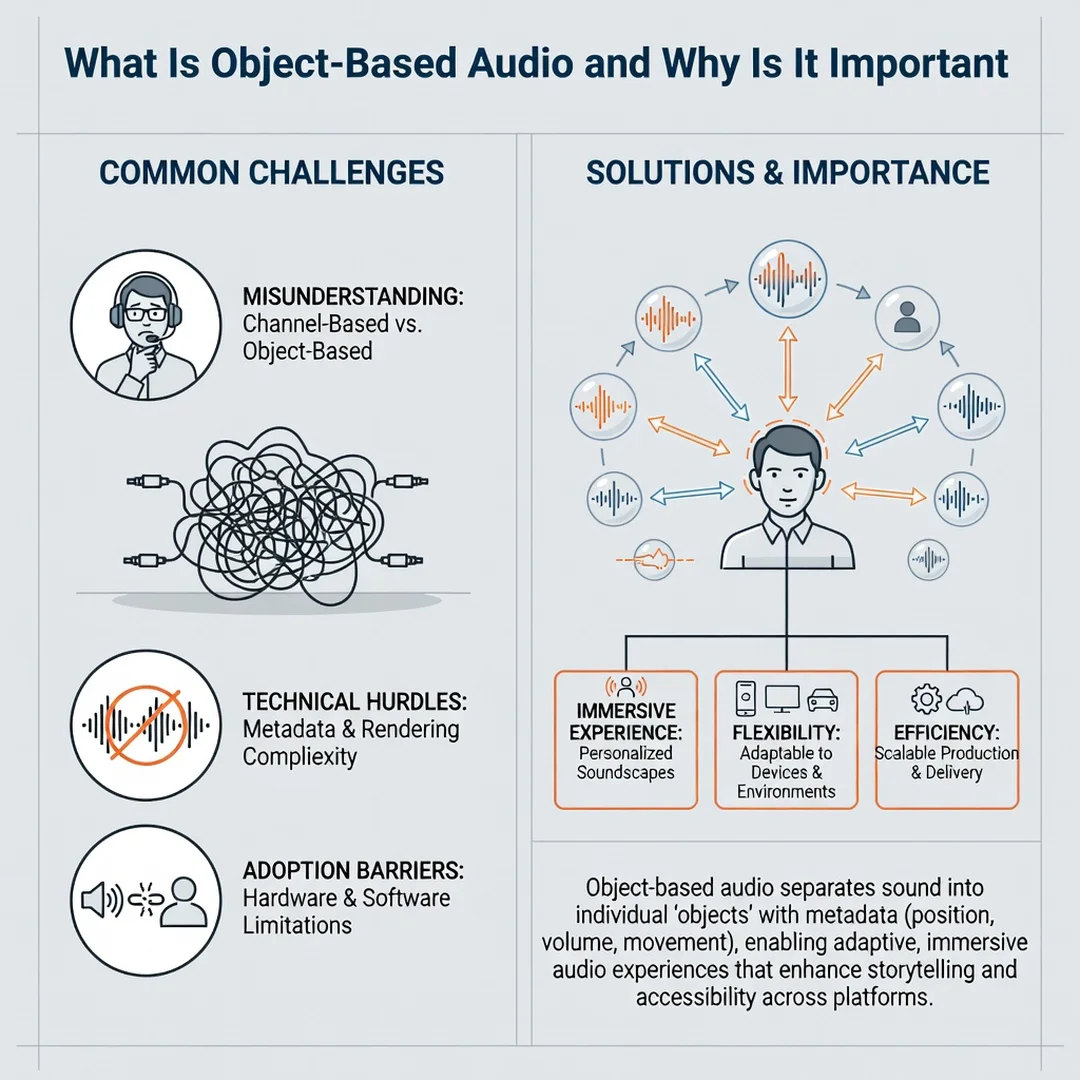
Channels versus objects versus scenes
Traditional surround sound is channel-based. A 5.1 mix, for example, contains six discrete channels: front left, front right, center, rear left, rear right, and a low-frequency effects channel. The mixer decides which channel each sound goes into, and your playback system sends that channel to the corresponding speaker. If your speaker layout differs from the intended one, the system has to guess how to map the channels, and the result can be imprecise.
Object-based audio takes a different route. Each sound, such as a voice, a door slam, or a passing car, is stored as an audio object along with metadata. That metadata might say “this object is at position x, y, z” or “this object should move from the left rear to the front right over two seconds.” The renderer interprets that metadata and decides which speakers or headphone drivers should reproduce the object at any moment.
A third category, scene-based audio, describes the entire sound field rather than individual objects or channels. Ambisonics is the best-known example. It captures or synthesizes a spherical representation of sound, and the renderer extracts whatever speaker signals are needed. Many modern systems blend objects and scenes, which is why you will sometimes see the term “object-based” used loosely to cover both.
Metadata is the engine
The metadata is what makes object-based audio flexible. Without it, an object is just a mono audio file. With it, the renderer knows the intended position, size, and movement of the sound. Positional metadata typically uses a coordinate system relative to the listener or the room. Some formats also carry size or spread information, which tells the renderer whether a sound should feel like a pinpoint or a broad cloud.
Rendering happens at playback time
Because rendering happens on the playback device, the same content can adapt to a soundbar with two upward-firing drivers, a full 7.1.4 speaker array, a gaming headset, or a smartphone. The renderer does the heavy lifting, not the mixer. This is why a well-produced object-based mix can sound convincing on hardware that was never available in the studio where it was created.
Common formats you will encounter
- Dolby Atmos: The most widely known object-based format, used in cinemas, streaming, games, and consumer hardware.
- DTS:X: A competing object-based format with broad support in receivers, Blu-ray discs, and some streaming services.
- MPEG-H Audio: An object-based standard used in broadcast and interactive media, with features like adjustable dialogue level.
- Sony 360 Reality Audio: An object-based music format designed primarily for headphones and compatible speakers.
- Windows Sonic and other spatial audio APIs: Software renderers that bring object-based processing to games and apps on computers and consoles.
Deep Dive
Why object-based audio matters for listeners
For a listener, the practical benefit is consistency and immersion. Channel-based mixes assume a specific speaker layout. Object-based mixes assume only that the renderer knows where your speakers are. The result is that a scene designed to place a sound above and to the right will land above and to the right on many different systems, rather than collapsing into the nearest available channel.
That adaptability also improves intelligibility. Dialogue can be anchored to the screen position even if you are listening on a soundbar with no center speaker. In some broadcast implementations, object-based audio even lets viewers raise or lower dialogue independently of background effects, which is a meaningful accessibility feature.
Why it matters for creators
For mixers and sound designers, object-based audio separates creative intent from playback hardware. You can place a sound where it belongs and trust the renderer to do something sensible on a wide range of devices. This reduces the number of separate mixes required for cinema, home theater, and mobile, though it does not eliminate the need to check translations on different systems.
Creators also gain more control over individual elements. Because objects remain separate until playback, a game engine or interactive app can move, mute, or reposition a single sound without re-rendering the entire mix. That is a significant advantage for interactive media, where the listener or player influences what happens next.
The trade-offs and limitations
Object-based audio is not automatically better. A poor mix rendered through a good renderer still sounds poor. Object-based processing also adds computational cost, which matters on low-power devices. And not every piece of content is authored with rich metadata; some titles are simply channel-based mixes wrapped in an object-based container, which limits how much the renderer can actually do.
There is also a practical ceiling based on hardware. A soundbar with virtualized height channels cannot physically place sound above you the way discrete ceiling speakers can. It can create a convincing illusion, but the illusion depends on room acoustics, seating position, and the quality of the virtualization. Setting realistic expectations is part of making informed decisions.
Where you encounter it in daily life
- Streaming services that offer object-based audio tracks on select titles.
- Blu-ray and 4K disc releases with object-based soundtracks.
- Video games that use spatial audio engines to position enemy footsteps or ambient effects.
- Video conferencing tools that use object-based processing to separate and place voices.
- Music releases mixed for object-based or spatial playback.
- Virtual and augmented reality experiences, where sound must track head movement.
Step-by-step: getting started with object-based audio
The following steps outline a practical approach, whether you are a listener setting up a system or a creator learning to work with objects. The same sequence applies to both, though the tools differ.
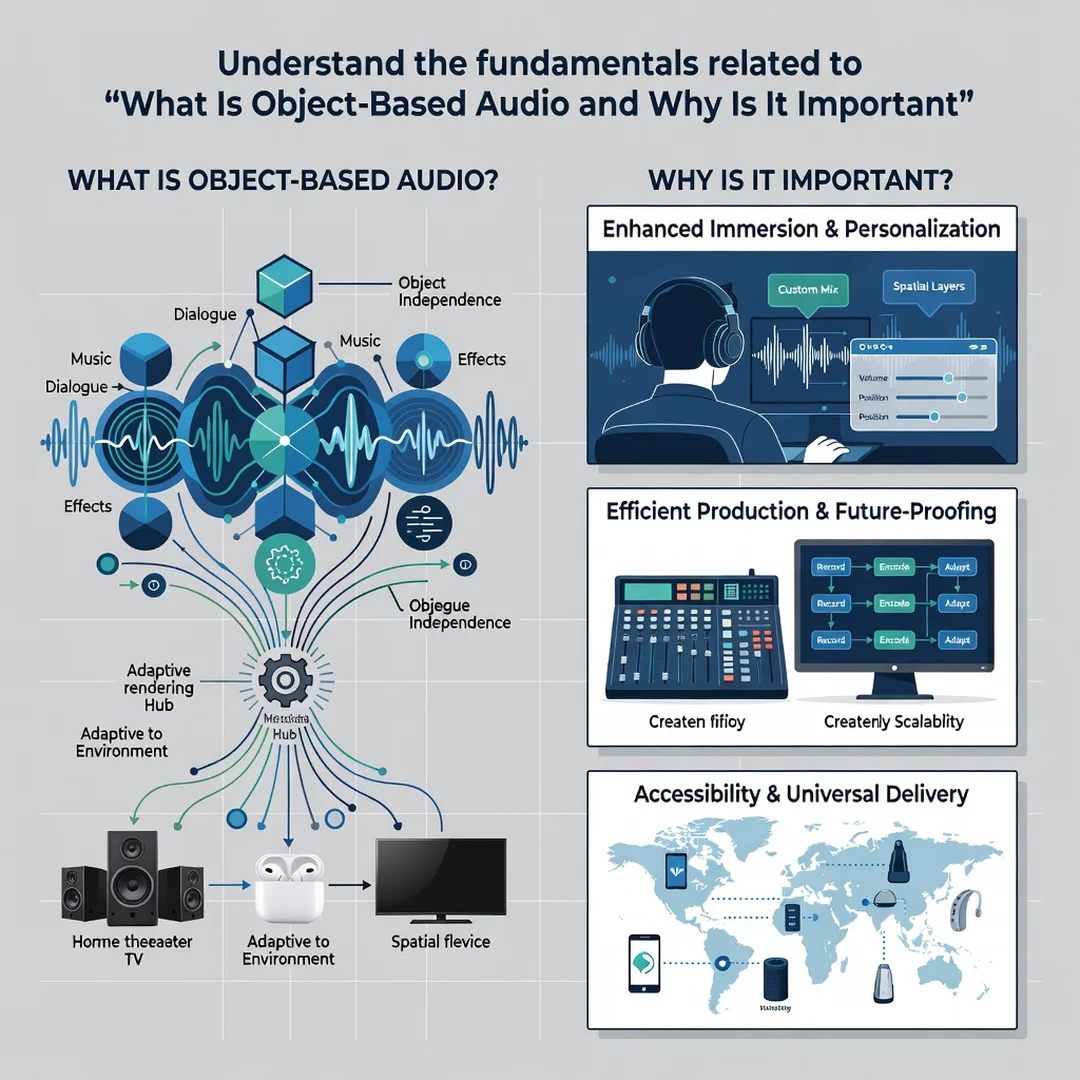
Step 1: Understand the fundamentals
Before buying equipment or opening a digital audio workstation, make sure you can explain the difference between channels, objects, and scenes in your own words. Learn what metadata does and why rendering happens at playback time. This foundation prevents confusion later, because marketing materials often blur the line between true object-based content and virtualized channel-based content. Read the documentation for the formats you are likely to use, and note which ones require specific hardware or software licenses.
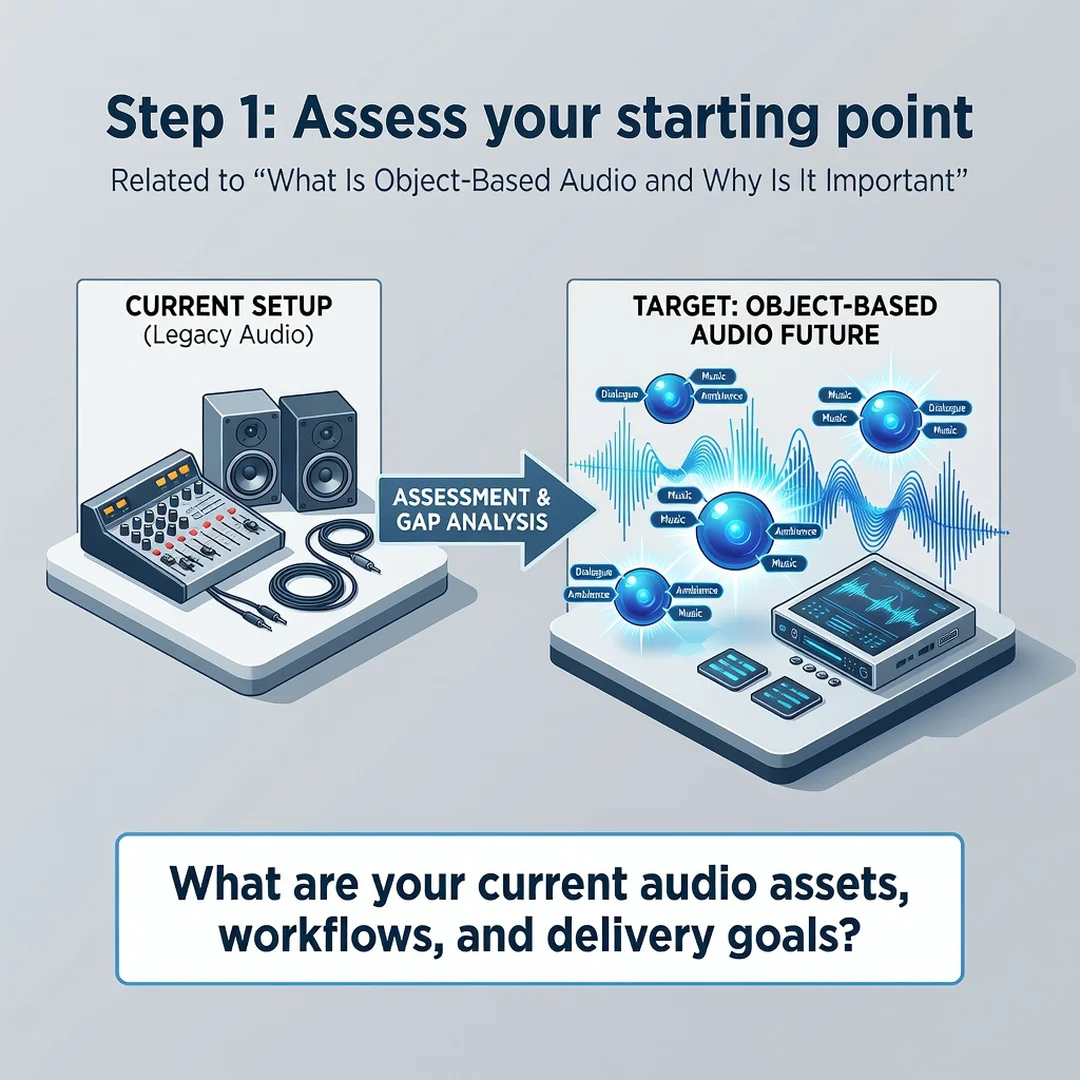
Step 2: Assess your starting point
Take inventory of what you already have. For listeners, that means listing your playback devices, speakers, receiver or soundbar, streaming services, and the room itself. For creators, it means noting your digital audio workstation, plugins, monitoring setup, and the formats your clients or platform require. Identify gaps honestly. If your soundbar lacks upward-firing drivers, do not expect discrete height effects. If your workstation cannot export object metadata, you will need a different tool or a different deliverable.
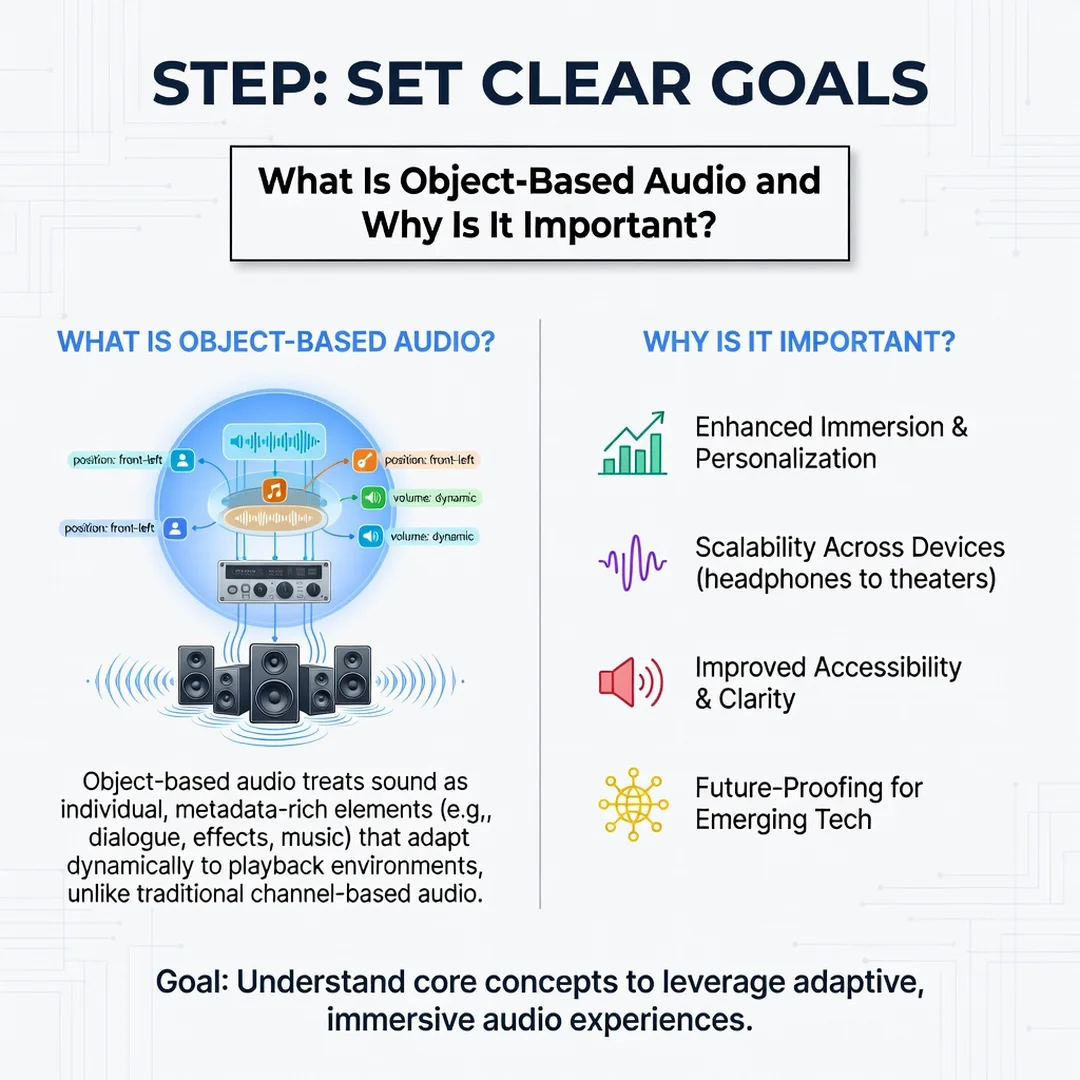
Step 3: Set clear goals
Decide what success looks like. A listener might aim for clearer dialogue, a more enveloping movie experience, or better positional cues in games. A creator might aim to deliver a compliant object-based mix for a streaming platform, or to build an interactive audio system for a game. Write the goal down and attach a measurable element, such as “dialogue intelligible at low volume” or “mix passes platform loudness and metadata checks.” Clear goals keep you from chasing features you do not need.
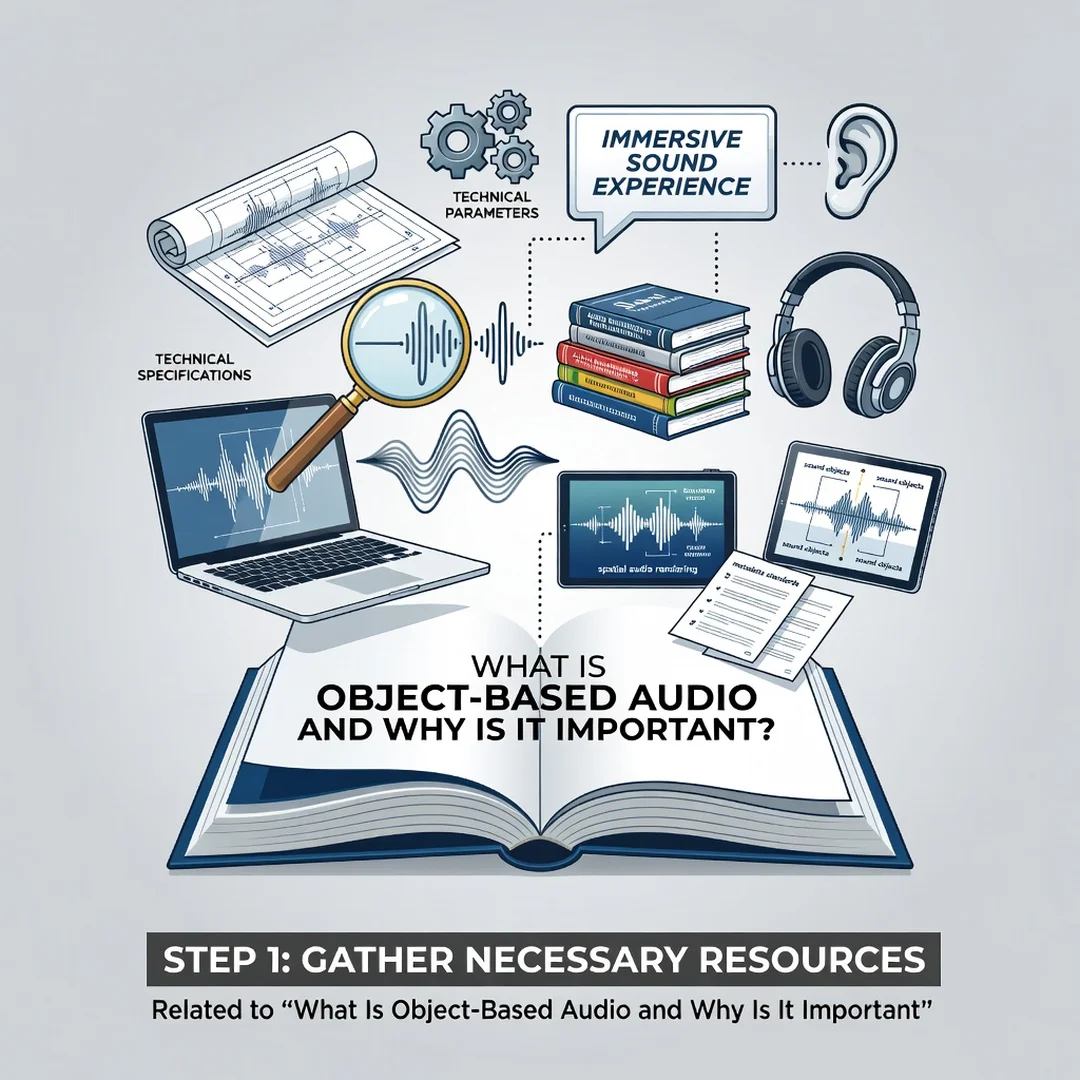
Step 4: Gather necessary resources
Collect the hardware, software, content, and reference material you need. This may include a receiver or audio interface that supports the target format, a calibration microphone, reference tracks or films you know well, and documentation from the format owner. For creators, it also includes monitoring headphones or speakers you trust, plus any renderer or metering plugins required. Budget matters here, but so does compatibility; a cheaper device that supports the format you actually use is more valuable than an expensive one that does not.
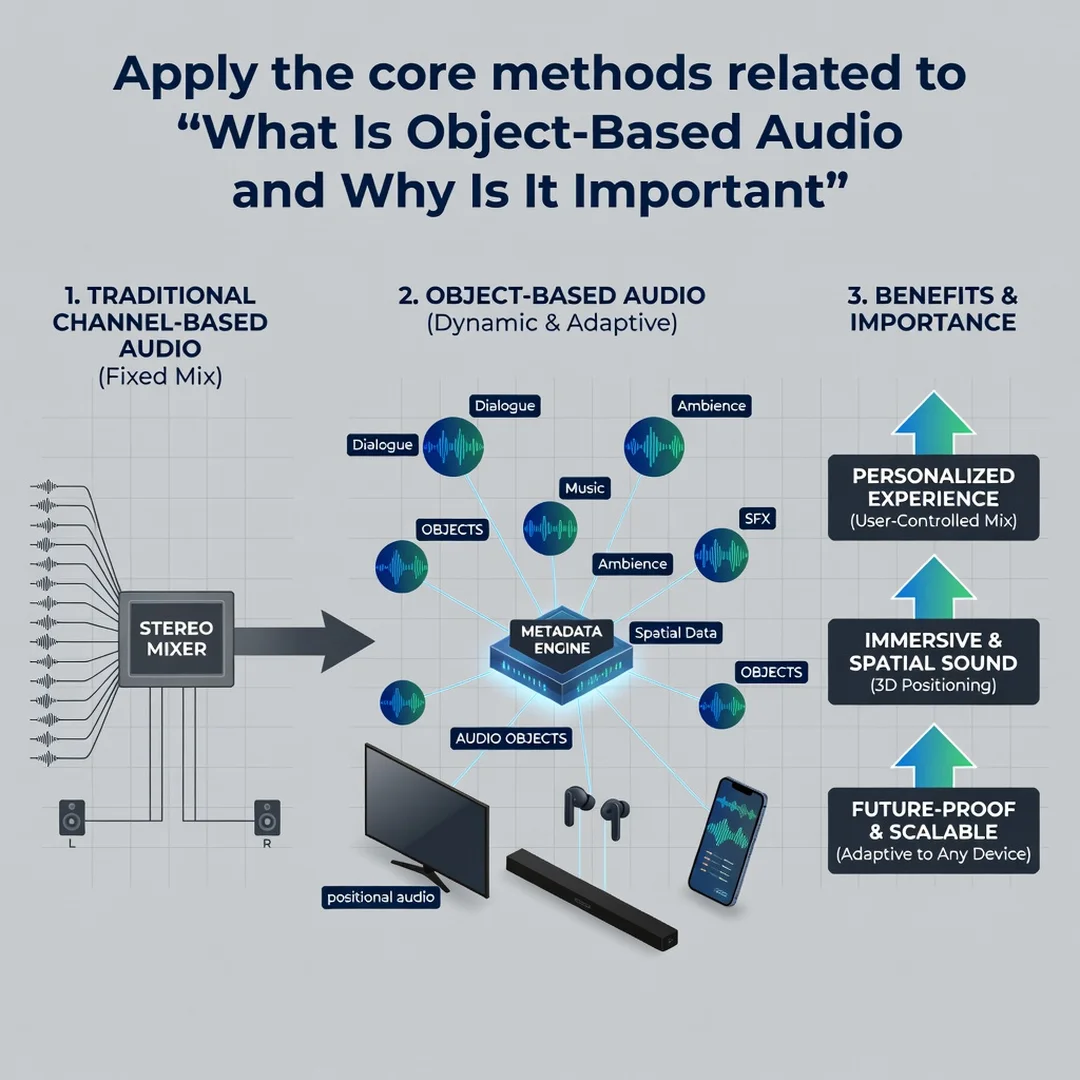
Step 5: Apply the core methods
Now put the concepts to work. Listeners should calibrate speaker levels and distances, verify that the source device is passing the object-based stream correctly, and test with known content. Check that your receiver or soundbar is not silently downmixing to stereo. Creators should start with a simple object-based session, place a few objects deliberately, render to the target format, and compare the result against a channel-based reference. Pay attention to how objects translate across different monitoring configurations, and keep notes on what changes when you move from headphones to speakers.
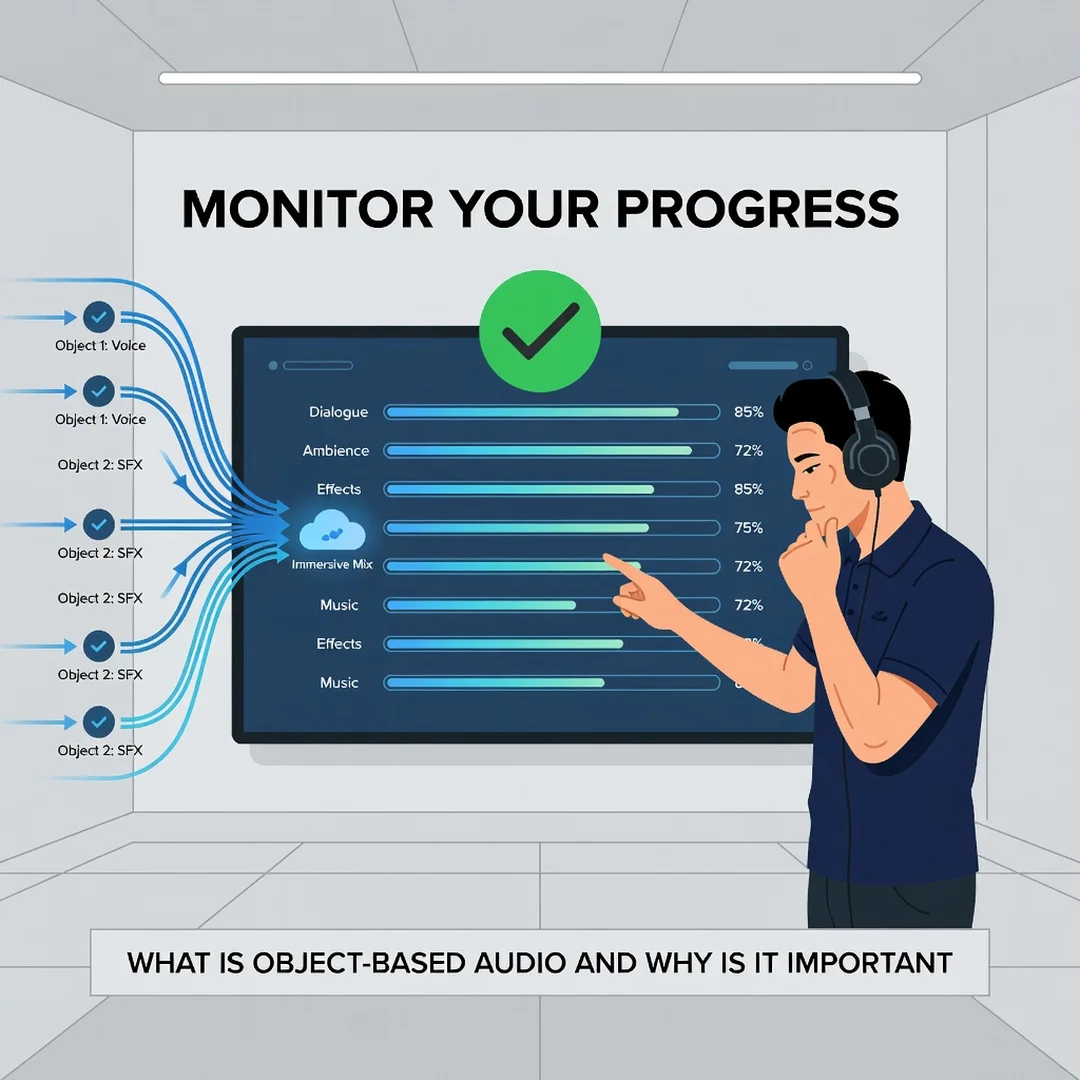
Step 6: Monitor your progress
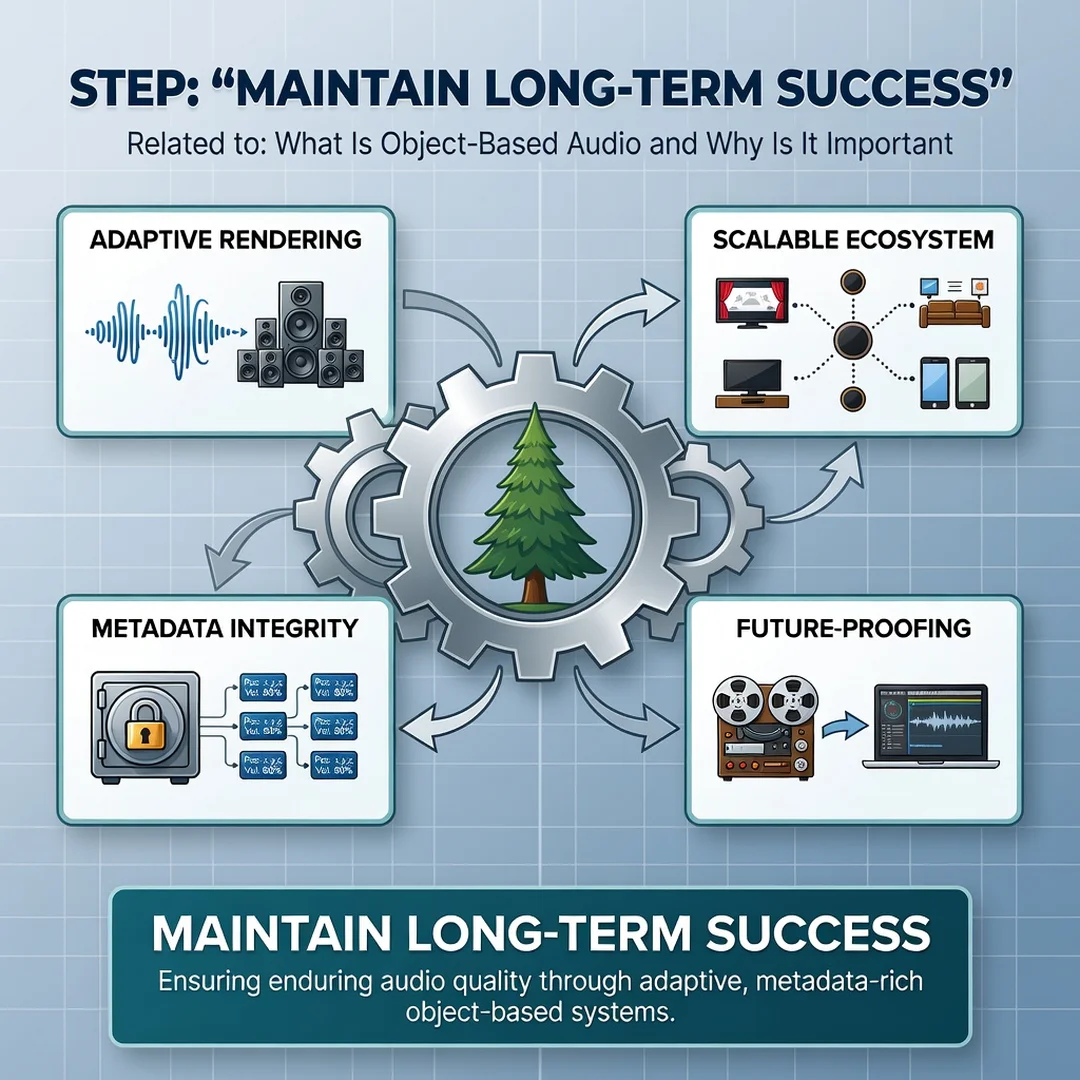
Review your results regularly. Listeners can revisit the same scenes after adjusting placement or calibration and note whether dialogue, effects, and music hold their positions. Creators should check loudness, metadata integrity, and playback on multiple devices before delivery. Keep a simple log of what you changed and what improved. Over time, this habit turns trial and error into reliable knowledge, which is exactly how consistent.
You now have a solid foundation for What Is Object-Based Audio and Why Is It Important. Apply the best practices above and revisit this guide as your needs evolve.