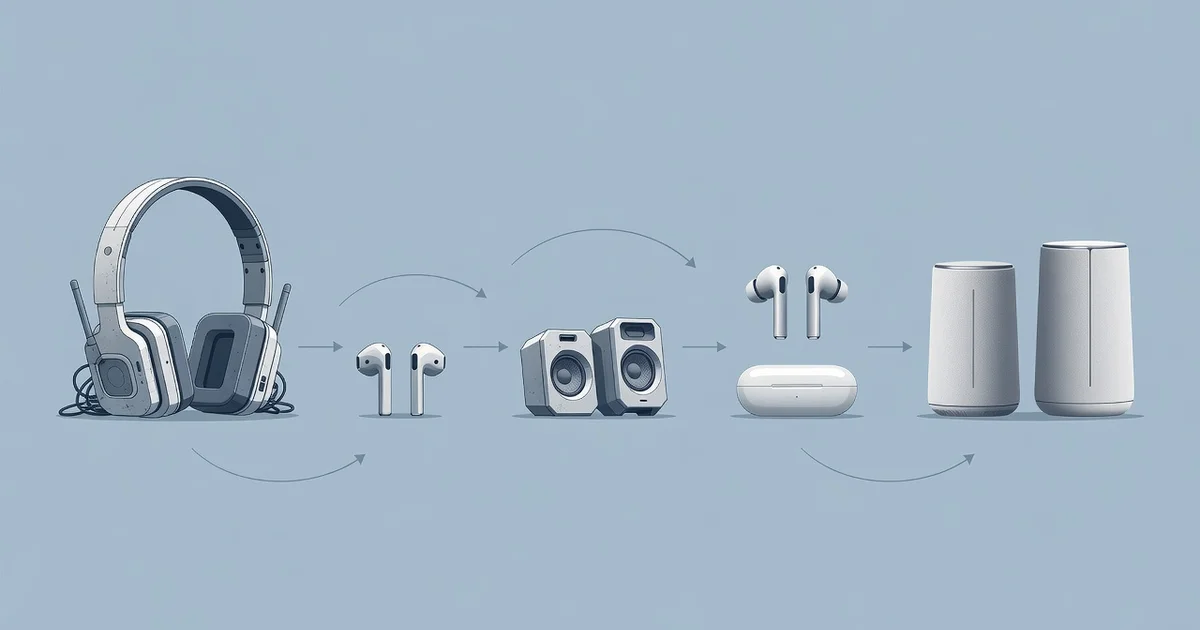
Bluetooth audio technology has evolved dramatically since its early days, transforming how we listen to music, take calls, and enjoy entertainment. What once meant spotty connections and thin sound quality is now a reliable, high-fidelity experience that fits in your pocket.
In this article, we’ll trace the key milestones behind Bluetooth audio technology, from basic wireless streaming to advanced codecs and multipoint pairing. You’ll learn what changed, why it matters, and how to choose devices that deliver the best sound for your needs.
Introduction
Bluetooth audio has become so common that it is easy to overlook how remarkable it is. A tiny radio in your earbuds talks to a tiny radio in your phone, and music appears out of thin air. But that simplicity is the result of more than two decades of engineering. This article explores how Bluetooth audio technology has evolved with clear, practical guidance, so you can understand what changed, why it matters, and how to get better sound from the devices you already own.
If you have ever wondered why some wireless headphones sound noticeably better than others, why your earbuds cut out when you walk into another room, or why your laptop seems to support a newer audio feature than your phone, the answers are rooted in Bluetooth’s history. Understanding the fundamentals of how Bluetooth audio technology has evolved helps you make informed decisions when buying, pairing, and troubleshooting your gear.
You do not need an engineering degree to benefit from this knowledge. What you need is a plain-language map of the key versions, the codecs that carry the sound, and the habits that keep connections stable. Reliable information and consistent habits lead to better long-term outcomes, whether you are a casual listener, a remote worker on endless video calls, or someone building a home audio setup.
Key Concepts
Before diving into the timeline, it helps to understand a handful of terms that come up constantly in Bluetooth audio discussions.
Bluetooth versions and why they matter
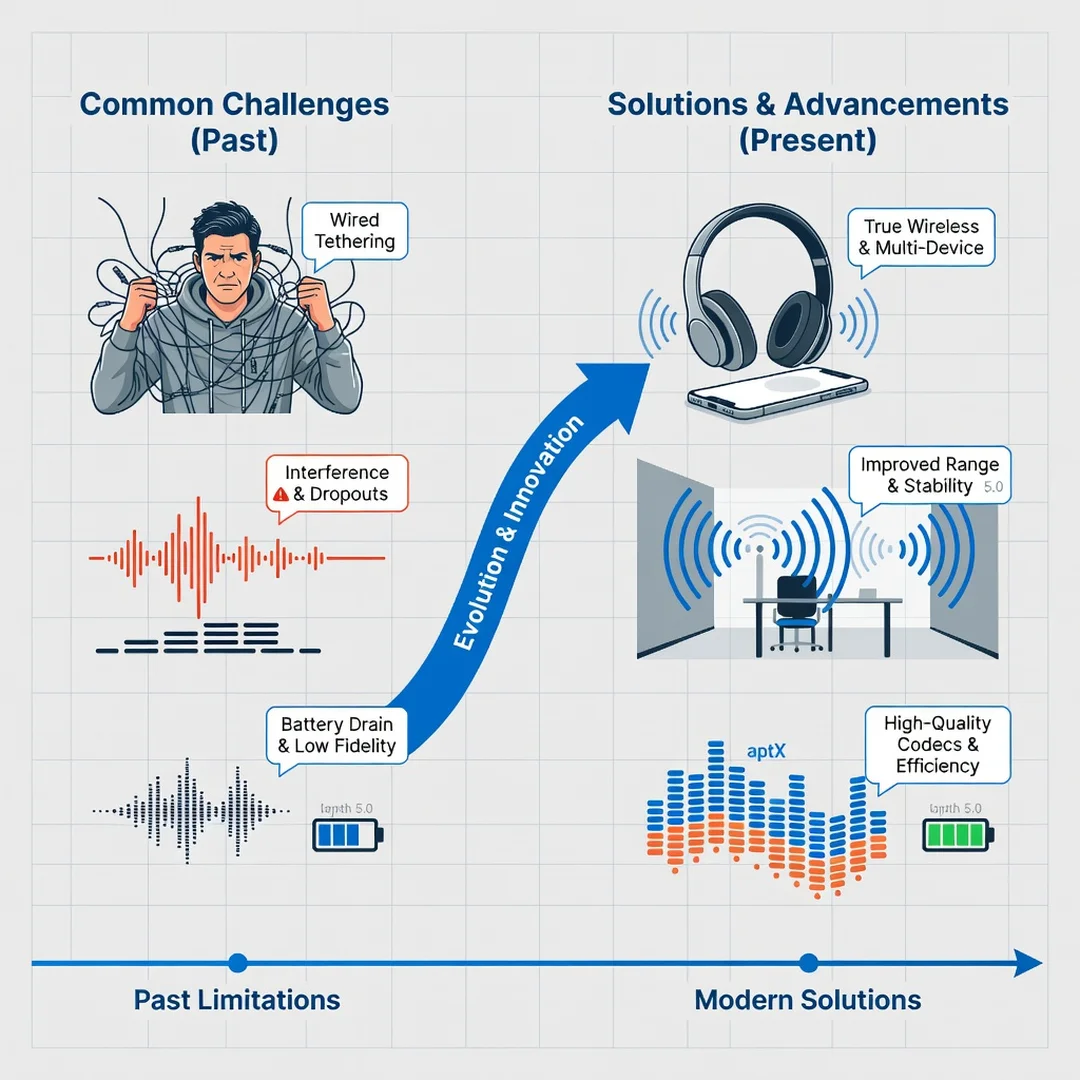
Bluetooth is a wireless standard maintained by the Bluetooth Special Interest Group. Each major version has added capabilities. Older versions focused on basic connectivity. Newer versions, especially Bluetooth 5.0 and later, improved range, speed, and broadcast capacity. The version matters because it determines the ceiling for features like range and multi-device connections, but it is not the only factor in audio quality.

Profiles: A2DP, HFP, and LE Audio
- A2DP (Advanced Audio Distribution Profile): The classic profile for streaming stereo music from one device to another. It has been the backbone of wireless listening for years.
- HFP (Hands-Free Profile): Used for phone calls. It typically uses lower-quality audio because it prioritizes two-way voice communication.
- LE Audio: A newer architecture built on Bluetooth Low Energy. It introduces the LC3 codec, multi-stream audio, and Auracast broadcast audio.
Codecs: the language of wireless sound
A codec compresses and decompresses audio so it can travel over a limited wireless link. Common codecs include SBC (the mandatory baseline), AAC (widely used with Apple devices), aptX (popular on Android and Windows), LDAC (Sony’s high-bitrate option), and LC3 (the modern low-complexity codec in LE Audio). Both your phone and your headphones must support the same codec for it to be used.
Latency, range, and interference
Latency is the delay between the audio source and what you hear. It matters most for gaming and video. Range is how far you can move before the signal drops. Interference comes from Wi-Fi networks, microwaves, and physical obstacles. Bluetooth operates in the crowded 2.4 GHz band, so these factors interact constantly.
Deep Dive
To understand how Bluetooth audio evolved, it helps to walk through its major eras.
The early years: mono headsets and compromise
Bluetooth emerged in the late 1990s as a way to replace cables between devices. Early audio use was mostly mono headsets for phone calls. Sound quality was poor by modern standards, battery life was short, and pairing was often a frustrating ritual of PIN codes and failed attempts. Still, the foundation was laid: a short-range, low-power wireless link that could carry voice.
The stereo revolution: A2DP and the rise of wireless headphones
The introduction and refinement of A2DP made stereo music streaming possible. Combined with improvements in Bluetooth versions 2.1 and 3.0, pairing became easier, and battery efficiency improved. This era gave us the first truly usable wireless headphones and portable speakers. However, audio quality was still capped by the SBC codec and limited bandwidth, so audiophiles remained skeptical.
The codec wars: aptX, AAC, and LDAC
As smartphones became the primary music players, manufacturers raced to improve wireless sound. Qualcomm’s aptX family offered lower latency and better fidelity. Apple championed AAC, which performed well on its ecosystem. Sony introduced LDAC, allowing much higher bitrates. These codecs narrowed the gap between wired and wireless audio, though support varied wildly between devices.
Bluetooth 5 and the range and stability boost
Bluetooth 5.0, released in 2016, was a major milestone. It quadrupled range, doubled speed, and increased broadcast capacity. For audio, this meant more stable connections, fewer dropouts, and the ability to connect multiple devices more gracefully. True Wireless Stereo (TWS) earbuds became reliable and popular, and features like multipoint pairing started appearing.
LE Audio: the biggest change in years
LE Audio is not just a version bump; it is a new architecture. It uses Bluetooth Low Energy, introduces the LC3 codec, and supports multi-stream audio, meaning a phone can send separate audio streams to each earbud. It also enables Auracast, a broadcast feature that lets one source send audio to many receivers, such as in a gym, airport, or theater. LC3 delivers better quality at lower bitrates than SBC, which improves battery life and stability.
What this evolution means for you
The practical takeaway is that Bluetooth audio has moved from a convenience feature to a serious listening option. Today, the differences between devices often come down to codec support, version compatibility, and implementation quality rather than the Bluetooth standard itself. Knowing this helps you avoid overpaying for features you cannot use and helps you troubleshoot when something sounds off.
Best Practices
Getting the most from Bluetooth audio is less about buying the most expensive gear and more about matching devices and habits.
Match codecs between devices
Check what codecs your phone and headphones support. If your headphones support LDAC but your phone only sends AAC, you will not get LDAC. Look in your phone’s developer options or Bluetooth settings to see the active codec.
Keep firmware updated
Headphone and phone manufacturers often release firmware updates that improve connection stability, add codecs, or fix bugs. A quick update can resolve nagging dropout issues.
Manage interference
Stay away from dense Wi-Fi areas when possible, keep the source device in a pocket or bag rather than behind your body, and avoid placing routers directly between your phone and headphones.
Use the right profile for the task
For music, ensure A2DP is active. For calls, HFP takes over. If call quality is poor, it is often because the headset switched to a narrowband voice mode, which is normal but worth understanding.
Consider LE Audio for future-proofing
If you are buying new earbuds or a phone, check for LE Audio and LC3 support. It is becoming the new baseline and offers better efficiency and features like Auracast.
Charge smartly
Battery health affects connection reliability. Avoid leaving earbuds at 0% for long periods, and do not routinely drain them completely.
Step-by-Step Guide
If you want to apply this knowledge, follow these steps in order.
Step 1: Understand the fundamentals
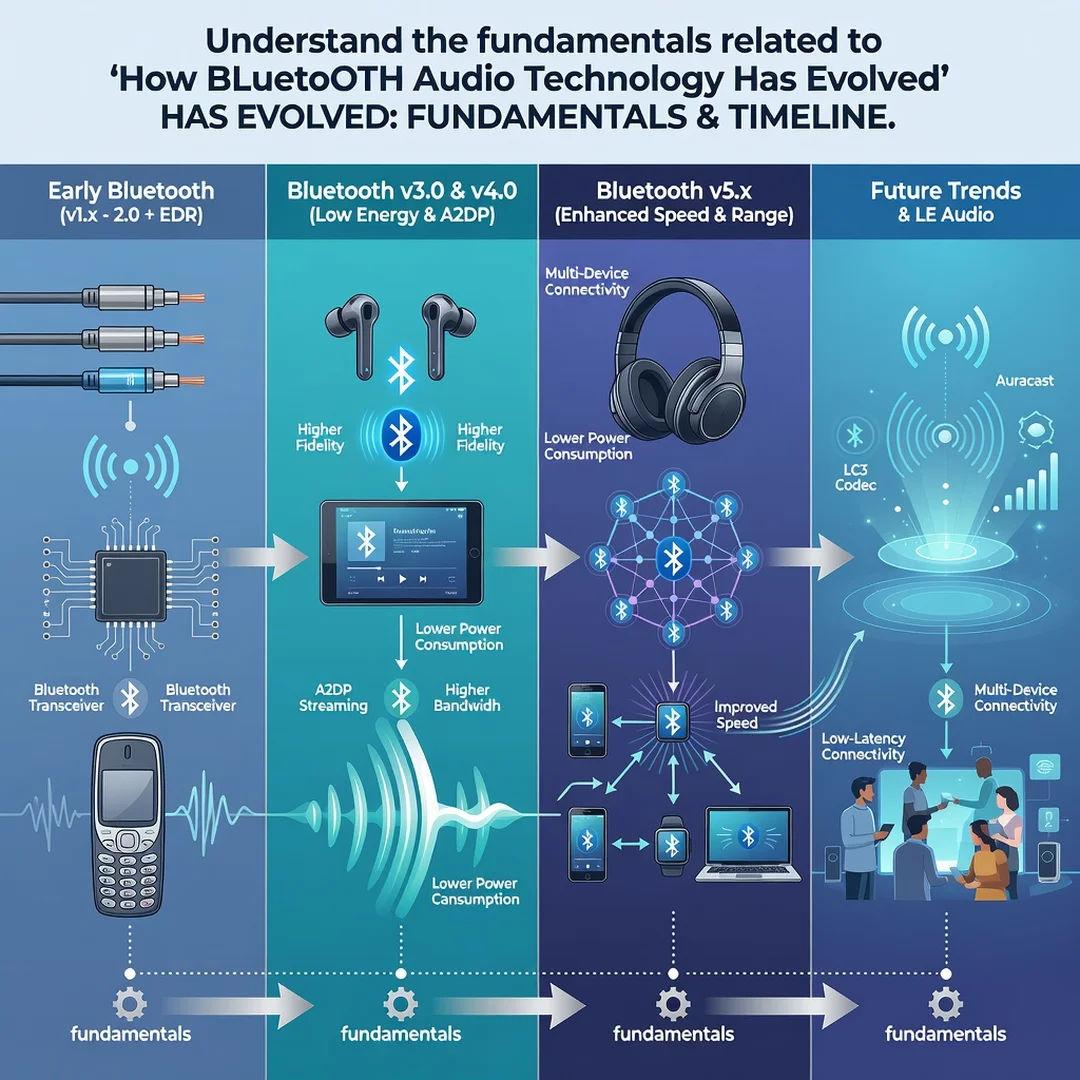
Learn the difference between Bluetooth versions, profiles, and codecs. Know that A2DP handles music, HFP handles calls, and codecs like AAC, aptX, LDAC, and LC3 determine audio quality. This foundation makes every later decision easier.
Step 2: Assess your starting point
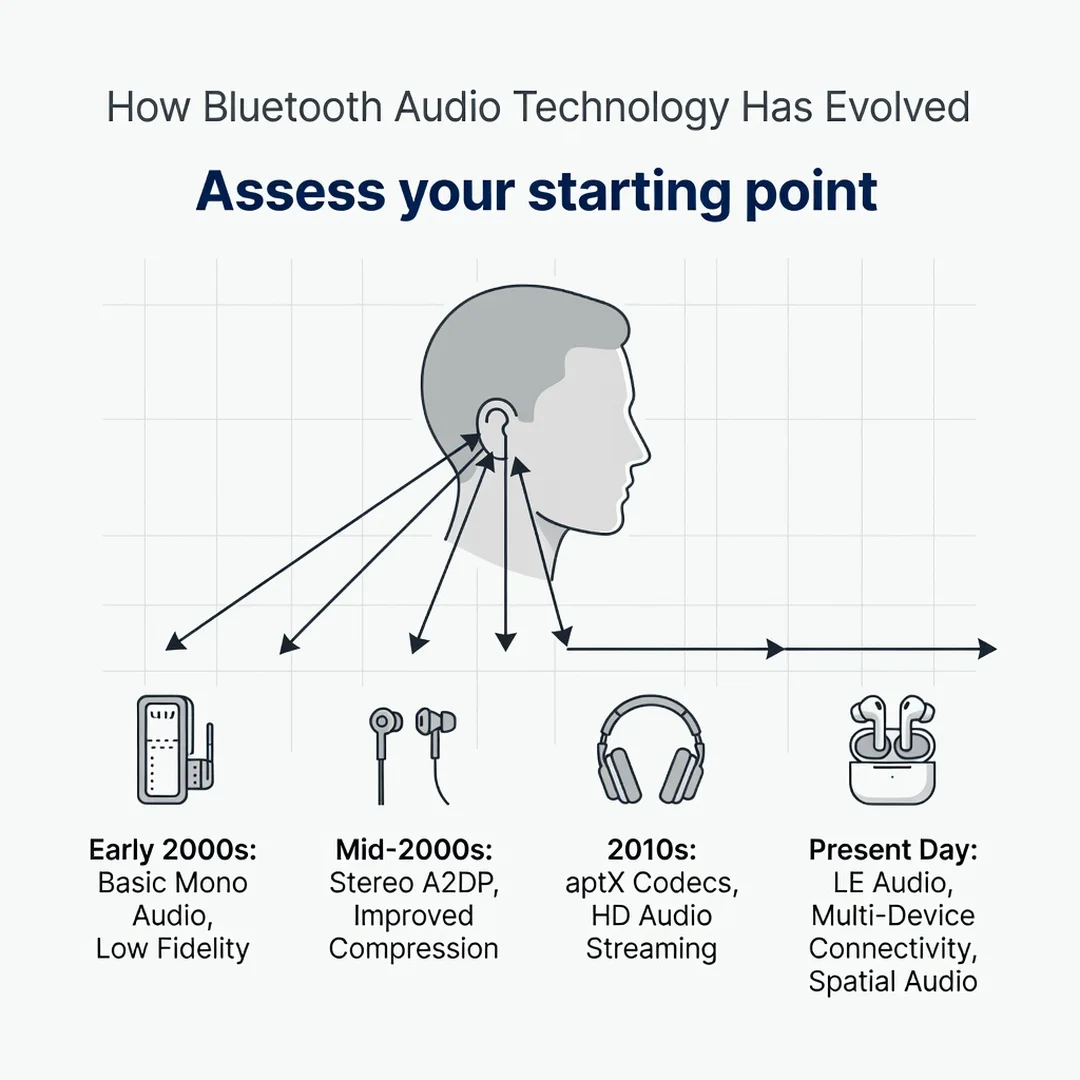
List your current devices: phone, laptop, earbuds, headphones, and speakers. Note their Bluetooth versions and supported codecs. Check your phone’s Bluetooth settings or developer options to see what codec is actually in use.
Step 3: Set clear goals
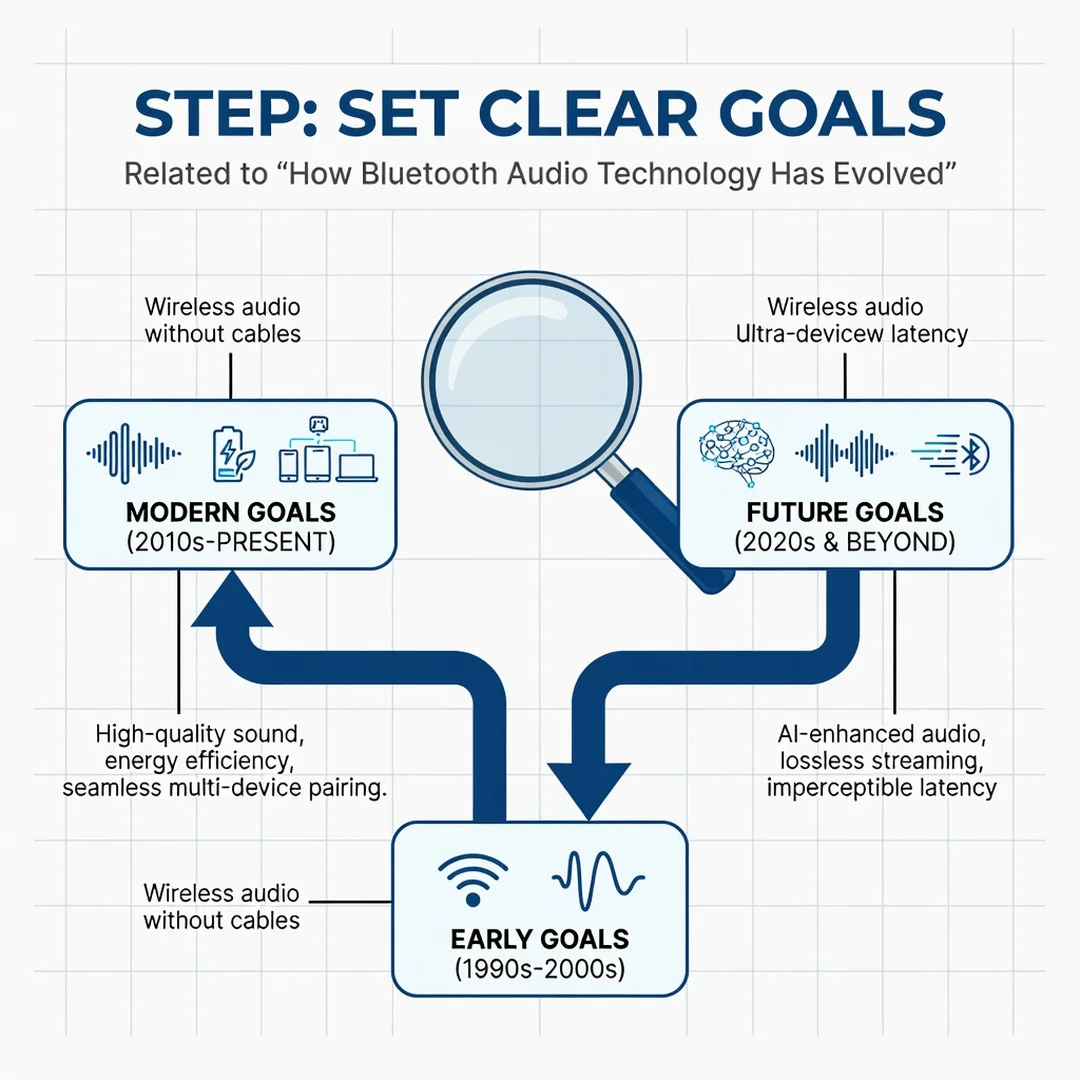
Decide what you want to improve. Better sound quality? Lower latency for gaming? Longer range? Fewer dropouts? A clear goal keeps you from chasing features you do not need.

Step 4: Gather necessary resources
Collect firmware update tools, your device manuals, and any companion apps from headphone manufacturers. These apps often let you change codec preferences, update firmware, and adjust EQ.
Step 5: Apply the core methods
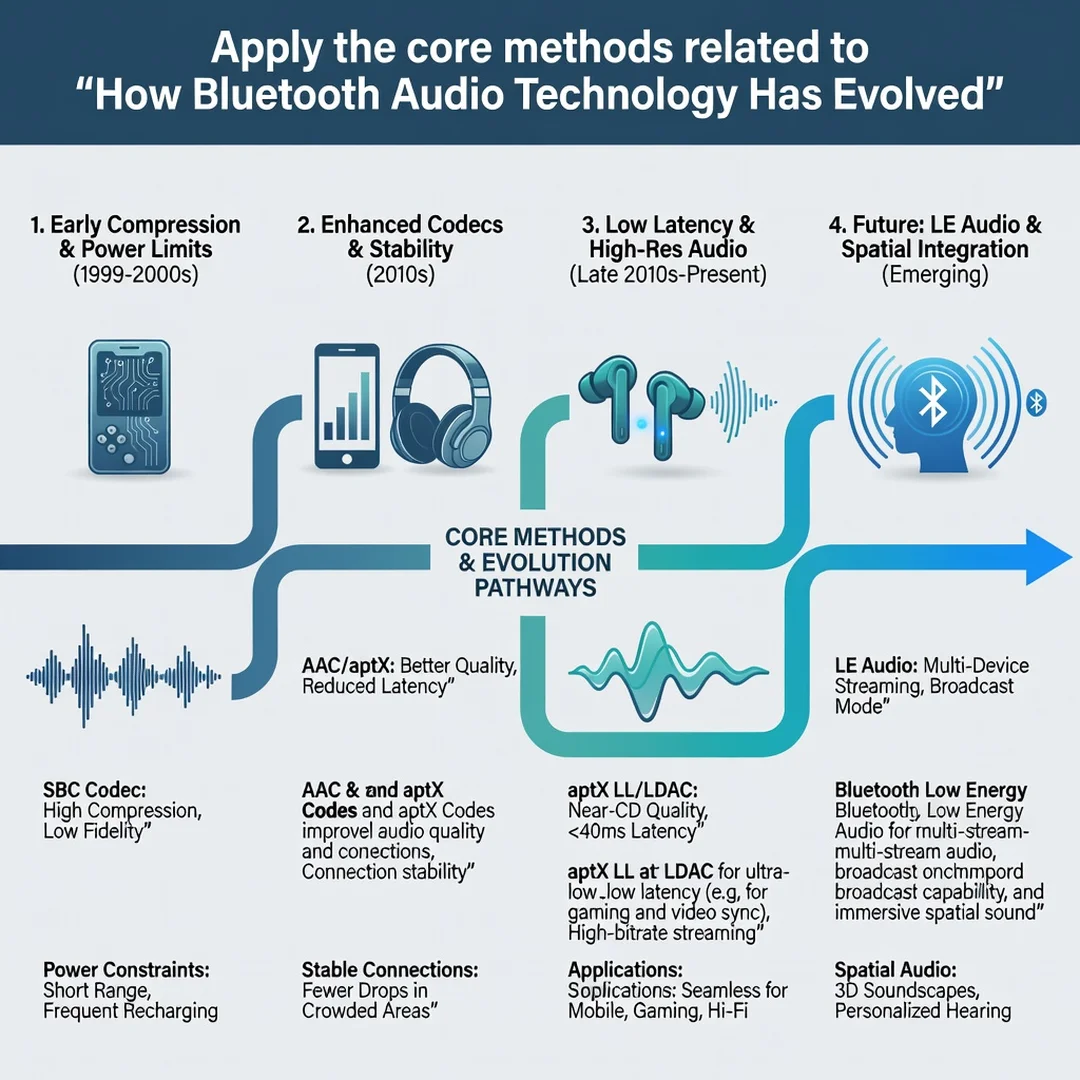
Update firmware on all devices. Switch to the best shared codec. Reposition your source device to reduce interference. Enable multipoint if you use two devices. Test with a variety of content: music, video, and calls.

Step 6: Monitor your progress
Keep notes on connection stability, battery life, and sound quality over a week. If problems persist, try a different codec or reset the pairing. Consistent monitoring helps you isolate whether the issue is the source, the headphones, or the environment.
FAQ
What should I know about How Bluetooth Audio Technology Has Evolved?
The main thing to know is that Bluetooth audio has improved through three layers: the core standard (versions like 5.0 and LE Audio), the profiles that define use cases (A2DP and HFP), and the codecs that carry sound (SBC, AAC, aptX, LDAC, LC3). Modern Bluetooth audio can sound excellent, but quality depends on both devices supporting the same features. Range, latency, and stability have all improved dramatically since the early mono headset days. If you understand these layers, you can make smarter purchases and fix most common problems yourself.
Who is this guide for?
This guide is for anyone who uses wireless headphones, earbuds, or speakers and wants clearer, more reliable audio. That includes casual listeners, remote workers on frequent calls, gamers concerned about latency, and shoppers trying to compare specs without jargon. No technical background is required. If you can pair a device, you can follow the steps and best practices here.
Conclusion
Bluetooth audio has traveled a long way from crackly mono headsets to high-fidelity wireless listening with broadcast capabilities. The evolution happened in layers: better versions, new profiles, and smarter codecs. Understanding those layers gives you practical power. You can match devices correctly, reduce dropouts, and know when an upgrade is genuinely worth it.
Reliable information and consistent habits lead to better long-term outcomes. Keep your firmware updated, choose the right codec, manage interference, and monitor how your setup performs. Whether you are streaming music, taking calls, or exploring Auracast, the same principles apply. Bluetooth audio is no longer a compromise; with the right knowledge, it is simply good sound.
You now have a solid foundation for How Bluetooth Audio Technology Has Evolved. Apply the best practices above and revisit this guide as your needs evolve.