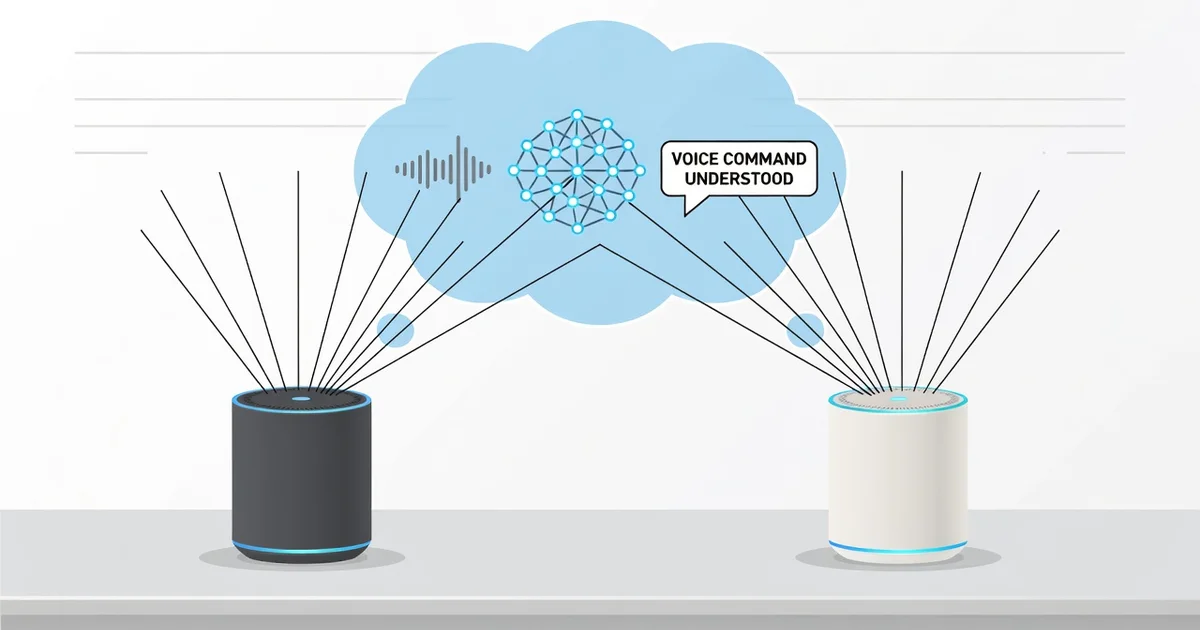
Smart speakers seem almost magical when they respond to a simple spoken request, but the real work happens through a carefully engineered system of hardware and software. At the center of it all are the microphones—small, sensitive components that capture your voice from across the room, even amid background noise.
Understanding how smart speakers use microphones to understand voice commands helps you get better results and make smarter choices about placement and privacy. In this article, we break down the process in clear, practical terms so you can use your device with confidence.
Introduction
Smart speakers have become commonplace in homes, offices, and even cars. You say a wake word like “Alexa,” “Hey Google,” or “Siri,” and within a second the device responds. But how does a small, affordable gadget pick your voice out of background noise, understand what you said, and act on it? The answer lies in a carefully engineered pipeline of microphones, signal processing, and cloud-based language models.
This article explores how smart speakers use microphones to understand voice commands with clear, practical guidance. Understanding the fundamentals of this technology helps you make informed decisions, whether you are buying a new speaker, troubleshooting one you already own, or simply curious about the privacy implications. Reliable information and consistent habits lead to better long-term outcomes, from improved accuracy to smarter placement and stronger privacy control.
We will cover the core concepts, a deep dive into the hardware and software stack, best practices for getting the most out of your device, a step-by-step action plan, and answers to common questions. By the end, you will know exactly what happens between your spoken words and the speaker’s response.
Key Concepts
To understand voice command recognition, you need a few foundational ideas. These concepts are not complicated, but they explain why your speaker sometimes hears you perfectly and sometimes does not.
Microphone arrays
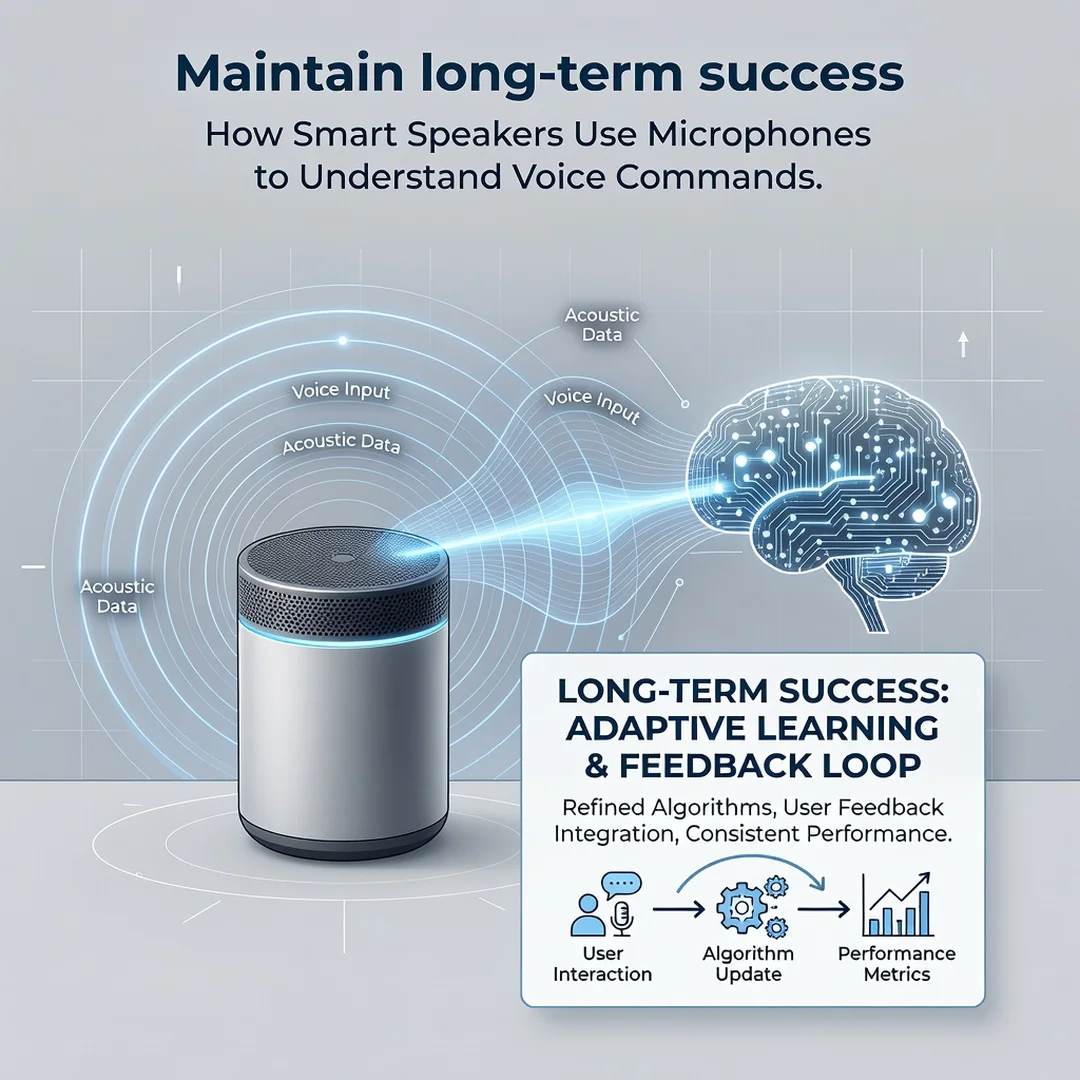
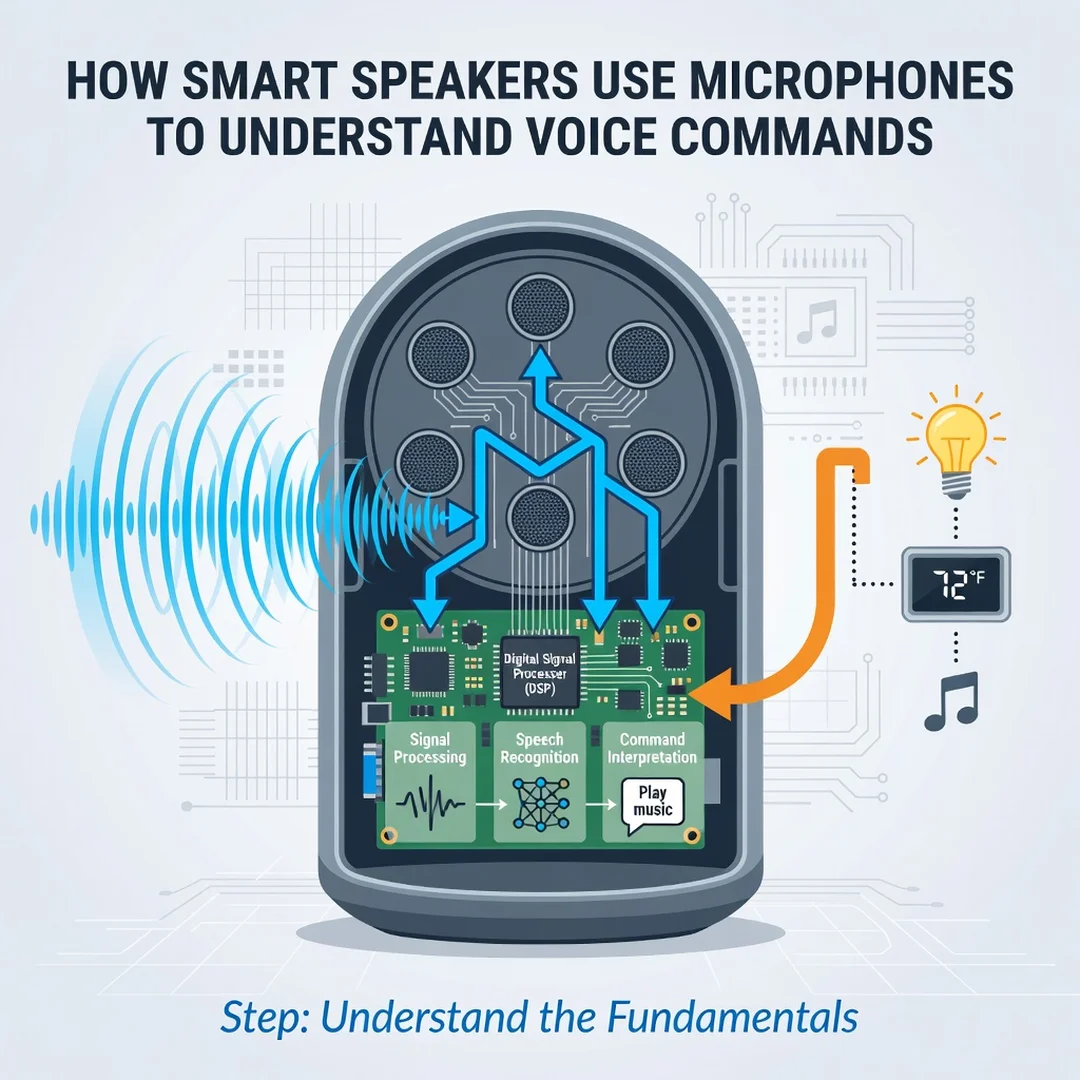
Most smart speakers use an array of two to seven microphones. A single microphone captures sound from all directions equally, which makes it hard to isolate a voice. An array uses the tiny differences in when each microphone hears the same sound to calculate where the sound came from. This process is called beamforming. The array effectively “steers” a listening beam toward the talker and reduces noise from other directions.
Far-field vs. near-field
Near-field audio means the microphone is close to your mouth, like a phone held to your ear. Far-field audio means you are several feet away, often with background noise, echo, and furniture in between. Smart speakers are designed for far-field. That is why they include arrays, echo cancellation, and noise suppression rather than a single cheap mic.
Wake word detection
The speaker does not send everything you say to the cloud. A small, low-power chip runs a wake word detector locally. It listens continuously for a specific pattern of sound—your chosen wake word. Only after detecting that pattern does the device start recording and transmitting your command. This local-first design saves bandwidth and improves privacy.
Automatic speech recognition (ASR)
Once the wake word triggers, the speaker streams the audio to a cloud service. ASR converts that audio into text. Modern ASR uses deep neural networks trained on millions of hours of speech in many accents and languages. It outputs the most likely words, often with confidence scores.
Natural language understanding (NLU)
Text alone is not enough. NLU figures out your intent. If you say “turn on the kitchen light,” the system identifies the action (turn on), the object (light), and the location (kitchen). It then maps that intent to a command for your smart home device or a search query.
Text-to-speech (TTS)
The response you hear—”OK, turning on the kitchen light”—is generated by TTS. The cloud or on-device engine converts text back into natural-sounding audio. This closes the loop.
Deep Dive
Now let’s follow a single voice command from the moment you speak to the moment the speaker responds. This deep dive reveals the engineering that makes the magic feel instant.
1. Sound capture and analog-to-digital conversion
Each microphone in the array converts sound waves into analog electrical signals. An analog-to-digital converter (ADC) samples those signals thousands of times per second. The result is a digital stream of numbers representing air pressure changes over time. Each microphone produces its own stream, and they are synchronized.
2. Beamforming and noise suppression
The digital signal processor (DSP) compares the streams. If your voice arrives at microphone A a fraction of a millisecond before microphone B, the DSP knows you are closer to A. It combines the streams to amplify sounds coming from your direction and cancel sounds from others. This is beamforming. At the same time, noise suppression algorithms identify steady background sounds—fans, refrigerators, traffic—and reduce them. Echo cancellation removes the speaker’s own audio so it does not trigger itself.
3. Wake word engine
A dedicated, always-on chip runs a small neural network. It looks for the acoustic signature of “Alexa,” “Hey Google,” or “Computer.” This chip consumes very little power. When it detects the wake word with high confidence, it wakes the main processor. The device may play a chime or light up to indicate it is listening.
4. Cloud streaming and ASR
The speaker opens a secure connection to the cloud and streams the audio that follows the wake word. The cloud’s ASR system transcribes it. This step is computationally heavy, which is why it often happens remotely. Some newer devices perform limited ASR on-device for common commands, reducing latency and improving privacy.
5. Intent parsing and action
The transcript goes to an NLU engine. It parses grammar, resolves ambiguity, and checks context. For example, “turn it off” needs to know what “it” refers to—the last device you controlled. The system then calls the appropriate service: a smart home hub, a music streaming API, a weather service, or a search engine.
6. Response generation and TTS
The service returns a result. The system formats a response, converts it to speech with TTS, and streams it back to your speaker. Total round-trip time is typically under two seconds on a good internet connection.
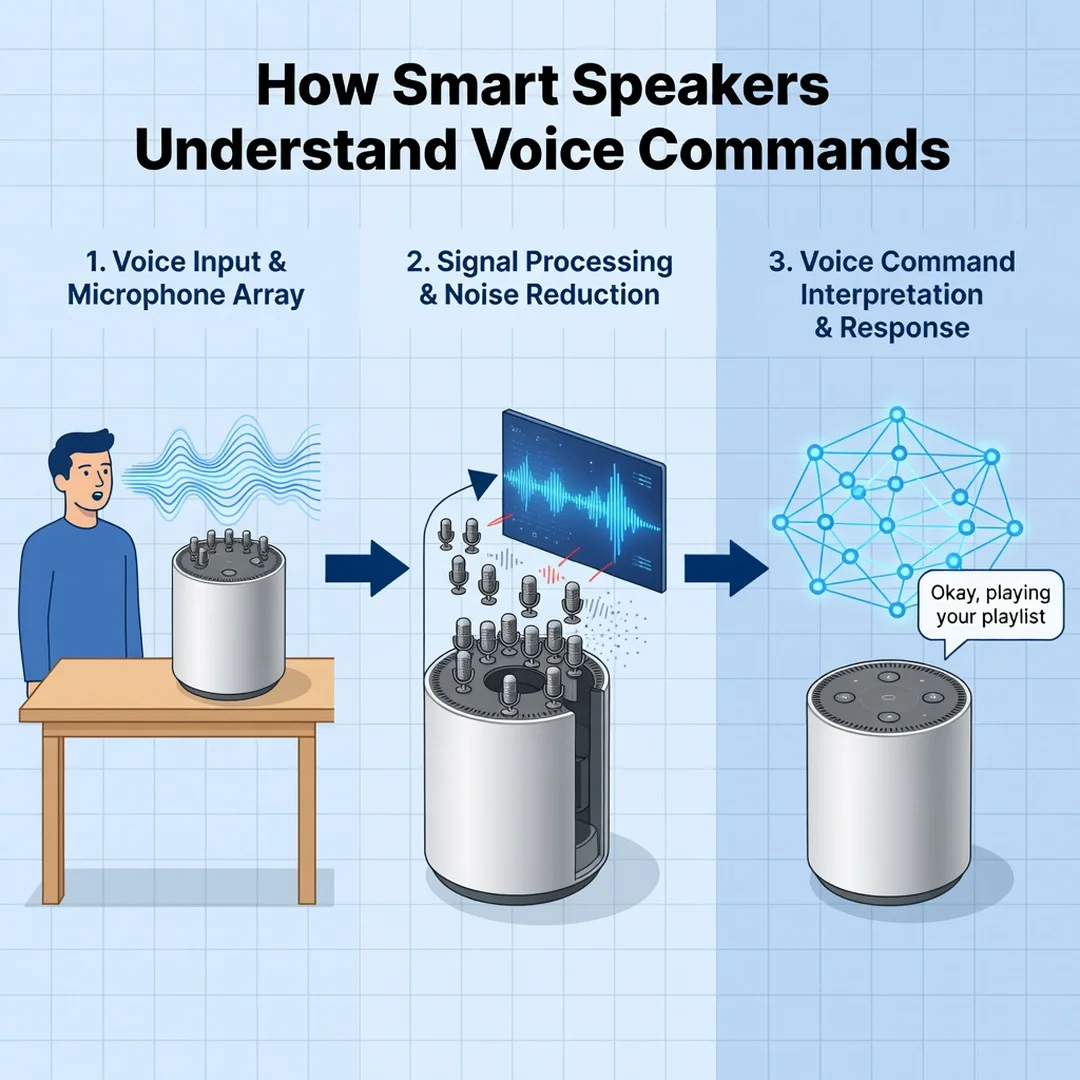
7. Continuous improvement
Each interaction—anonymized and with your permission—can be used to retrain models. This is why accuracy improves over time. It also means your habits and accent influence future performance.
Best Practices
You do not need to be an engineer to get better results. These practical habits help your smart speaker hear you clearly and respond correctly.
- Place the speaker centrally. Microphone arrays work best when they have a clear line of sight to where you usually stand. Avoid corners, cabinets, and spots behind furniture.
- Keep it away from noise sources. Do not put the speaker next to a TV, air conditioner, or running dishwasher. Beamforming helps, but it is not magic.
- Reduce echo. Hard floors and bare walls reflect sound. Rugs, curtains, and soft furniture absorb echoes and improve recognition.
- Speak naturally but clearly. You do not need to shout. Over-enunciating can actually hurt accuracy. Use a normal conversational pace.
- Use the wake word consistently. Say the wake word, pause briefly, then give your command. This gives the device a clean trigger point.
- Update firmware. Manufacturers regularly improve noise suppression and wake word detection. Enable automatic updates.
- Train your voice profile. Many platforms let you create a voice match. This helps distinguish your voice from others and improves personalization.
- Review privacy settings. You can often disable voice recording storage or delete past recordings. Decide what trade-off between convenience and privacy works for you.
- Use a wired or strong Wi-Fi connection. Cloud processing requires reliable internet. A weak signal causes delays and dropped commands.
Step-by-Step Guide
Follow these steps to understand your smart speaker’s microphone system and get the most reliable performance.
Step 1: Understand the fundamentals
Start by learning the basic components: microphone array, beamforming, wake word engine, ASR, NLU, and TTS. Read your device’s manual or support page. Know how many microphones it has and whether it supports far-field voice. This knowledge helps you troubleshoot later.
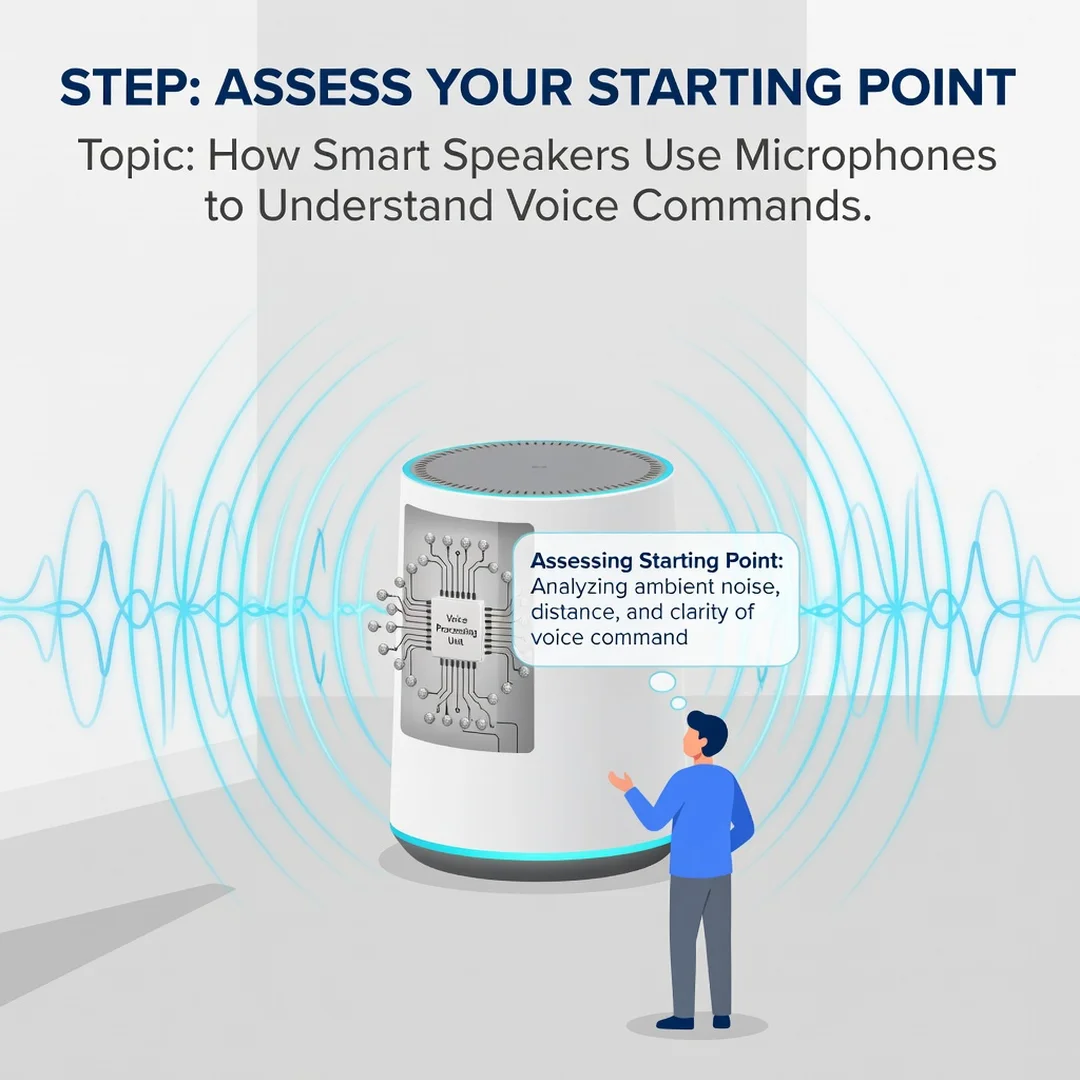
Step 2: Assess your starting point
Test your current setup. Stand where you normally use the speaker and issue five common commands. Note which ones fail. Try from different distances and angles. Check for background noise at different times of day. Write down patterns. This baseline tells you where the weak points are.
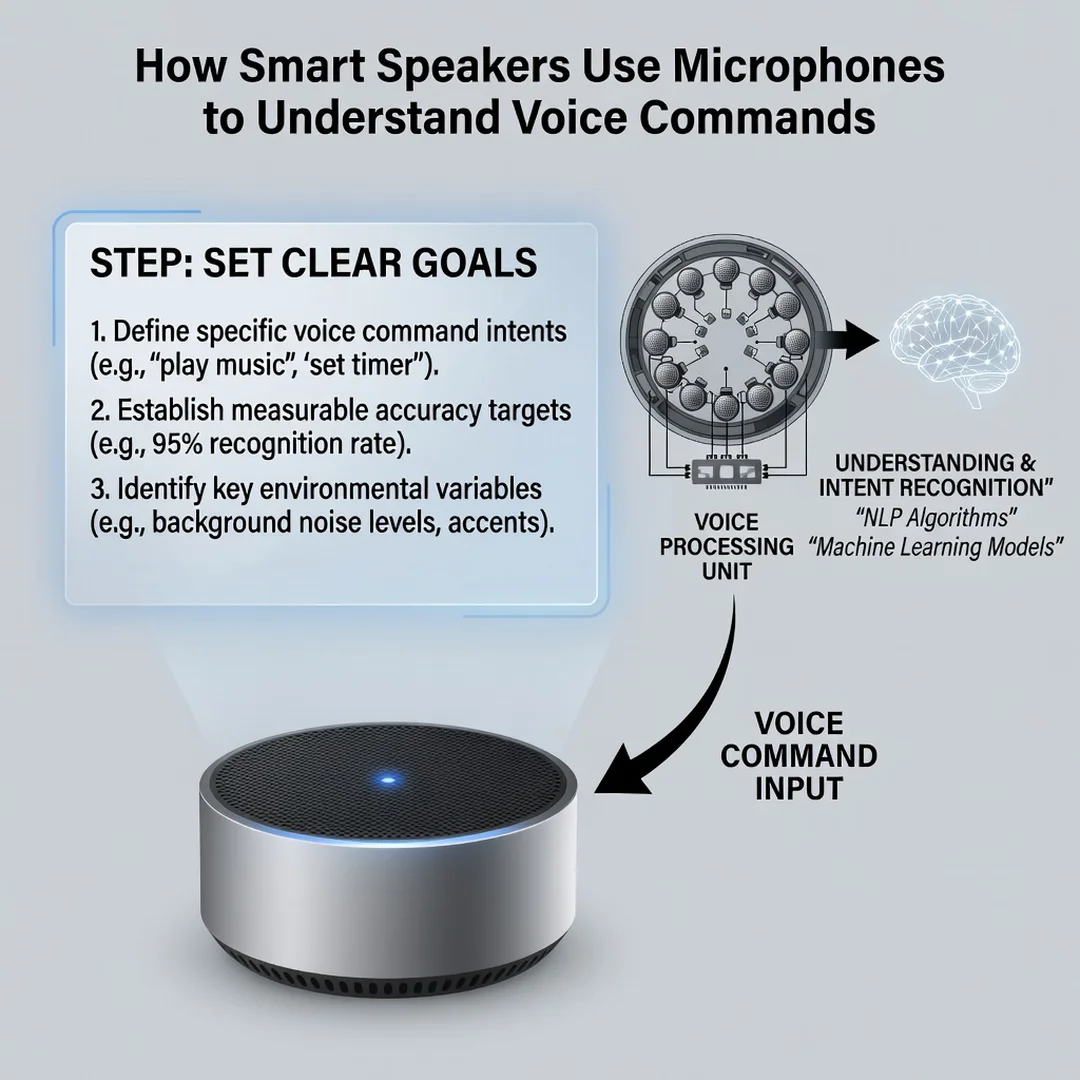
Step 3: Set clear goals
Decide what “good” looks like for you. Do you want hands-free control from across the room? Do you need it to work over music? Do you want to reduce accidental triggers? Specific goals, like “respond correctly 9 out of 10 times from 10 feet away,” give you a measurable target.
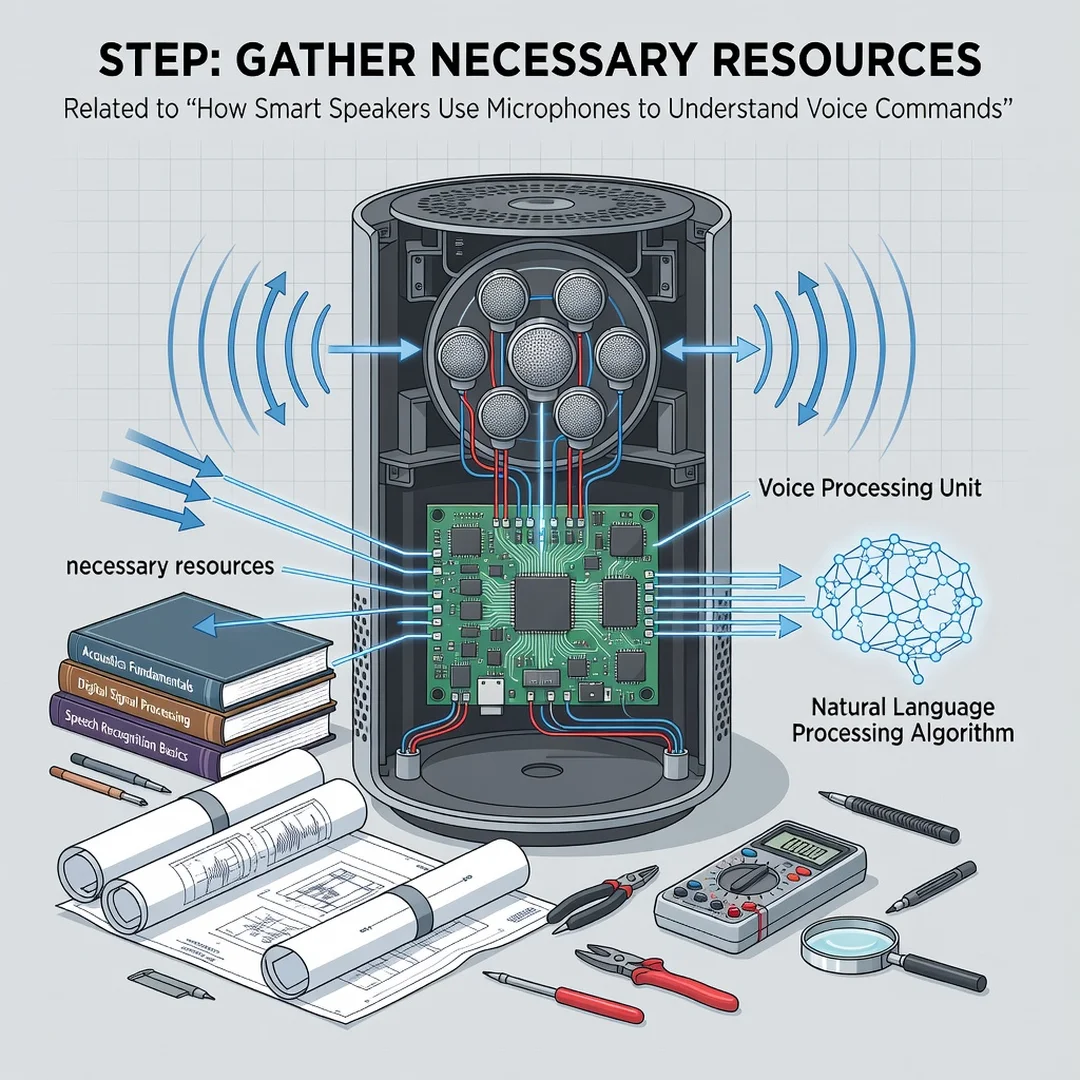
Step 4: Gather necessary resources
Collect what you need to improve performance. This may include a Wi-Fi extender, a rug or acoustic panels, a power strip for better placement, and access to your speaker’s app settings. Also gather your device’s support documentation and community forums where users share solutions.
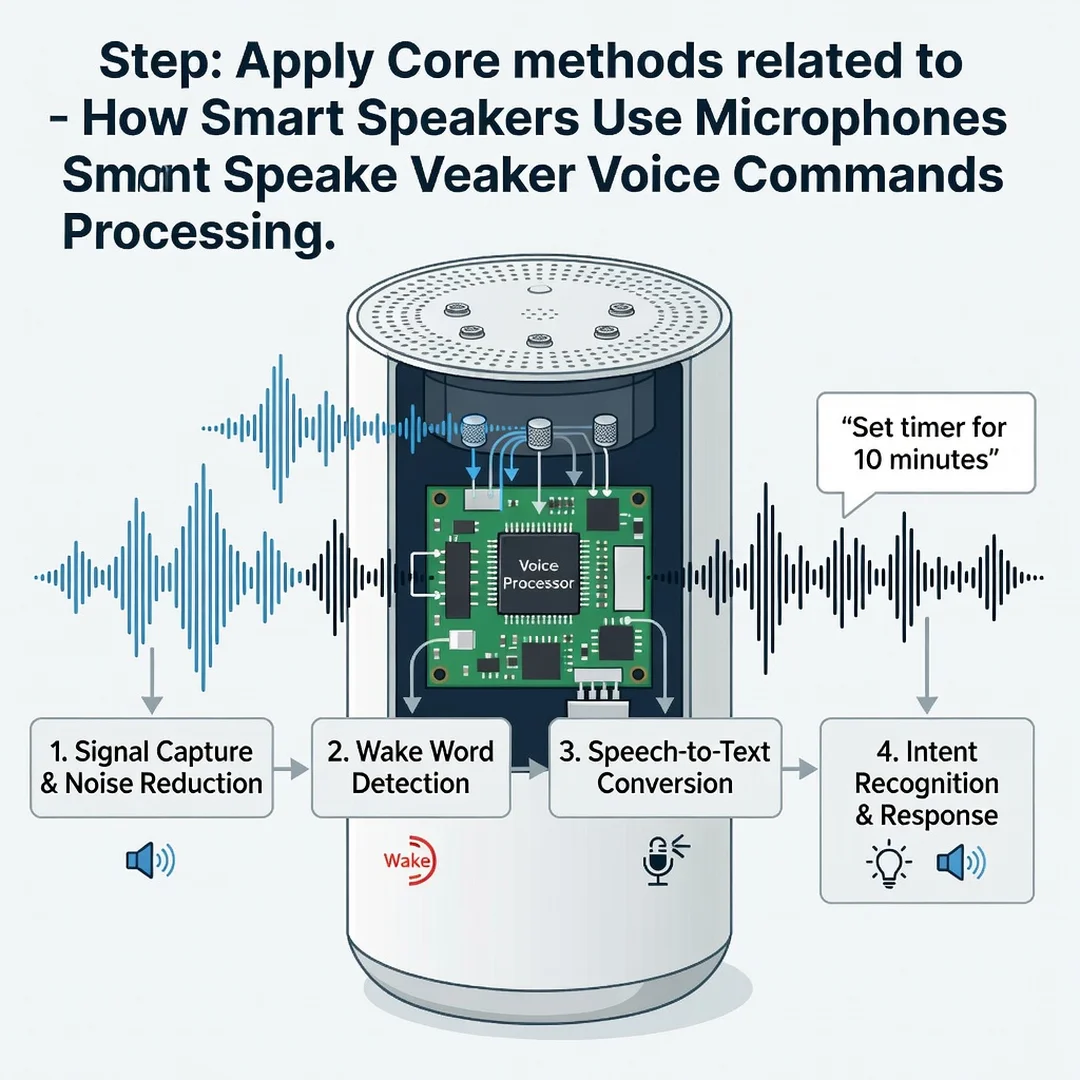
Step 5: Apply the core methods
Now make changes. Reposition the speaker to a central, open location. Remove nearby noise sources. Add soft furnishings to reduce echo. Update firmware. Enable voice match if available. Adjust the wake word sensitivity in the app if your device offers it. Test after each change so you know what worked.
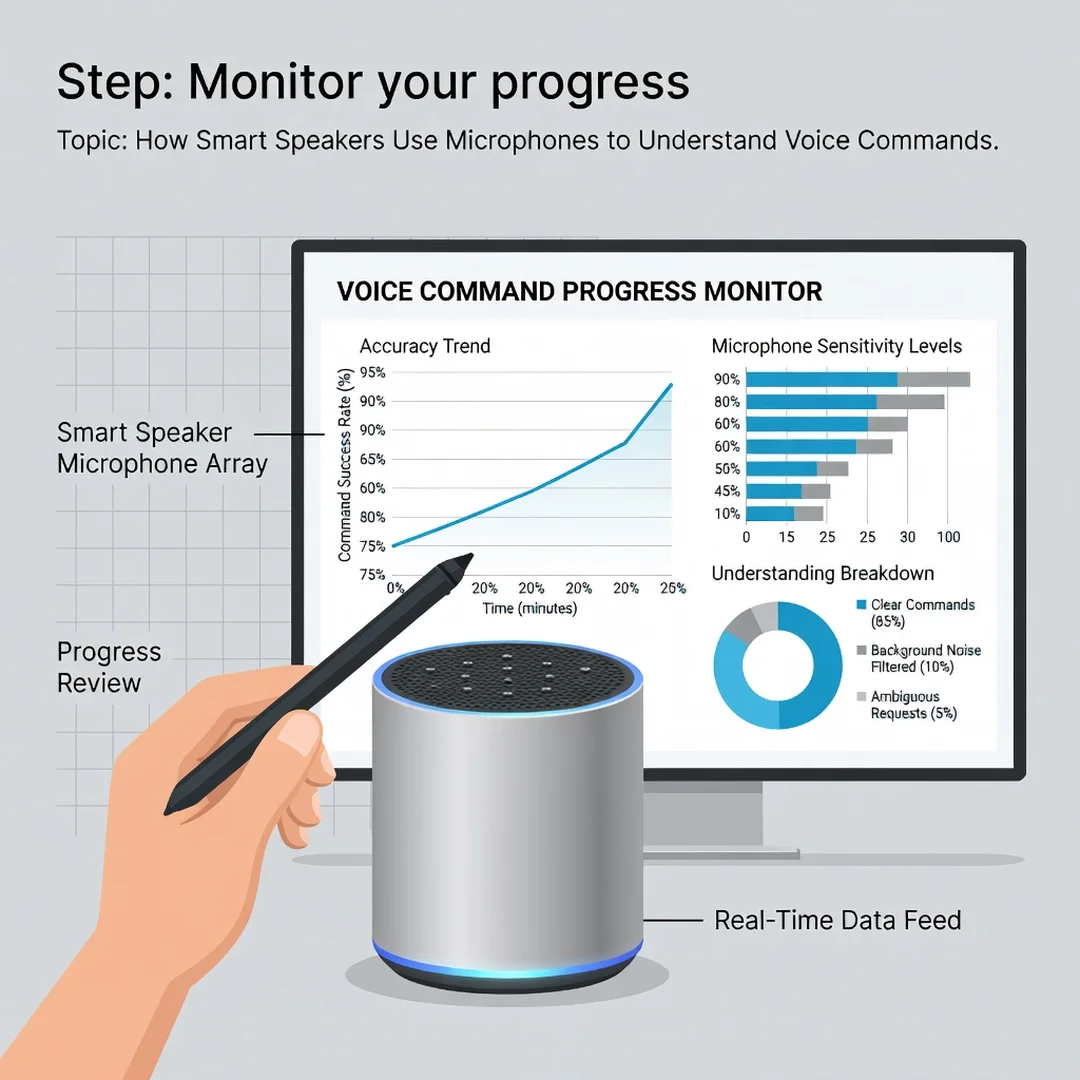
Step 6: Monitor your progress
Keep testing weekly with the same five commands. Track success rate. Note any new sources of interference, like a new appliance or a moved router. Revisit your goals. If performance is still poor, consider a device with more microphones or a newer processing chip. Consistent monitoring turns a one-time fix into a lasting improvement.
FAQ
What should I know about How Smart Speakers Use Microphones to Understand Voice Commands?
You should know that the process has three main stages: capture, interpretation, and response. Microphone arrays capture sound and use beamforming to focus on your voice. A local wake word chip detects the trigger phrase. Then cloud-based ASR and NLU convert your speech to text and extract intent. Finally, TTS generates a spoken reply. Knowing this pipeline helps you understand why placement, noise, and internet speed matter so much. It also clarifies privacy: audio is only sent after the wake word, and you can often control whether recordings are stored. The most important takeaway is that reliable performance comes from good hardware, good placement, and good habits—not from any single trick.
Who is this guide for?
This guide is for anyone who owns or plans to buy a smart speaker and wants to understand how it hears and understands commands. It is written for general readers, not engineers.
You now have a solid foundation for How Smart Speakers Use Microphones to Understand Voice Commands. Apply the best practices above and revisit this guide as your needs evolve.