Have you ever put on headphones and felt like you were sitting in a concert hall or standing in a rainstorm? That immersive sensation is the magic of binaural audio, a recording technique that recreates three-dimensional sound using just two microphones. Unlike standard stereo, which simply splits sound left and right, binaural audio captures sound the way your ears actually hear it.
In this article, we’ll explain what binaural audio is, how it tricks your brain into perceiving direction and distance, and why it’s transforming virtual reality, gaming, and music. You’ll also learn practical ways to experience it for yourself—no special equipment required beyond a pair of headphones.
Introduction
Put on a pair of headphones and listen to a well-made binaural recording. You might hear a match being struck just behind your left ear, a whisper circling your head, or footsteps approaching from a distance and stopping inches from your face. Nothing is actually moving around you — the illusion lives entirely inside two speakers pressed against your ears. That illusion is binaural audio, and it is one of the most convincing tricks our sense of hearing can be fooled by.
Binaural audio matters far beyond novelty recordings. Virtual reality developers, game designers, filmmakers, audiobook producers, and even therapists use it to create spatial experiences that feel real. For everyday listeners, understanding how it works helps you choose better headphones, find higher-quality content, and get more out of the immersive media you already enjoy. This article explores what binaural audio is and how it creates 3D sound, with clear, practical guidance you can apply the next time you press play.
Key Concepts
To understand binaural audio, you first need to understand how human hearing locates sound in three-dimensional space. Your brain does not receive a simple left-or-right signal from your ears. It receives two subtly different signals and compares them constantly.
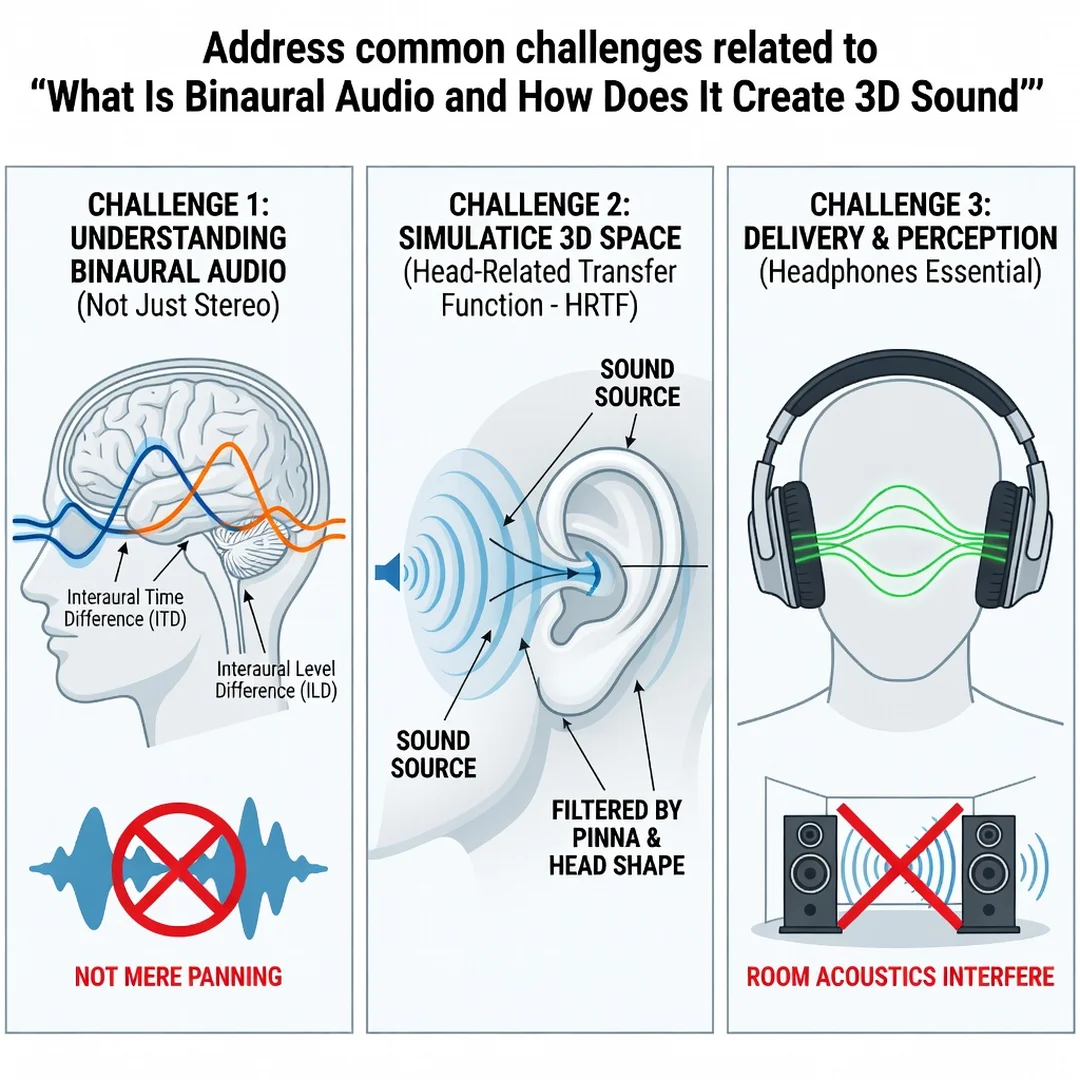
Interaural Time Difference (ITD)
When a sound originates to your right, it reaches your right ear slightly before your left ear. That difference is measured in microseconds — millionths of a second — but your auditory system detects it with remarkable precision. Sounds arriving from the side create the largest time gap; sounds directly in front or behind create almost none.

Interaural Level Difference (ILD)
Your head is a physical obstacle. A sound coming from your right arrives at your left ear quieter because your head blocks and absorbs some of its energy. This loudness difference, called the interaural level difference, is most pronounced for high-frequency sounds, which are easier to block than low frequencies.
Head-Related Transfer Function (HRTF)
The shape of your outer ears, head, and torso filters incoming sound in ways unique to you. These anatomical features create subtle peaks and dips in the frequency spectrum depending on where a sound comes from. The combined effect is called your head-related transfer function, or HRTF. It is the reason you can tell whether a sound is above you or below you, in front of you or behind you — distinctions that time and loudness differences alone cannot explain.
How Binaural Recording Works
Traditional stereo recording uses spaced microphones to capture a left and right channel. Binaural recording instead places two tiny microphones inside the ear canals of a dummy head — often called a Neumann KU 100 or a similar binaural head — or inside a real person’s ears. Because the microphones sit where your eardrums would be, they capture the exact time, level, and HRTF filtering that a human listener would experience. When you play that recording through headphones, your brain receives the same cues it would have received in the original space. The result is a vivid, externalized 3D soundstage.
The critical caveat: binaural audio is designed for headphones. Played through loudspeakers, the carefully crafted cues cross over and interfere with each other, and the illusion largely collapses. Understanding the fundamentals of binaural audio helps you make informed decisions about when and how to use it.
Deep Dive
Binaural audio comes in two broad forms: recordings made with a physical binaural microphone setup, and simulations created in software. Both aim to deliver the same perceptual result, but they get there differently.
Physical Binaural Recording
Capturing true binaural audio requires either a dummy head with microphones in its ears or in-ear microphones worn by a person. This approach excels at capturing real acoustic spaces — a concert hall, a forest, a busy street — with an authenticity that is hard to fake. The trade-off is inflexibility: you cannot reposition a sound after recording, and the resulting HRTF belongs to the dummy head or the individual wearer. If your ears differ significantly from theirs, the externalization can feel slightly off, which is why some listeners report that certain binaural recordings sound like the audio is “inside the head” rather than around it.
Simulated Binaural Audio
Software-based binaural rendering takes a mono or multichannel audio source and applies mathematical HRTF filters to position it anywhere in a virtual sphere around the listener. Video games, VR applications, and immersive audio workstations use this technique because it lets developers move sounds dynamically in real time. When you turn your head in a VR headset, the game engine recalculates the HRTF filtering dozens of times per second, keeping the sound anchored to the virtual world.
Most simulated binaural systems use a generic HRTF — an average derived from many people. This works reasonably well for most listeners, but it is never a perfect match for anyone. Some platforms now let users select from multiple HRTF profiles or even scan their own ears with a phone camera to generate a personalized filter. Personalization noticeably improves front-back accuracy and externalization, which is why it is one of the fastest-growing areas in spatial audio.
Binaural Beats Are Not Binaural Audio
A common point of confusion: “binaural beats” are an entirely different phenomenon. They involve playing two slightly different pure tones, one in each ear, so the brain perceives a rhythmic pulse at the difference frequency. Binaural beats are a neurological curiosity used in some relaxation and focus audio. They have nothing to do with spatial sound or 3D positioning, despite sharing the word “binaural,” which simply means “relating to both ears.”
Why It Feels Real
The magic of binaural audio lies in cue completeness. Stereo panning gives you left and right, but binaural audio also supplies elevation, front-back placement, and distance. Your brain evolved to navigate a three-dimensional world, and it interprets these cues automatically. When the cues are coherent, you do not consciously process them — you simply experience a sound as being “over there.” That automatic, pre-conscious interpretation is what makes binaural audio so powerful and so different from conventional surround sound.
Best Practices
Getting the most from binaural audio is mostly about matching the content to the right playback setup and training your ears to notice what is happening. Reliable information and consistent habits lead to better long-term outcomes, whether you are a casual listener or a professional mixing spatial content.
- Always use headphones. Over-ear models generally outperform earbuds because they interact with the outer ear more naturally. Avoid heavy bass-boost processing, which can smear the subtle HRTF cues.
- Choose the right content. Look for recordings explicitly labeled “binaural” or “spatial audio.” Standard stereo files upmixed by a phone or laptop rarely produce convincing 3D results.
- Consider a personalized HRTF. If your platform offers ear-scanning or profile selection, use it. It is the single biggest upgrade for simulated binaural audio.
- Mix at moderate levels. Binaural cues are fragile. Listening too loudly activates protective reflexes that reduce your sensitivity to fine timing and frequency detail.
- Give it time. Externalization can take a few minutes to “lock in.” Listen to a full demo track rather than judging in the first ten seconds.
- For creators: keep elevation and distance honest. Overusing extreme cues makes the effect fatiguing. Use subtle movement and let silence do work too.
Step-by-Step: Getting Started with Binaural Audio
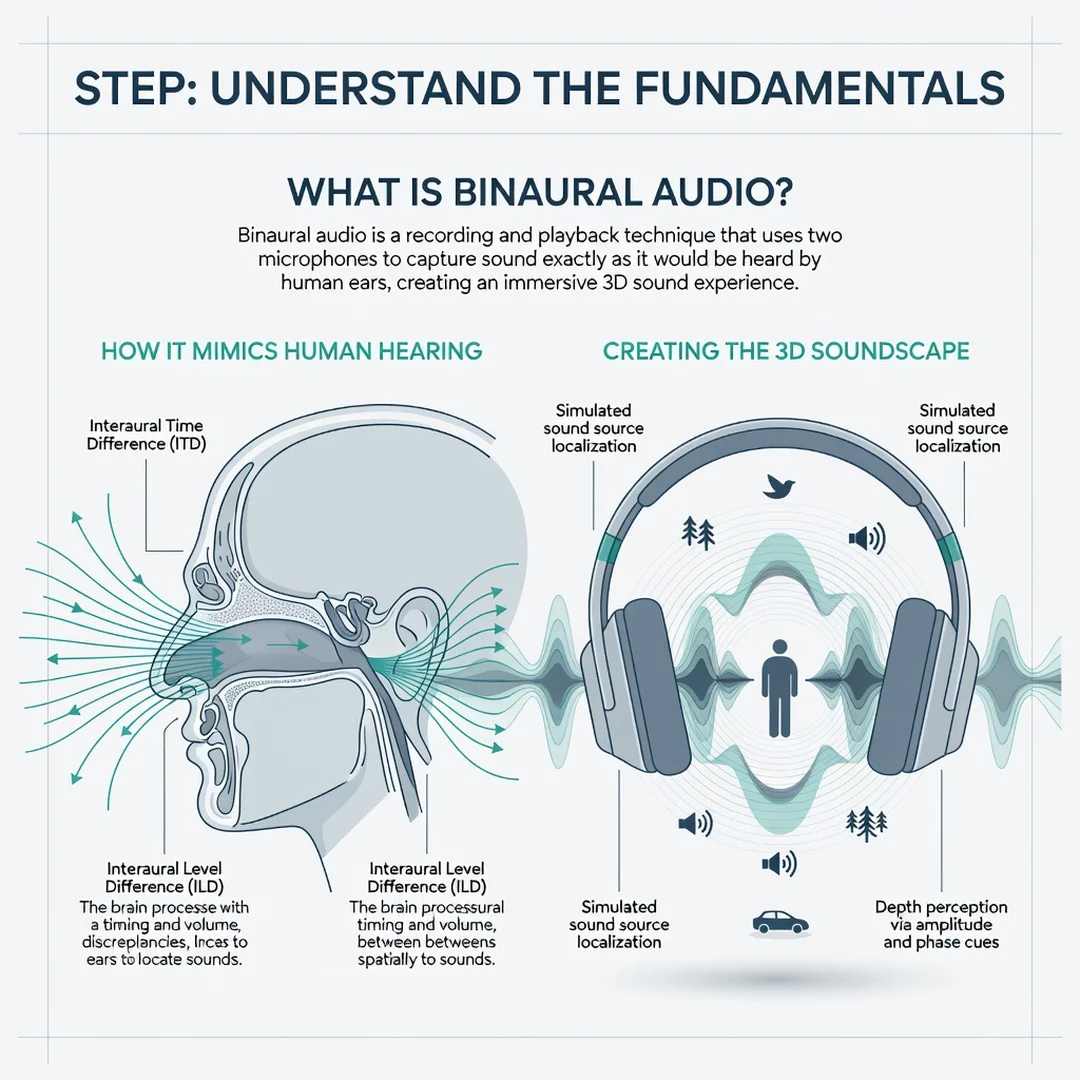
Step 1: Understand the fundamentals
Before you buy anything or download software, spend an hour learning the core concepts. Read about ITD, ILD, and HRTF. Watch or listen to a few well-known binaural demo recordings, such as the classic virtual barbershop or binaural rain and city recordings. The goal is to train your ear to recognize the difference between ordinary stereo and true spatial audio.
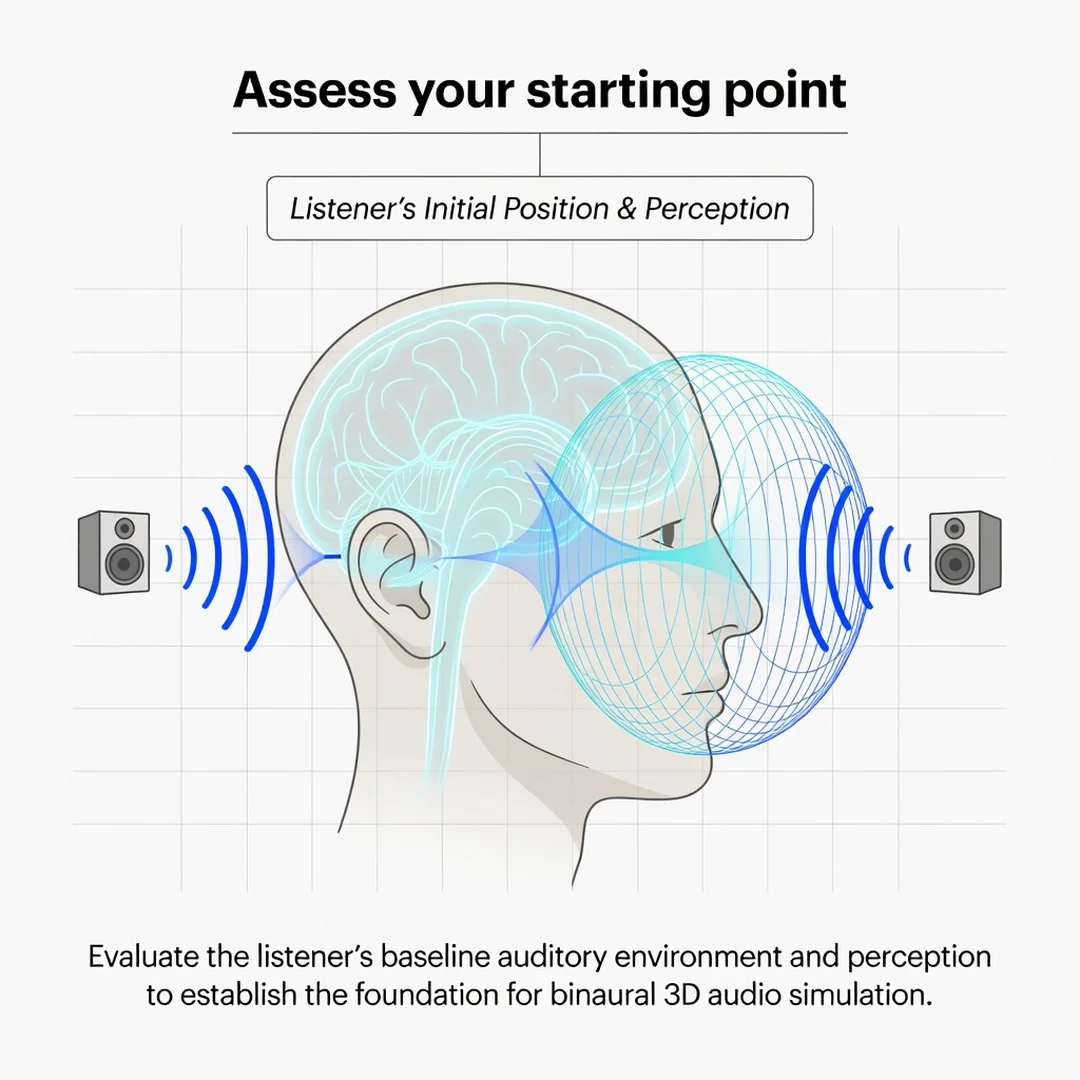
Step 2: Assess your starting point
Look at what you already own. Do you have a decent pair of over-ear headphones? Is your media player set to output stereo without extra effects? Check whether your favorite streaming service or game supports spatial audio formats. Write down your current setup honestly — a laptop with generic earbuds will produce very different results from a dedicated headphone amp and open-back headphones.
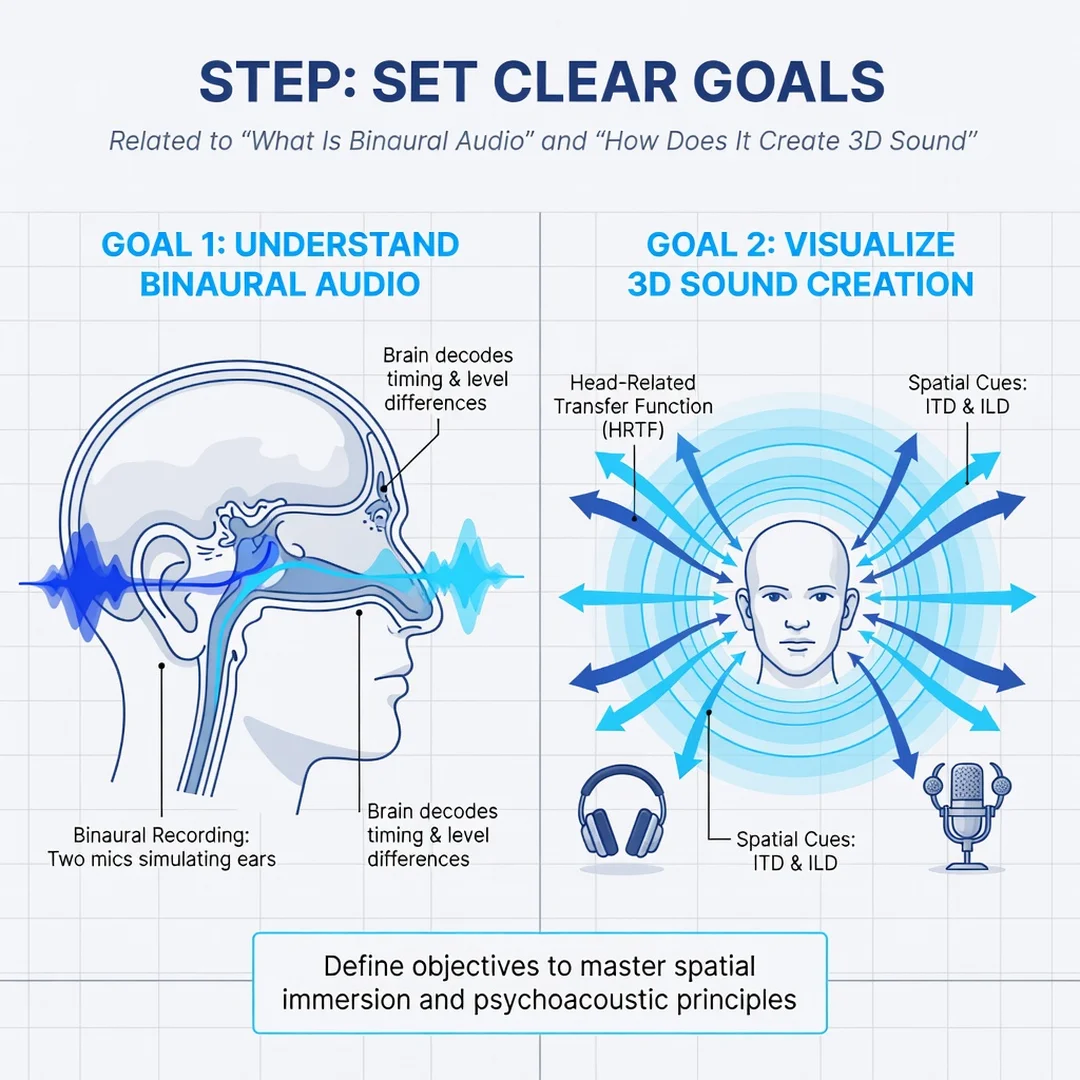
Step 3: Set clear goals
Decide what you actually want. Are you a casual listener curious about immersive music? A gamer wanting a competitive advantage in locating footsteps? A content creator planning to record or mix binaural material? Each goal points to different tools and different levels of investment. A clear goal prevents you from overspending on gear you will not use.
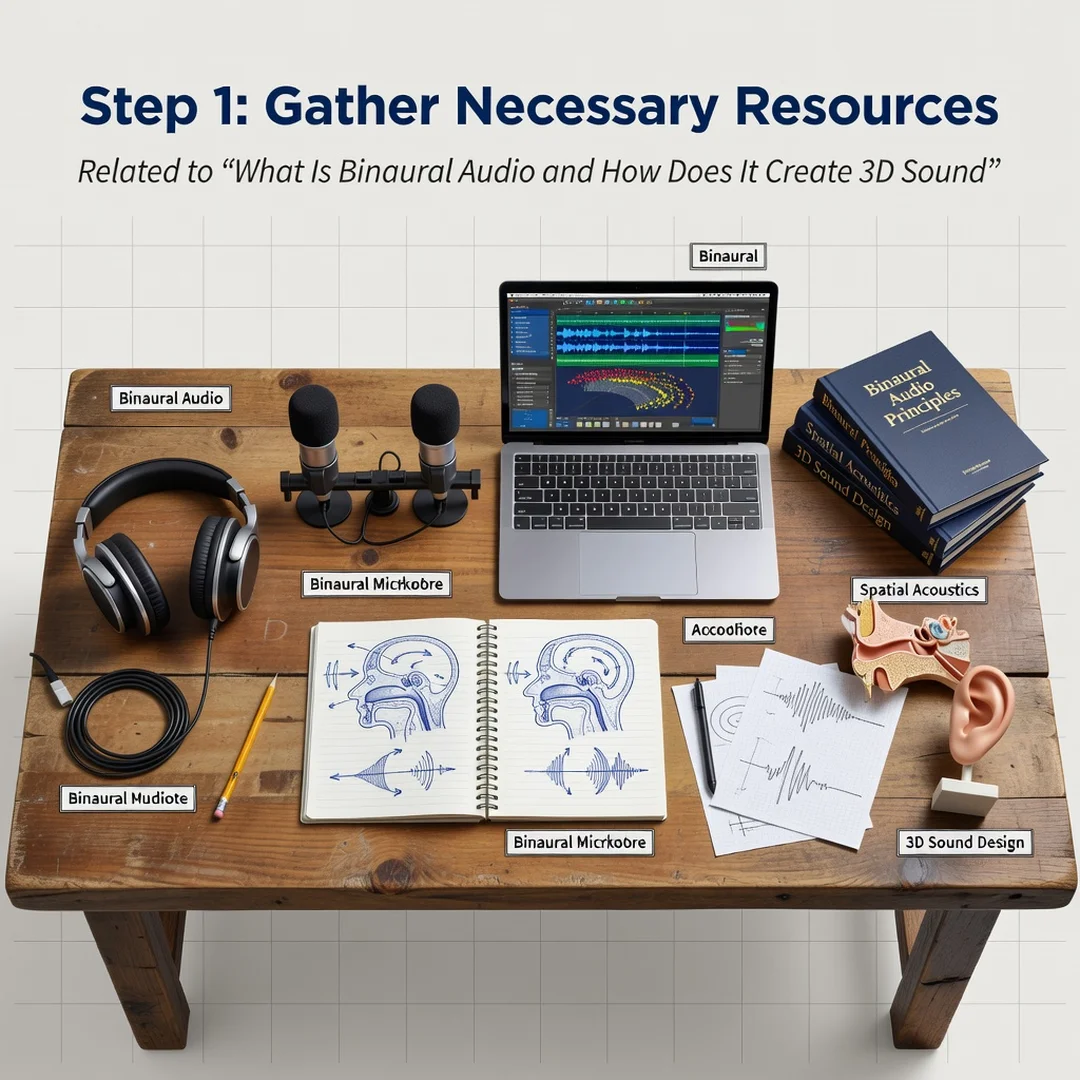
Step 4: Gather necessary resources
For listeners, this means a compatible streaming service, a set of neutral-sounding headphones, and a quiet space. For creators, it means a binaural microphone or an in-ear microphone pair, a digital audio workstation with spatial audio plugins, and reference recordings to compare against. Free tools exist for simulation, so start there before committing to hardware.
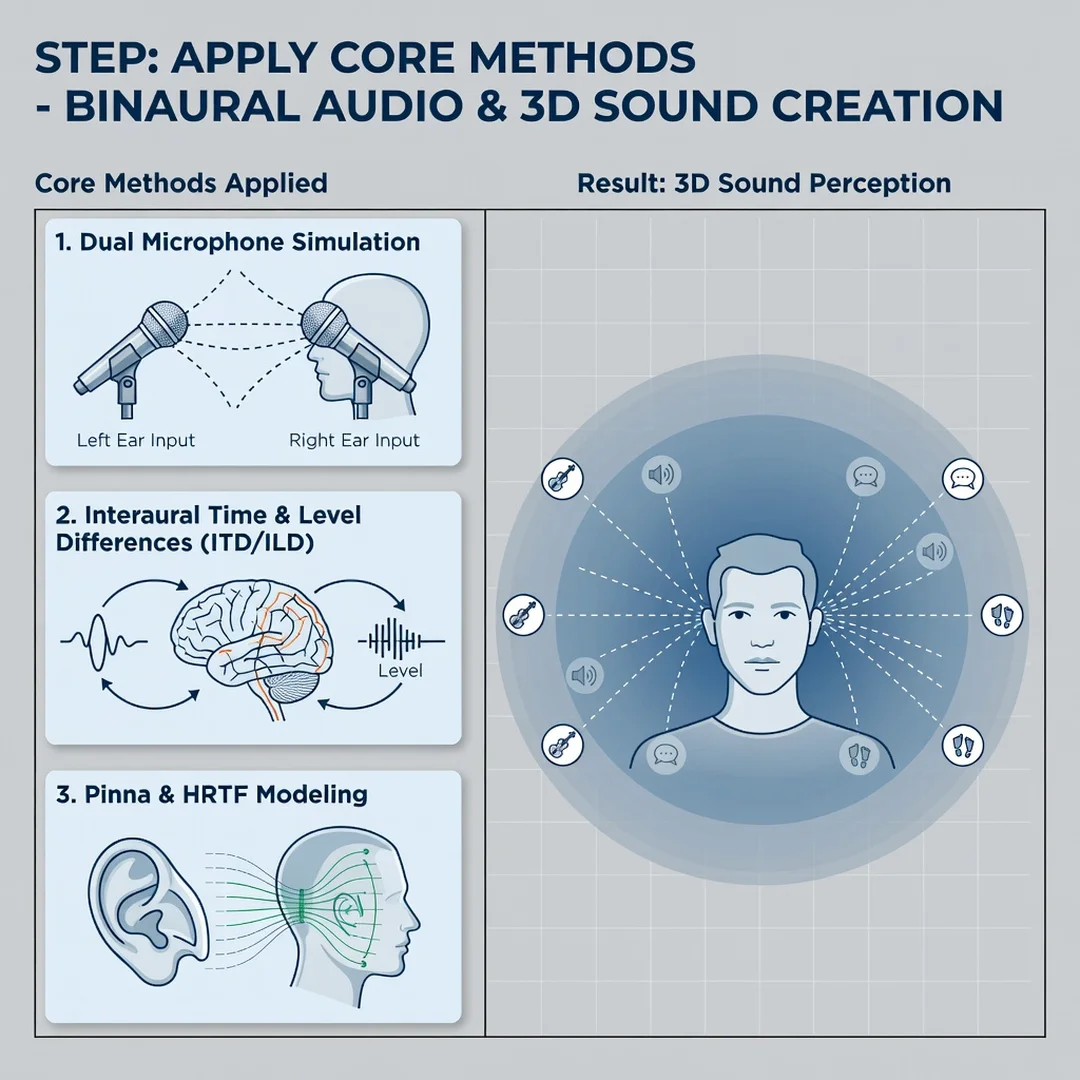
Step 5: Apply the core methods
Listen actively. Pick three binaural demo tracks and, for each, try to identify the location of every sound element — left, right, front, back, above, below. Then switch to simulated binaural content, such as a VR app or a spatial audio film mix, and notice how the cues differ from physical recordings. If you are creating, begin by rendering a simple mono source through an HRTF plugin and pan it slowly around the listener in a circle. Small, deliberate experiments teach more than ambitious first projects.
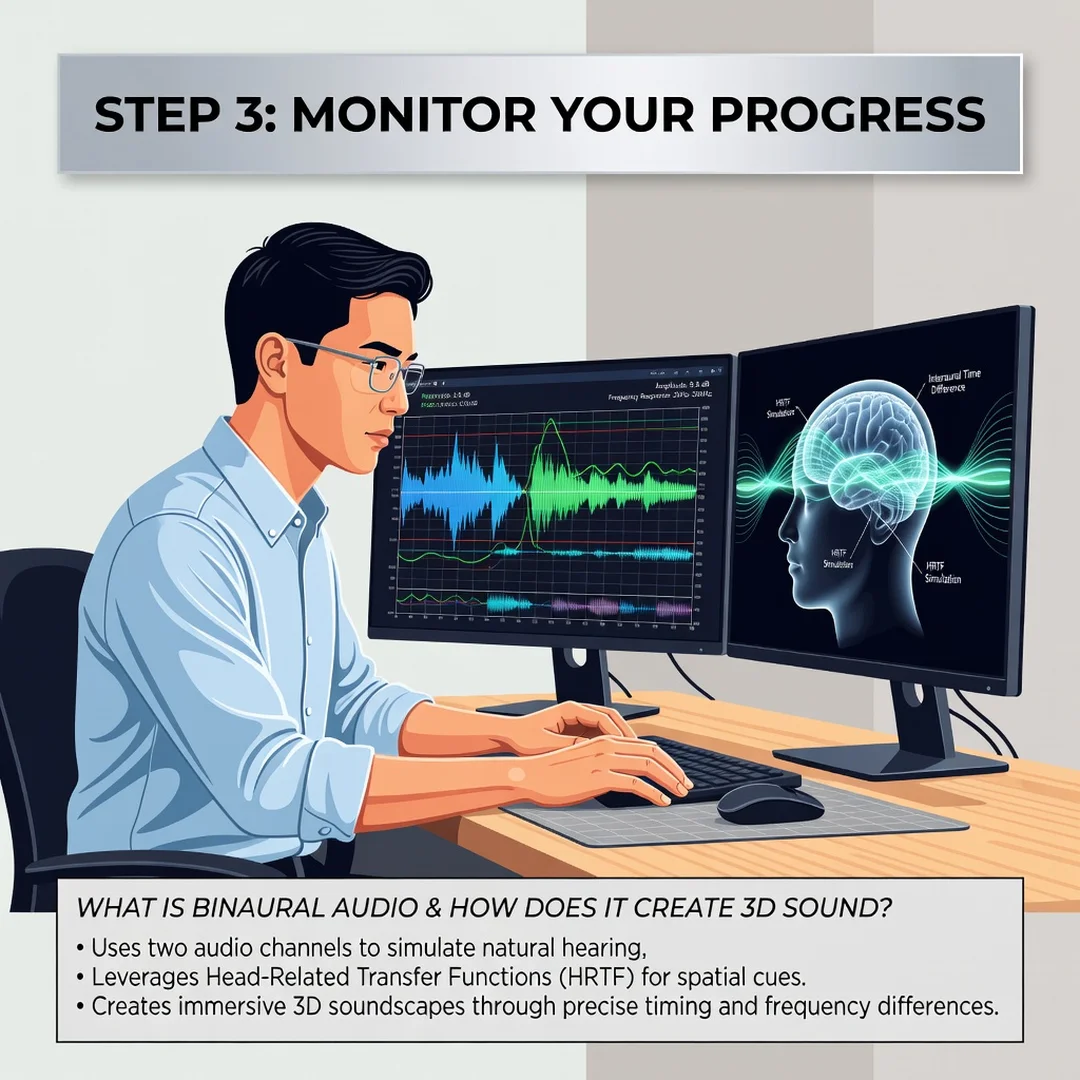
Step 6: Monitor your progress
Keep a short listening log. Note which recordings externalize well for you and which do not, what equipment you used, and any settings you changed. Over weeks, patterns will emerge: you may discover that a particular HRTF profile or headphone model suits you best. This feedback loop turns casual listening into genuine skill, and it is the difference between hearing binaural audio and truly perceiving it.
FAQ
What should I know about What Is Binaural Audio and How Does It Create 3D Sound?
You now have a solid foundation for What Is Binaural Audio and How Does It Create 3D Sound. Apply the best practices above and revisit this guide as your needs evolve.