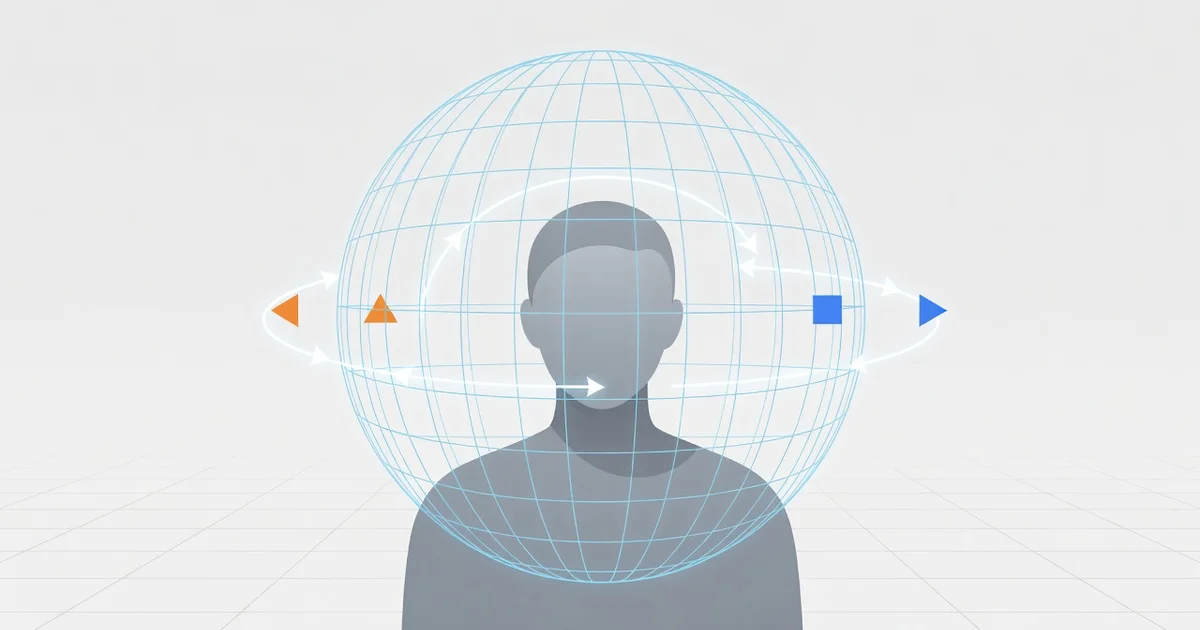
Have you ever turned your head while wearing headphones and felt like the music stayed fixed in front of you — or worse, followed you around? That odd sensation is exactly what head tracking in spatial audio is designed to solve. Instead of letting sound sit flat inside your ears, head tracking anchors audio to the world around you, creating a realistic, theater-like experience.
In this article, we explain what head tracking in spatial audio is, how sensors and motion data work together to reposition sound in real time, and why it matters for movies, games, and virtual meetings. You will also learn which devices support it and how to enable it for the best listening experience.
Introduction
Spatial audio creates the illusion that sound surrounds you from all directions, not just from the left and right speakers or earbuds. Head tracking takes that experience a step further by detecting how your head moves and adjusting the sound field in real time so the audio stays anchored to the world around you rather than to your ears. This article explores What Is Head Tracking in Spatial Audio and How Does It Work with clear, practical guidance, so you can understand both the technology and how to use it well.
Imagine sitting in a virtual concert hall. Without head tracking, turning your head makes the entire orchestra rotate with you, which feels unnatural because the stage should stay in front of you. With head tracking, when you turn left, the sound of the violins shifts slightly to your right, just as it would in a real room. That subtle cue is what makes spatial audio feel believable instead of merely wide or echoey.
Head tracking has moved from expensive research labs into everyday devices like wireless earbuds, VR headsets, smart speakers, and even some laptops. Understanding how it works helps you decide whether you need it, which product to buy, and how to configure it for music, movies, games, or calls. Reliable information and consistent habits lead to better long-term outcomes, whether you are a casual listener or a professional mixing engineer.
Key Concepts
To make sense of head tracking, it helps to separate a few core ideas. Each one plays a role in how the final listening experience feels.
- Spatial audio: Any system that places sounds in a three-dimensional space around the listener, often using object-based formats rather than fixed channels. Instead of sending audio to a left or right speaker, the system describes where a sound should appear in 3D space.
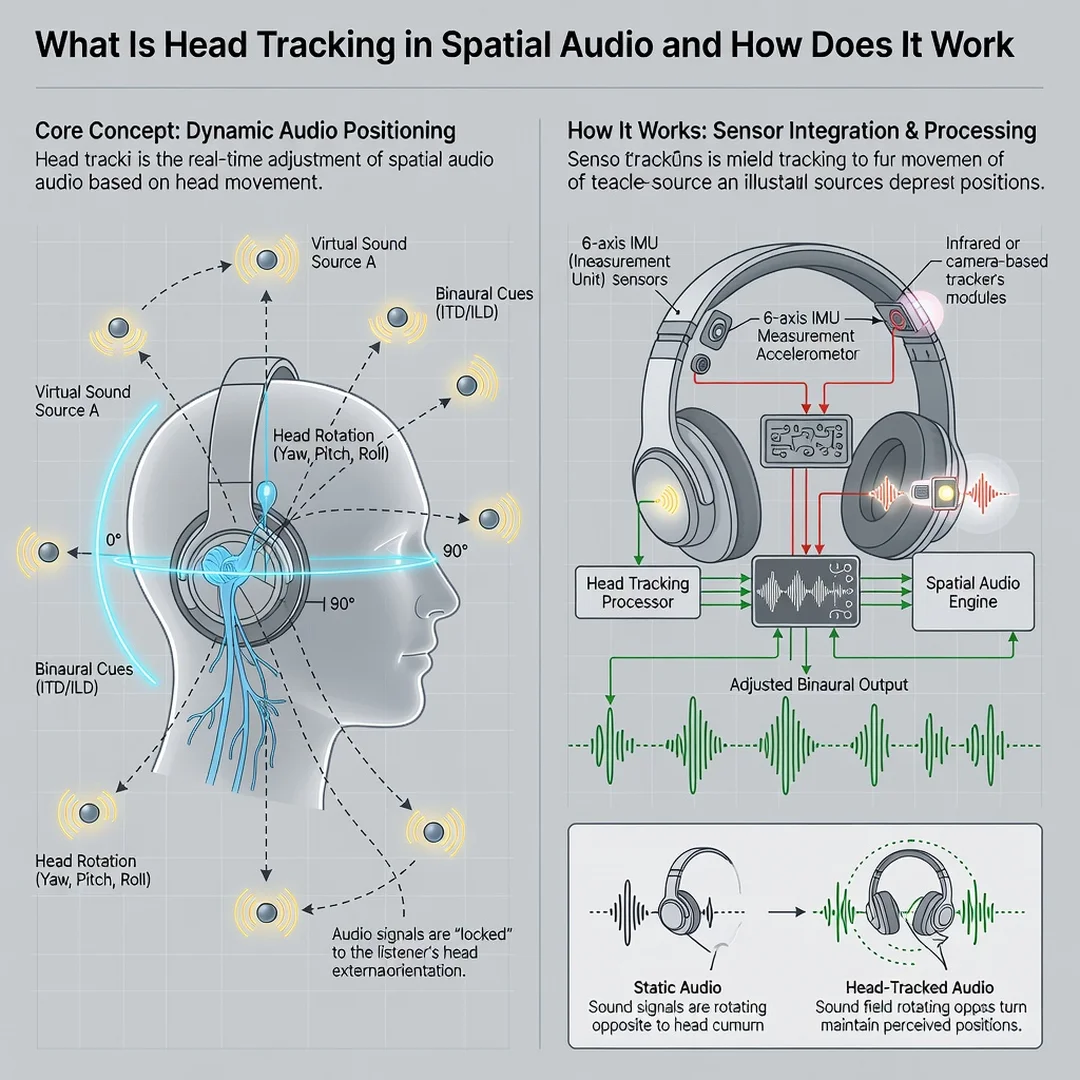
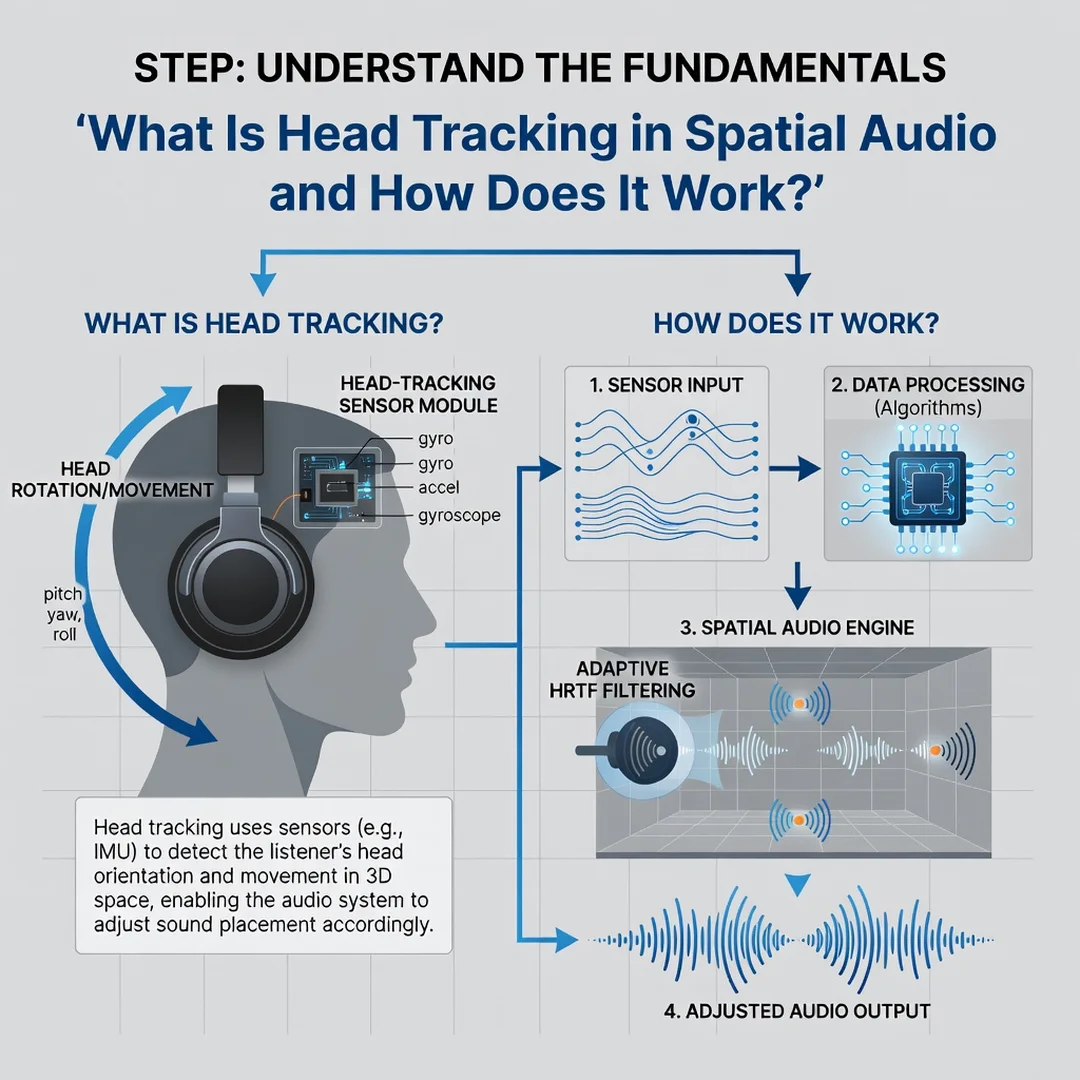
- Head tracking: The use of sensors to measure the orientation and movement of your head — typically yaw (turning left and right), pitch (tilting up and down), and roll (tilting side to side) — and to feed that data to the audio engine many times per second.
- Head-related transfer function (HRTF): A personalized or generic set of filters that mimic how your head, ears, and torso shape sound depending on the direction it comes from. HRTF is what makes a sound seem to come from behind you or above you.
- Sensor fusion: Combining data from accelerometers, gyroscopes, and sometimes magnetometers to estimate head orientation accurately without drift. This is the same basic technology used in smartphones and VR controllers.
- Latency: The delay between your head movement and the audio adjustment. Low latency, usually under 20 milliseconds, is essential for a convincing, non-nauseating experience.
- Anchoring: Deciding whether sounds stay fixed to your head (head-locked) or fixed to the environment (world-locked). Head tracking is most useful for world-locked audio.
These concepts work together. Sensors detect motion, the software interprets that motion, the HRTF filters adjust the sound, and low latency keeps the illusion intact. If any link in that chain is weak, the effect breaks down and may even cause discomfort.
Deep Dive
How the Sensors Detect Head Movement
Most head-tracking systems use a small inertial measurement unit, or IMU, embedded in earbuds, headphones, or a headset. The IMU contains an accelerometer that measures linear acceleration and a gyroscope that measures rotational velocity. Some systems add a magnetometer to detect direction relative to the Earth’s magnetic field, which helps correct long-term drift.
Alone, each sensor is imperfect. Accelerometers are noisy, gyroscopes drift over time, and magnetometers can be disturbed by nearby electronics. Sensor fusion algorithms, often based on Kalman filters or complementary filters, combine them into a stable estimate of head orientation. This estimate updates hundreds of times per second so the audio engine always knows where your head is pointing.
How the Audio Engine Adjusts the Sound
Once head orientation is known, the audio engine compares it to the intended position of each sound object. If a virtual singer is placed directly in front of you, and you turn your head 30 degrees to the right, the engine recalculates the singer’s position relative to your ears. It then applies the appropriate HRTF filters and interaural time and level differences to make the singer appear to stay in front of your original position.
This happens continuously. As you move, the mix shifts. A sound that was centered becomes slightly louder in one ear. High frequencies may be attenuated or boosted depending on the angle. The result is a stable external sound stage that does not rotate with your head.
Why It Matters for Different Uses
- Movies and TV: Head tracking keeps dialogue anchored to the screen, even when you glance at your phone or turn to a companion. This reduces the mental effort of reorienting the audio.
- Music: For stereo or spatial music, head tracking can make you feel like you are inside the performance rather than listening from a fixed seat. Some listeners prefer tracking off for pure music enjoyment.
- Gaming: In first-person games, head tracking lets you hear enemies or environmental cues relative to your body, not your ears, which improves situational awareness.
- Virtual and augmented reality: Head tracking is non-negotiable here. Without it, virtual sounds would feel glued to your face and break immersion.
- Calls and meetings: Some systems use head tracking to keep voices coming from the direction of the person speaking on screen, which makes multi-person calls easier to follow.
Common Misconceptions
One misconception is that head tracking makes audio sound better in a purely sonic sense. In reality, it changes the spatial relationship between you and the sound, not the fidelity. Another is that it requires special content. Many modern devices can apply head tracking to ordinary stereo or surround content using virtualization, though object-based audio usually yields the most convincing result.
A third misconception is that more tracking is always better. For some tasks, like critical music listening or podcast editing, head-locked audio is less distracting. The best systems let you toggle head tracking on or off depending on what you are doing.
Step-by-Step Guide
Step 1: Understand the fundamentals
Before buying or configuring anything, make sure you can explain the difference between spatial audio and head tracking. Spatial audio is the placement of sound in three dimensions. Head tracking is the dynamic adjustment of that placement based on your head movement. Knowing this distinction helps you evaluate product claims and avoid paying for features you will not use.
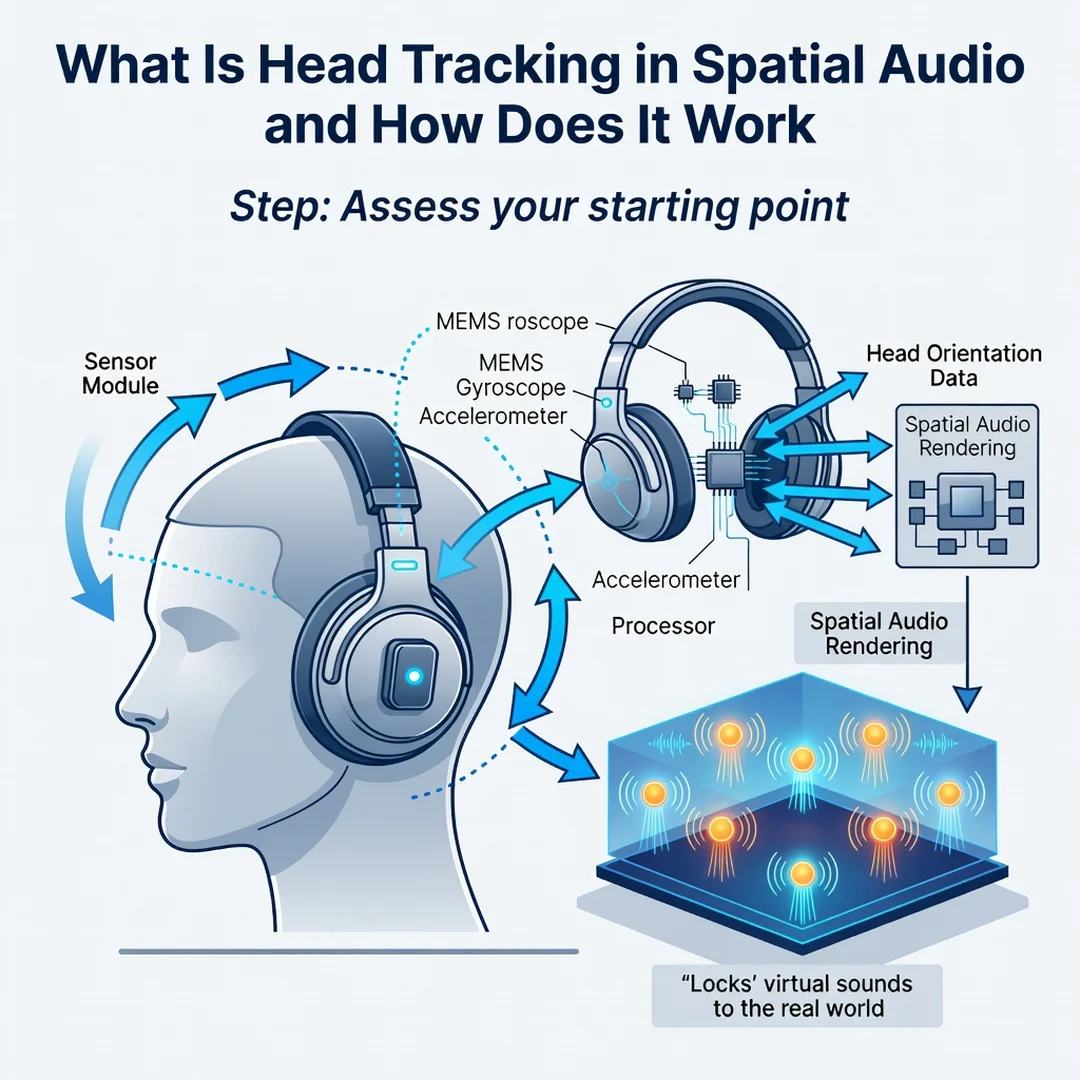
Step 2: Assess your starting point
Look at the devices you already own. Do your headphones or earbuds have built-in motion sensors? Does your phone, console, or computer support spatial audio formats like Dolby Atmos or Sony 360 Reality Audio? Check whether your media apps offer a head-tracking toggle. Write down what you have and what is missing. This prevents duplicate purchases and clarifies whether a firmware update or a new device is the real solution.
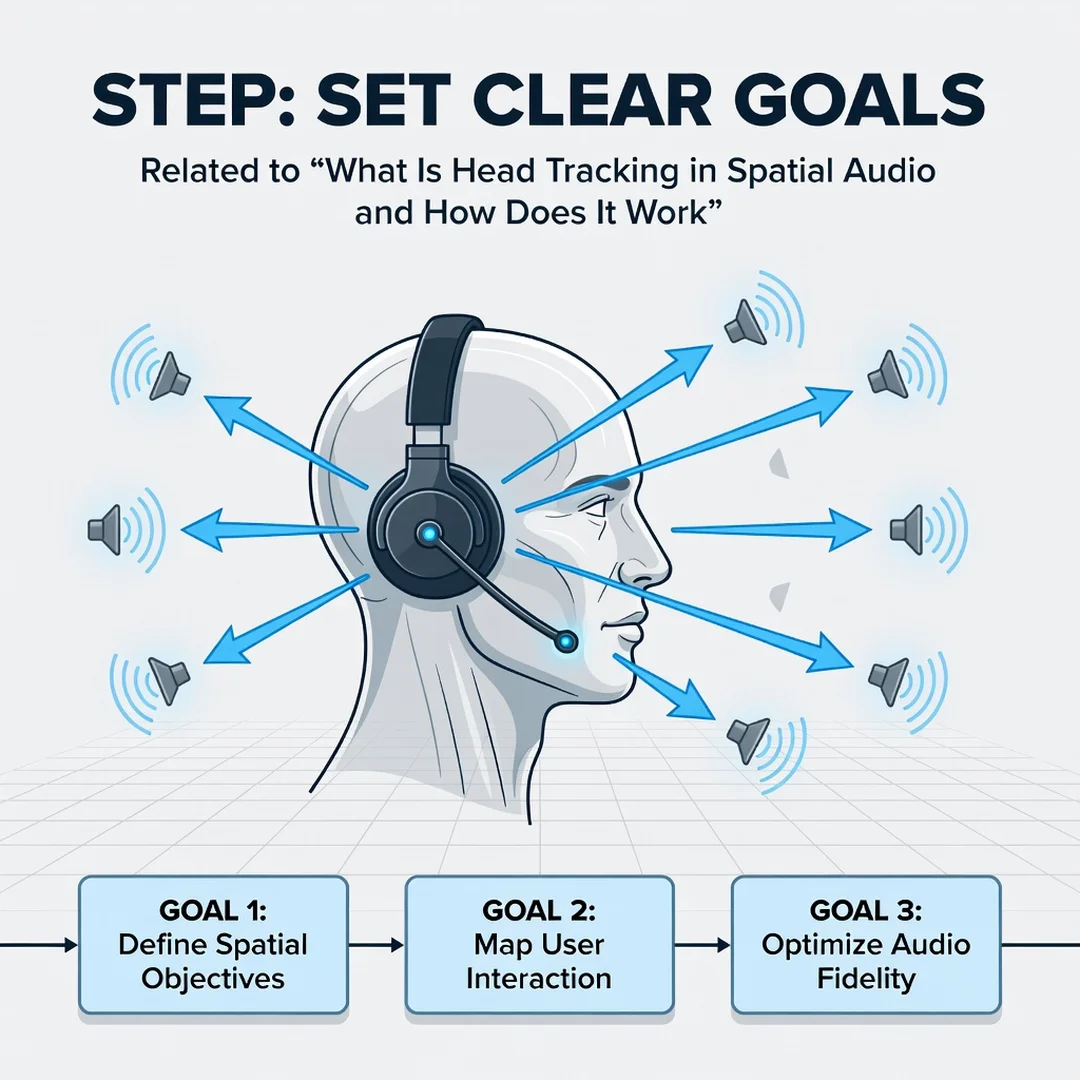
Step 3: Set clear goals
Decide what you want head tracking to do for you. If you watch movies on a tablet during flights, you may want stable, world-locked audio that does not rotate when you shift position. If you play competitive shooters, you may prioritize low latency and accurate rear cues. If you mix music, you may want the option to disable tracking entirely. Clear goals make it easier to choose settings and judge whether a product meets your needs.

Step 4: Gather necessary resources
- A device with head-tracking hardware: compatible earbuds, headphones, or a VR headset.
- Source content: object-based audio tracks, spatial music, or games with 3D audio support.
- Software updates: firmware and apps often add or improve head tracking after launch.
- A quiet listening environment: external noise can mask the subtle directional cues that make tracking effective.
- Time to calibrate: some systems let you scan your ears or adjust HRTF profiles for better accuracy.
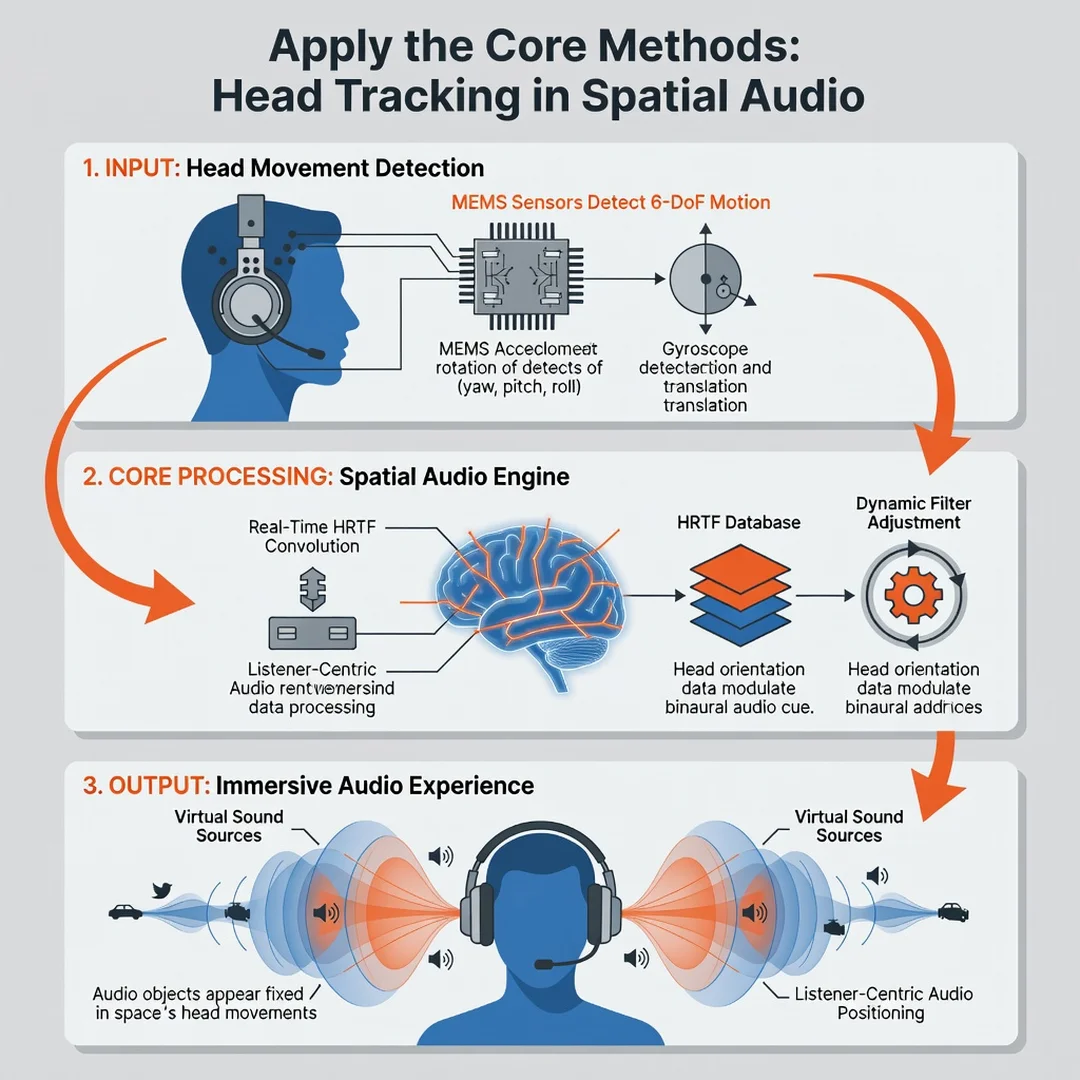
Step 5: Apply the core methods
Start by enabling spatial audio in your device settings, then turn on head tracking if it is available. Test with a known clip: a movie scene with clear dialogue and movement, or a spatial audio demo track. Turn your head slowly left and right. The sound should stay anchored to the screen or stage rather than following your ears. If it follows your head, tracking may be off or the content may be head-locked.
Adjust latency settings if your device offers them. Lower latency feels more natural but may consume more battery. Try different HRTF profiles if available, and pick the one that places sounds most convincingly around you. For gaming, test with rear audio cues and confirm you can distinguish front from back. For music, compare tracking on and off to see which you prefer.
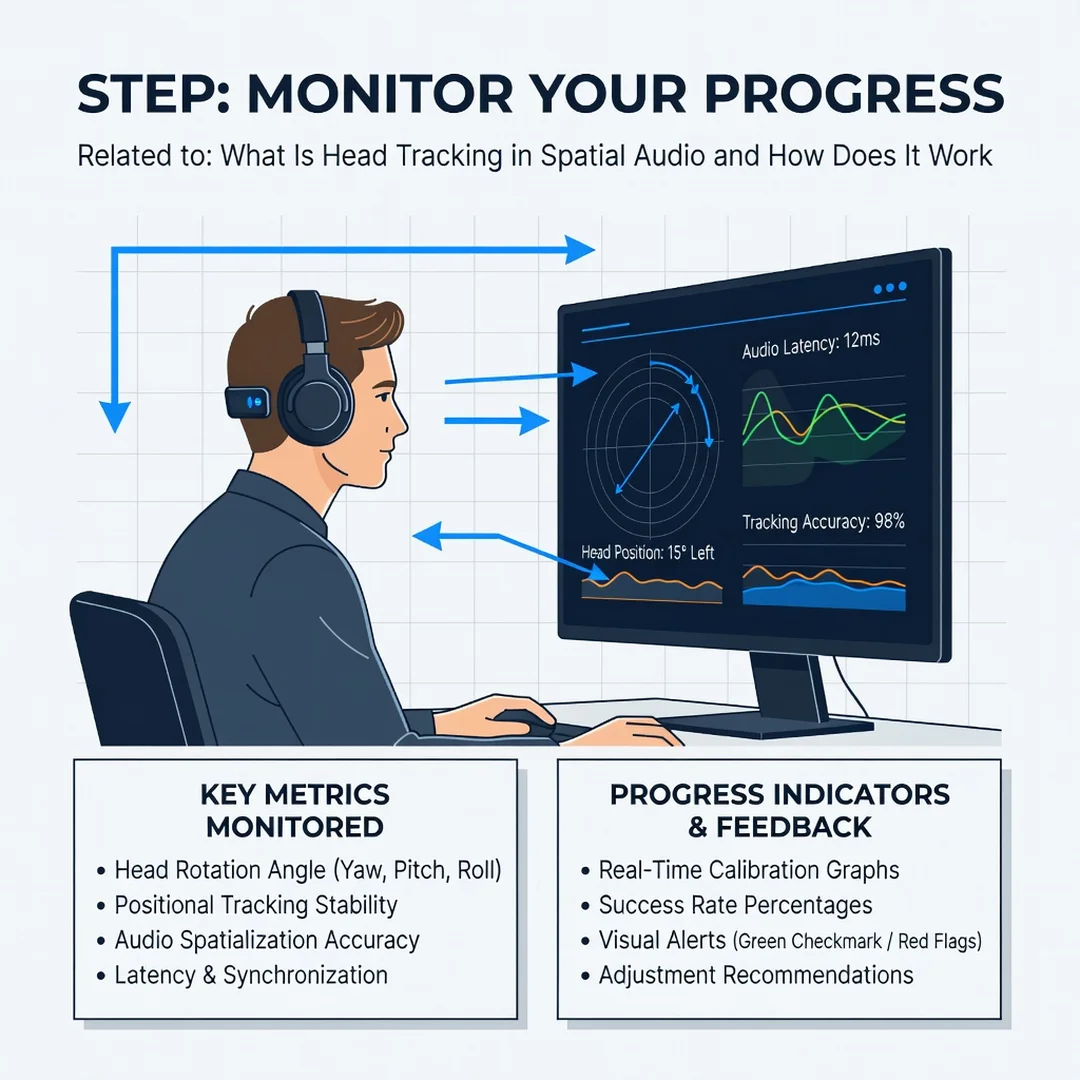
Step 6: Monitor your progress
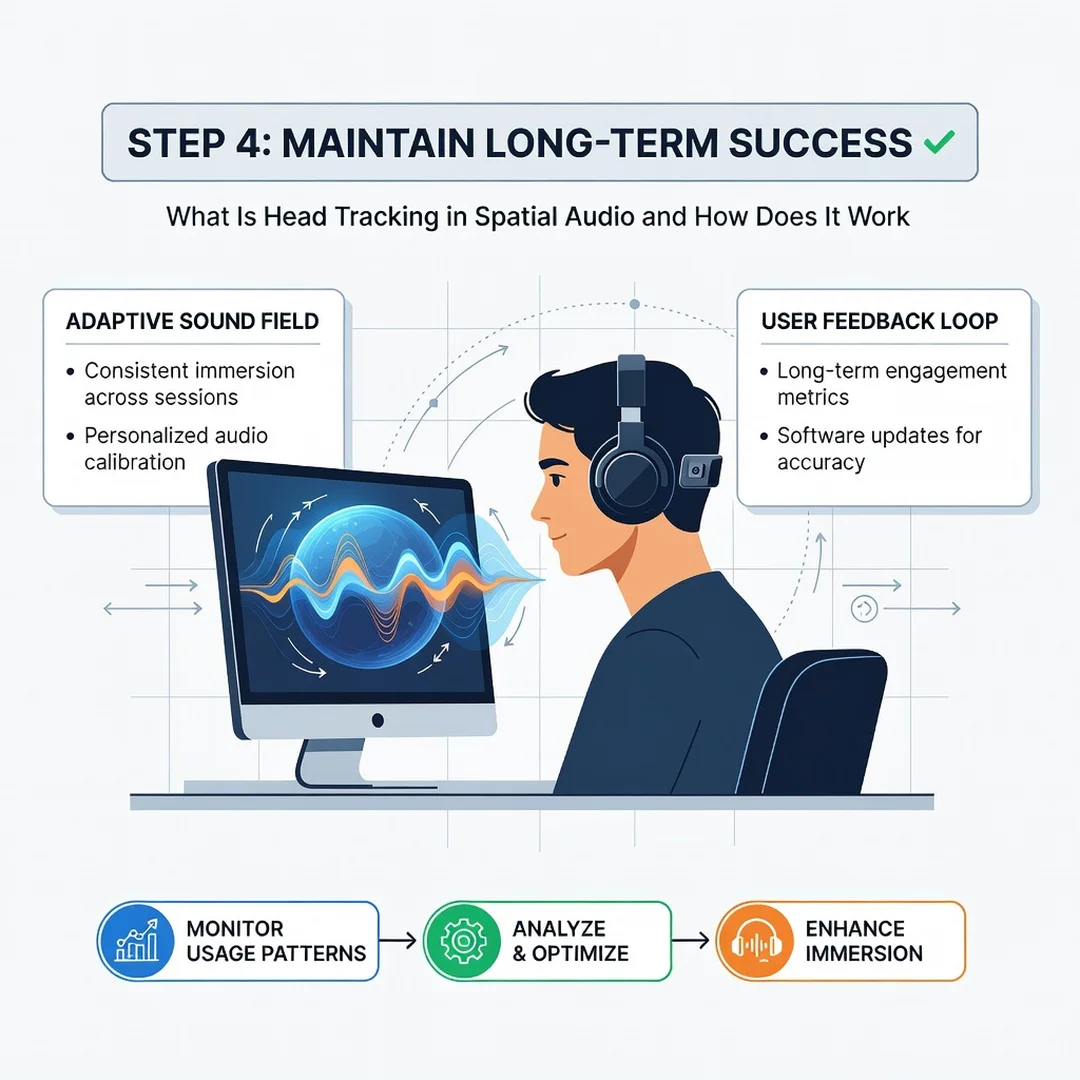
Keep notes on what works. Does head tracking improve your movie immersion, or does it distract you? Do you notice battery drain or discomfort after long sessions? Are there apps where tracking causes lip-sync or latency issues? Revisit your settings monthly or after major updates, since firmware can change behavior. Consistent habits, like recalibrating after switching devices and checking for updates, lead to better long-term outcomes.
Best Practices
- Match the mode to the task: Use head tracking for immersive media, VR, and games. Consider turning it off for critical music listening, editing, or long conference calls where stability matters more than immersion.
- Keep firmware current: Head-tracking accuracy and latency often improve through updates. Enable automatic updates where possible.
- Calibrate when you can: Personalized HRTF profiles can significantly improve the realism of overhead and rear cues. If your device supports ear scanning, use it.
- Manage battery expectations: Sensors and real-time processing consume power. Charge before long flights or gaming sessions, and consider lowering tracking intensity if battery life is a concern.
- Avoid extreme movements during setup: Calibrate while sitting naturally. Rapid head movements during calibration can skew the reference orientation.
You now have a solid foundation for What Is Head Tracking in Spatial Audio and How Does It Work. Apply the best practices above and revisit this guide as your needs evolve.